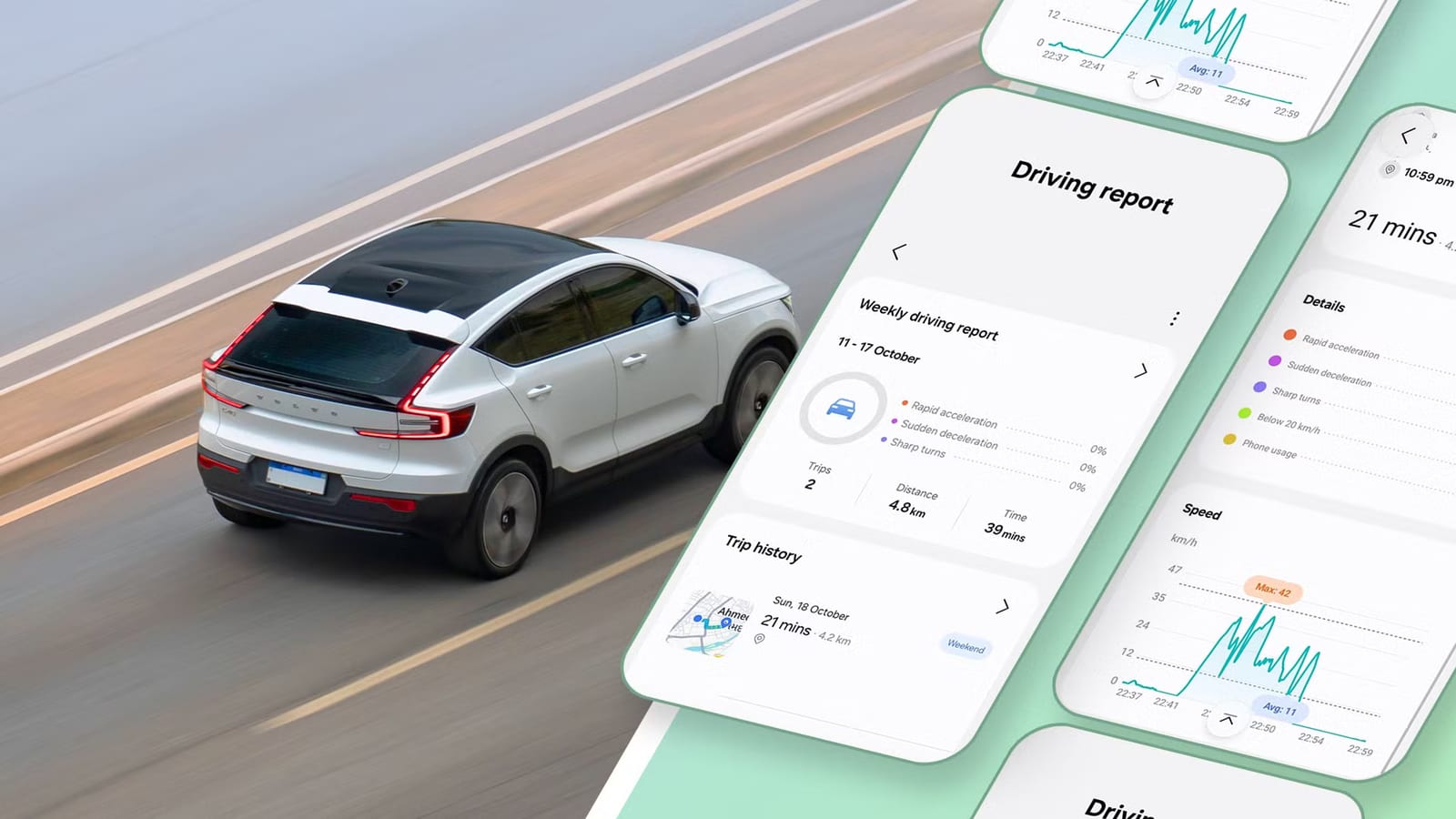
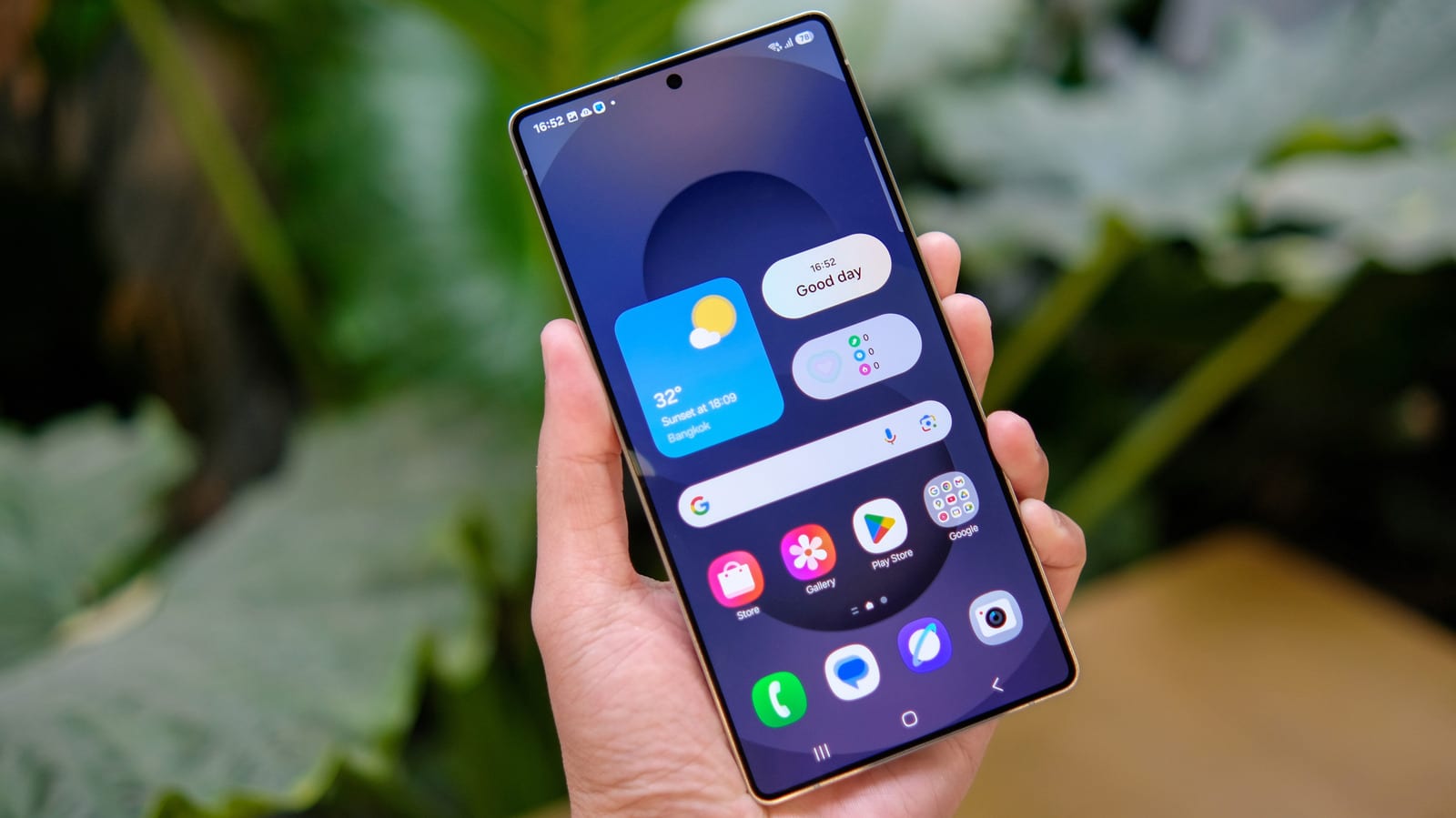
Samsung's One UI 9 update includes a feature called Driving Report that reviews each drive after it ends. It flags hard braking, fast acceleration, sharp turns and time spent on the phone. Android Police writer Parth Shah says he now checks it after his drives and is surprised Samsung does not promote it more.
What it does
Driving Report is separate from Android Auto, Google's system that puts maps, music and calls on a car screen. The two work side by side. Navigation, music and calls keep running as normal while the report tracks the trip in the background.
For each trip, the report shows:
- The route on a map, with start and end points
- Total distance, driving time and weather conditions
- A speed graph with average and top speed
- Counts of rapid acceleration, sudden braking and sharp turns
- How much time was spent using the phone
How to turn it on
The feature sits in the Connected devices menu, just above Android Auto. It asks for three permissions: location, nearby devices and usage access. The phone also needs to be paired with the car over Bluetooth.
Then open the three-dot menu, go to Settings, then Vehicles, and pick the car. Switching on the option to start a trip automatically when Bluetooth connects means no further action is needed. Tracking begins once the phone links to the car.
Why people may use it
Shah says the details made him more aware of his driving. If a trip shows several hard stops, he tries to leave more space between cars and read traffic earlier. He also likes the weekly summaries. They show time behind the wheel, distance and whether habits are improving week to week. As a new father, he says it adds a sense of responsibility to his commute.
He would like to see more, such as monthly trends, personal tips, closer city and highway comparisons and deeper Android Auto links.
What to weigh first
The feature is free for Samsung Galaxy owners, but it relies on location data, and it also asks for access to nearby devices and app usage. Anyone wary of that should look at the permission prompts before agreeing.
The article is one writer's hands-on experience. It does not say which Galaxy models get One UI 9 or when. It also does not explain how the driving data is stored or whether it is shared.
The takeawaySamsung Galaxy owners on One UI 9 can try Driving Report for free, but it needs location access, so check the permissions first.