Google's Gemini chatbot can now open and edit certain files inside the chat window, including PDFs. An Android Police reviewer used it for several days to manage documents. The verdict: good for quick, casual edits if you live in Google's apps, but not ready to replace Docs, Sheets or Adobe Acrobat.
What changed
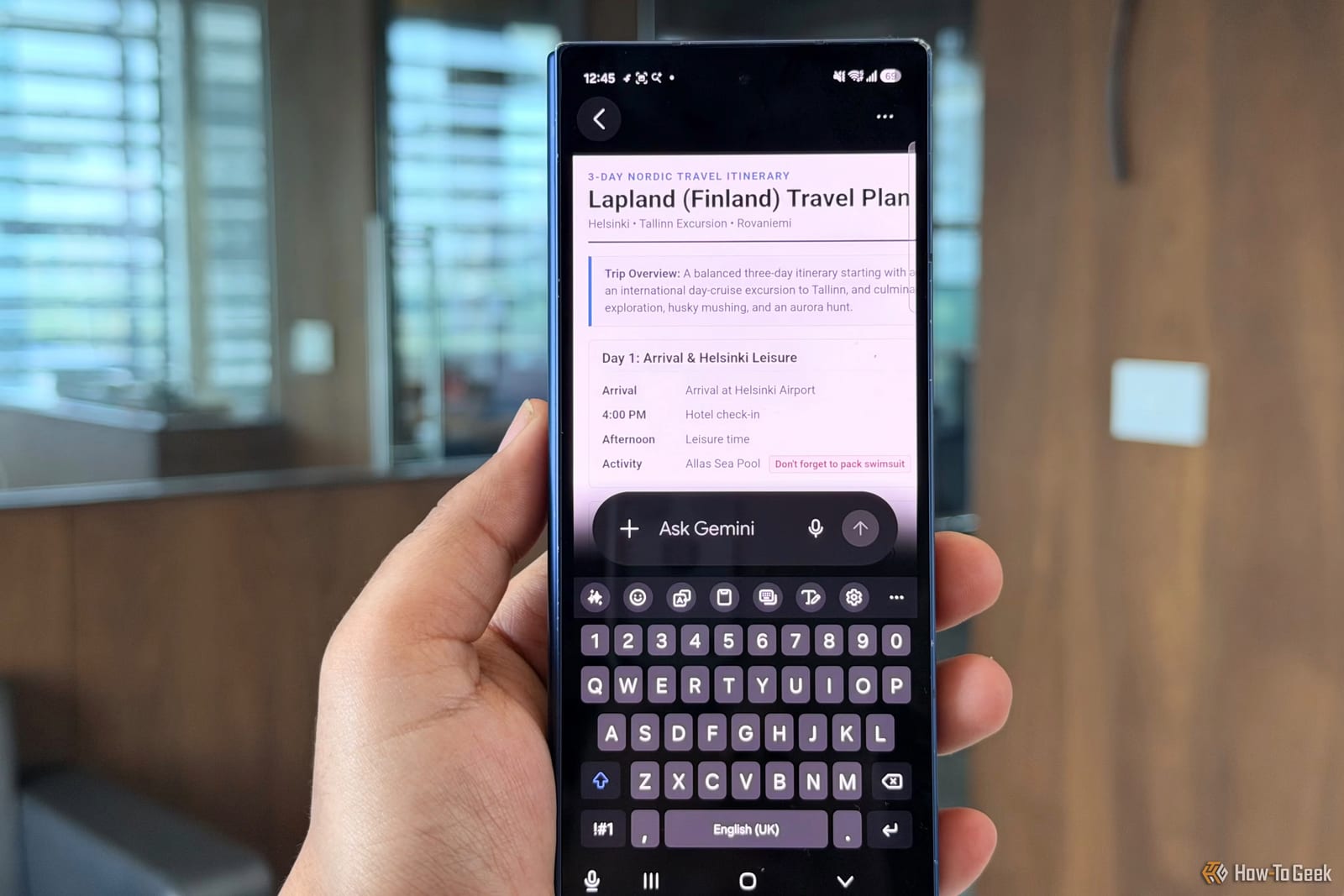
Gemini could already create files for months. You describe what you want, and it turns text, notes or data into a PDF, Doc, Sheet or slide deck. Now you can also open those files in the conversation and tell Gemini what to change.
You can highlight text or an area of a document, and Gemini picks up the selection. That saves typing long explanations. In a PDF, you can also select text and ask Gemini to build a matching chart or graph.
The catch
The editor only works on files made inside Gemini or Google Workspace, Google's suite of work apps. PDFs from Adobe Acrobat or scanned images are not supported. The reviewer also hit limits when exporting text files and spreadsheets, because Gemini sent him to an outside link to Drive or Docs.
His workaround was to convert the file to another format or run an extraction. That produced a local copy he could edit in the chat.
Phone versus web
- The PDF editor works on both phone and web.
- Docs, raw text and code blocks are limited to the desktop browser.
- Slides, Sheets, code and Markdown files also work on the web.
- Syncing between devices stayed smooth, so a file can move from phone to laptop.
The web version performed better. On a Pixel phone, PDFs often loaded slowly or forced the reviewer to close and reopen the viewer. Gemini also froze on mobile at times, which rarely happened on the web. Highlighting sections was easier on a computer too.
Who it suits
The reviewer does not pay for Adobe and uses Microsoft Edge to fill out or sign PDFs for free. For people like that, in-chat PDF editing on a phone is a practical extra. Rendering was clunky and processing was slow, so it is not a full document editor yet.
What happens next
Support for outside files is the main gap. The reviewer hopes Google adds it, but the article gives no word on whether or when that will happen. If the rough edges get smoothed out, he says, Gemini could become a far more useful tool.
The takeawayGemini can make quick edits to Google-made files and PDFs from your phone, but it will not open Adobe or scanned PDFs, and it can be slow.