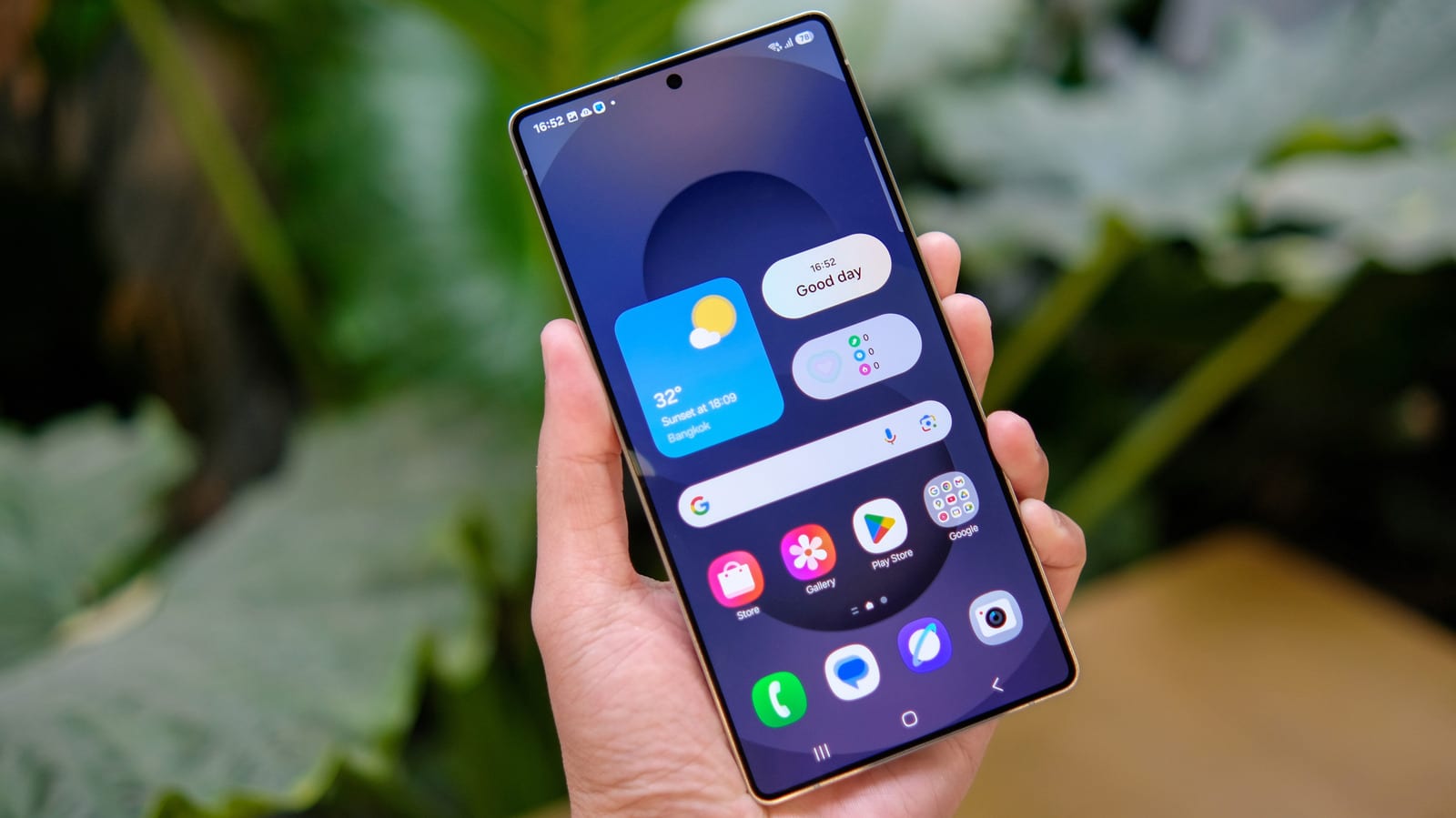
If your Samsung phone seems to have lost its apps button, it did not break. Samsung stopped showing the "all apps" button on the home screen by default in recent One UI updates. One UI is the software Samsung puts on top of Android. The button is still there as an option, and turning it on takes a few taps.
What changed
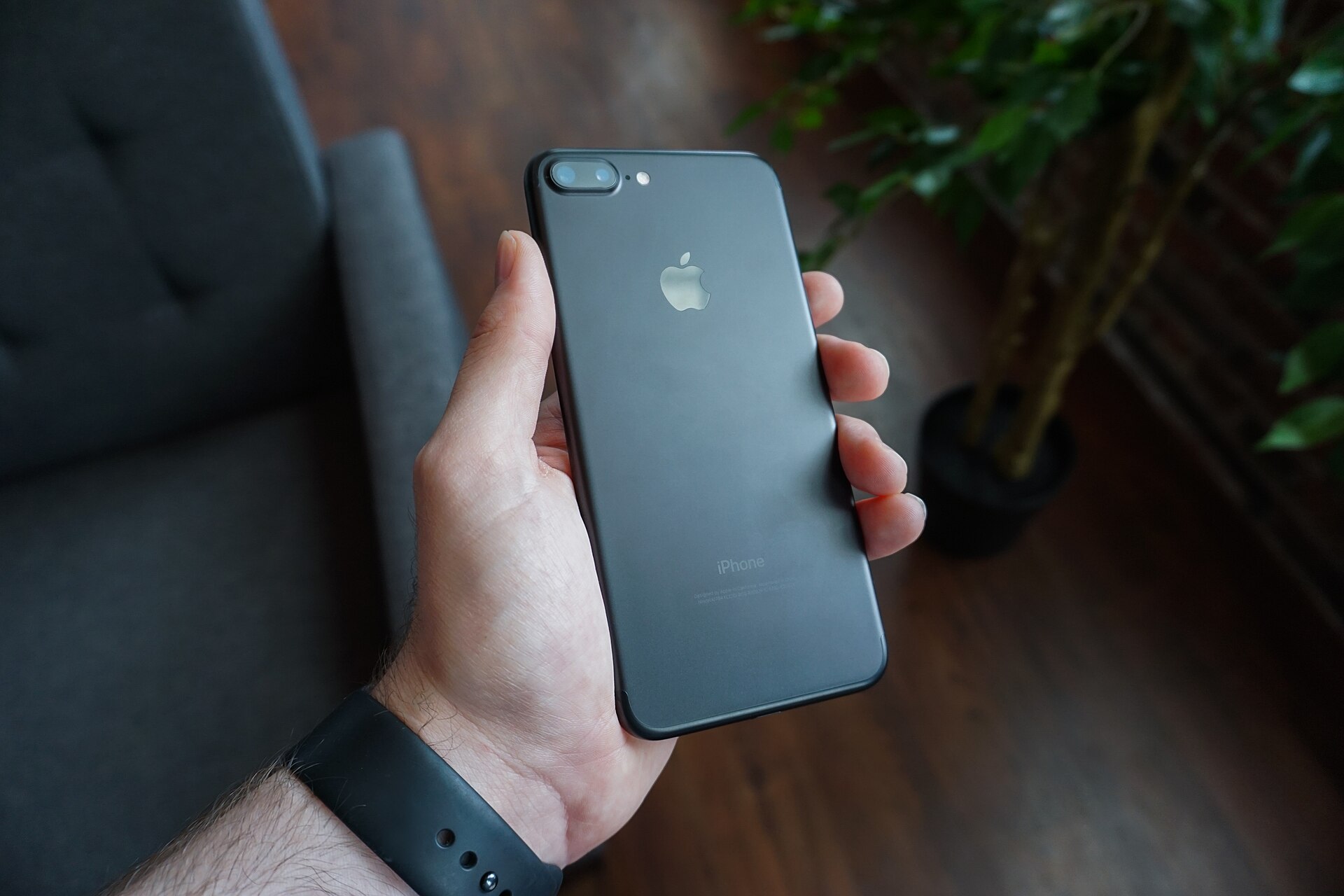
Android phones keep most apps in a separate window called the app drawer. That keeps the home screen from filling up with hundreds of icons. The iPhone works differently, since it puts all your apps on the home screen by default.
On modern Android, including Samsung's One UI, you swipe up on the home screen to open the app drawer. For years, many Android versions used an all apps button instead. Samsung now treats that button as redundant because the swipe does the same job.
Who it affects
The change mostly hits people who never learned the swipe-up gesture, or who are simply used to the button. A parent or grandparent who suddenly cannot find their apps is a likely example. Samsung kept the button as an option for exactly these users.
How to bring it back
The steps below are written for One UI 9.
- Press and hold an empty spot on the home screen, or pinch the screen as if zooming out on a photo.
- Tap the gear icon (Settings) in the bottom right corner.
- Scroll down and switch on "Show Apps screen button on Home screen."
- Go back to the home screen to see the button.
The button appears at the right end of the favorites row at the bottom of the screen.
The trade-off
The button takes up one slot in that bottom row. That is a spot you could have used for a favorite app. If you are happy to swipe up, leaving the button off keeps the extra slot free.
Samsung has a record of keeping features that longtime users rely on. Navigation is another example. Samsung is the last major phone maker still using three on-screen buttons by default, a style that dates to Android 3.0 Honeycomb. Stock Android added gesture navigation with Android 9.0 Pie in 2018. You can switch between the two styles in Settings.
The takeawayTo restore the all apps button on a Samsung phone, hold an empty home screen spot, tap the gear and turn on the Apps screen button.