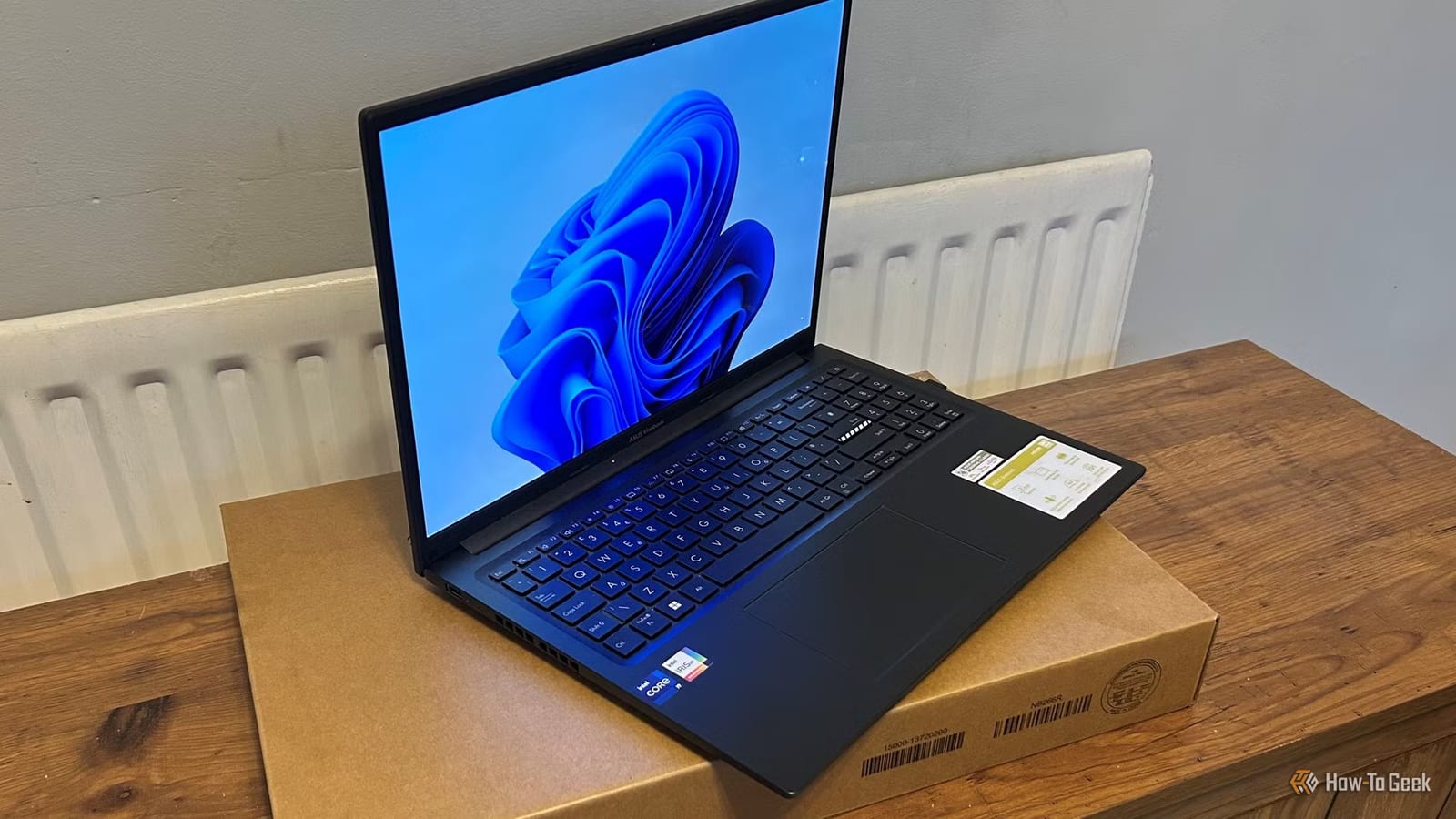
That old laptop in your drawer can still earn its keep. How-To Geek lists four jobs for it: a home server, a backup box, a second screen, or a standalone monitor. Each one takes work off your newer machine, so it can run cooler and keep its battery longer.
Run a home server
A laptop left on all the time can handle light background tasks. These include Pi-hole, which blocks ads across your whole home network, Plex or Jellyfin for streaming your own media, and Home Assistant for smart home control. Laptop chips are built to sip power, so one can draw just a few watts when idle with the screen off. The built-in battery also works like a small backup power supply if the power blips for a moment.
Protect the battery
Running a laptop around the clock has a catch. Staying plugged in at full charge wears the battery, and heat inside the case adds to it. Over time the battery can swell, which can bend the case or crack the trackpad. Two fixes help:
- Turn on a charge limit of 50% to 80%. HP, Lenovo, Dell, ASUS and Microsoft Surface offer one.
- If the battery pops out, remove it and run on the power adapter alone.
- Keep the laptop on a hard, flat surface with room for air underneath.
Make it a backup box
With free software such as OpenMediaVault or TrueNAS, or a basic Linux setup with shared folders, the laptop becomes a small file server on your network. Your new computer can then back up to it using Windows File History, Time Machine on a Mac, or a scheduled rsync job. Many older laptops can also take an extra drive. Big photo libraries and 4K video projects can live there, and you get a second copy of your data.
Speed has limits. Wired gigabit Ethernet tops out around 112 to 117 MB/s in real use, which is fine for most people. Wi-Fi is slower and less steady, especially on older hardware.
Use it as a screen
The old display can sit beside your main one for chat windows, reference pages or a dashboard. On Windows, the free Wireless Display feature lets you use Project to this PC over Wi-Fi. Spacedesk and Deskreen are other options. Deskreen sometimes needs a small HDMI plug, called an EDID dummy plug, so your PC extends the display instead of mirroring it.
If the motherboard is dead but the screen works, you can pull the panel and pair it with a cheap controller board matched to its model number. It is a bit of a project, but the result is a real monitor with no lag.
The takeawayBefore putting an old laptop to work around the clock, set a 50% to 80% battery charge limit, or remove the battery, so it does not swell.