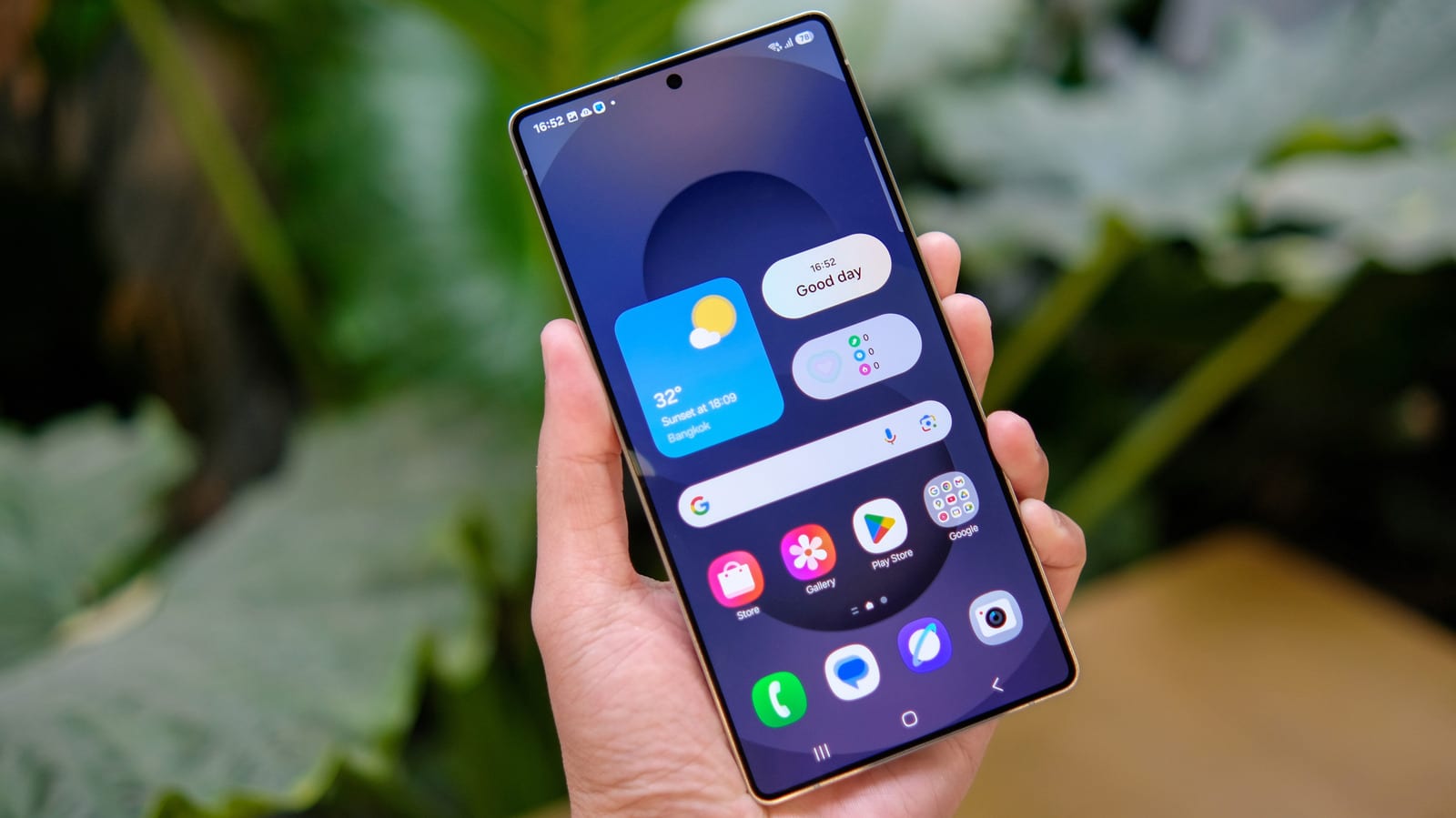
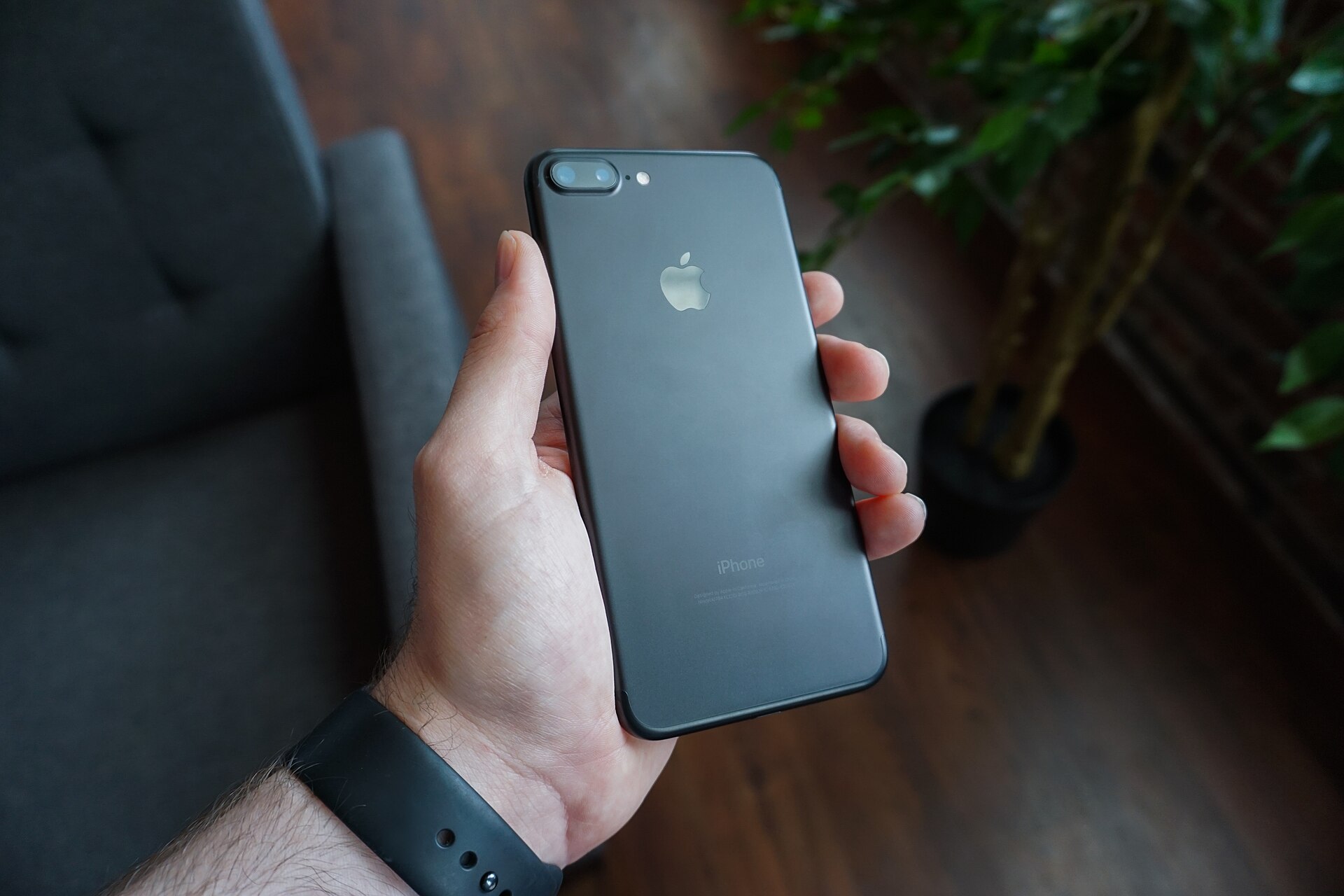
If your phone feels hot when it is connected to your car, you are not imagining it. Apple CarPlay and Android Auto ask a lot of a handset. The phone runs its normal apps and also powers a large, tablet-like screen on the dashboard, often with a map that updates in real time.
Why it heats up
Both systems usually connect on their own after the first setup, so it is easy to forget how much work is happening. Heat and battery drain can build quickly. Wireless connections add more strain, much like wireless charging does. The wireless charging pad built into a car dash generates even more heat.
Cable, charging and airplane mode
A wired connection is generally better than wireless. The catch is that the phone then charges the whole time, which creates heat of its own. Two fixes help. Set a charge limit in your phone's battery settings, or keep the phone in a cool, dark spot.
A cable also lets you turn on airplane mode, which goes a long way toward limiting heat. The trade-off is that no one can reach you. You also need your maps, music and podcasts downloaded ahead of time.
Where the phone sits
If the car screen shows your phone's apps, the phone does not need to sit on the dashboard in direct sunlight. The glove compartment works fine. If you use a mount, put it in front of an air vent. Cool air from the air conditioning acts like a do-it-yourself cooling system. Taking off the case for the trip may also help, since a case can trap heat.
Give the phone less to do
Downloading content before you leave means the phone does not have to pull data from the internet while it hunts for a signal on the road. Less strain on the modem, the part that handles the connection, means less heat. Both Apple Maps and Google Maps let you download maps. In either app, tap your profile picture and look for Offline Maps.
- Save calls and voice messages for the end of the trip if they can wait.
- Avoid charging wirelessly while also using wireless CarPlay or Android Auto.
- Never leave your phone in a car that will heat up in the sun.
- Check now and then how warm the phone is, and act if needed.
Sometimes the phone will have to charge, connect wirelessly, take calls, sit in the sun and stream music all at once. The advice is to keep those moments as few as possible.
The takeawayUse a cable, download maps and music before you drive, and put the phone in front of an air vent or in the glove compartment.