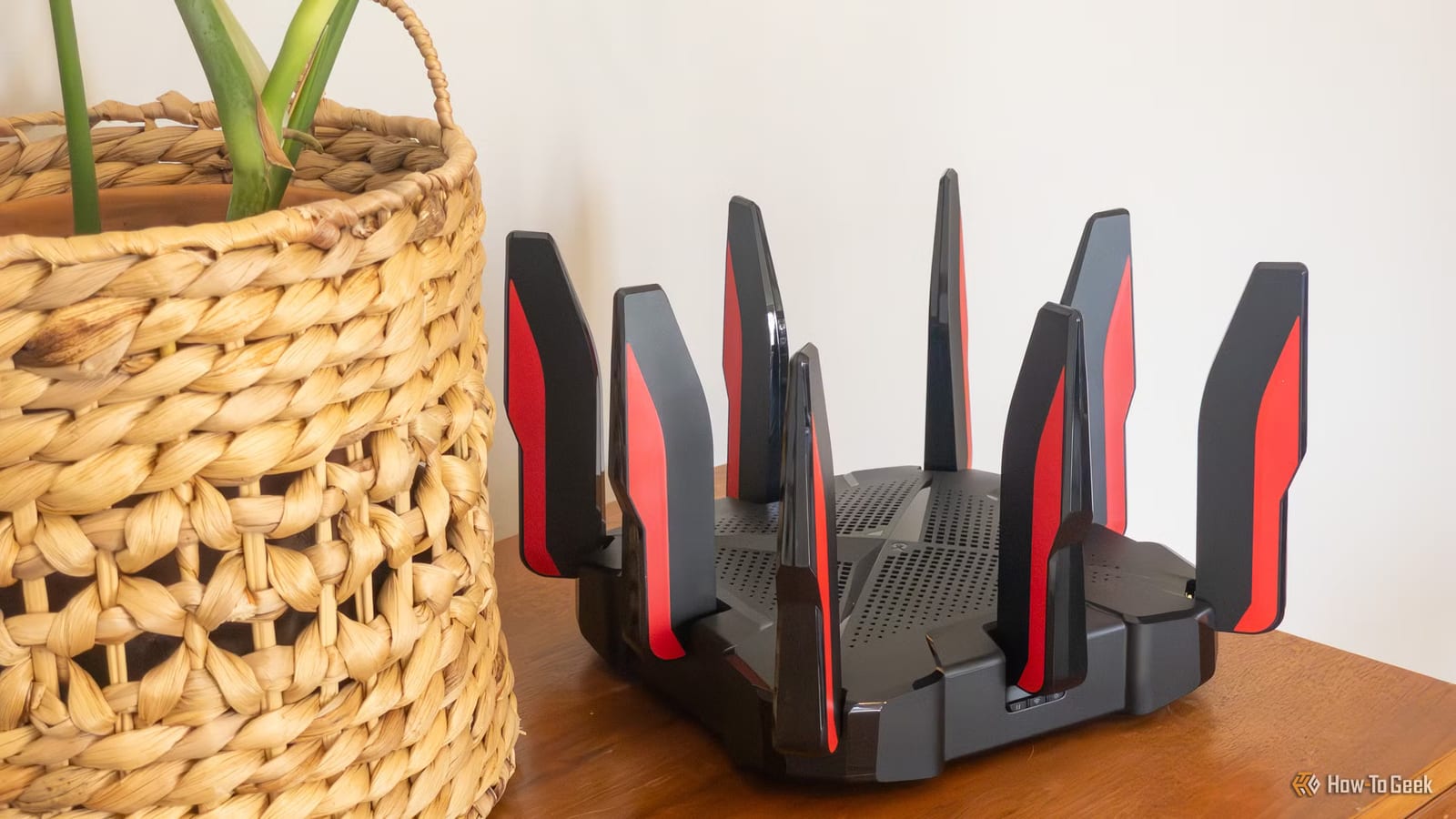
A brand new router can make home Wi-Fi worse, and the cause is often hidden in the specs. How-To Geek published a list of six ways this happens. The main point: a Wi-Fi 7 label on the box does not guarantee a better router than the one you had.
What the label hides
Wi-Fi 7 is the latest standard available, and many shoppers now pick it. Wi-Fi 8 is not here yet. But the label does not mean the rest of the hardware is high-end. Some of it can be significantly worse than a pricier Wi-Fi 6E router.
One example is TP-Link's Archer BE230. It is a decent Wi-Fi 7 router, but it is dual-band, so it has no 6GHz support. Anyone swapping a tri-band router for it might regret the move later.
Bands, range and steering
The 6GHz band offers wider channels and less crowded airwaves, which can mean very fast speeds. The catch is range. It generally reaches less far than 5GHz and struggles more with walls and other obstacles. Devices outside its reach can end up in a dead zone.
Many new routers also offer Smart Connect, also called band steering. It puts the 2.4GHz, 5GHz and 6GHz networks under one name and tries to send each device to the right one. Sometimes it gets this wrong and pushes a device to 2.4GHz when 5GHz would be better.
Mesh and MLO
Mesh systems use extra boxes, called nodes, to spread Wi-Fi around a home. Replacing a powerful standalone router with a cheaper dual-band mesh can slow things down. On many of these systems, the nodes talk to the main router over the same bands your devices use. Your laptop and the nodes compete for airtime.
Multi-Link Operation, or MLO, lets compatible devices use several Wi-Fi links at once. In theory that improves speed, delay and reliability. RTINGS tested 25 Wi-Fi 7 routers and found 22 used only a basic form of it. In some cases it made no difference. Tom's Hardware found that regular connections without MLO often performed better than ones with it.
Your devices set the limit
A router can only work as fast as the device on the other end allows. If a phone or laptop does not support Wi-Fi 7, the router simply matches what that device can do. How-To Geek says this is why Wi-Fi 7 routers are not that useful yet for most people.
What to do before buying
- Check how many bands the router has, and whether you are giving up a tri-band model.
- Think about walls and distance before counting on 6GHz.
- If you want mesh, find out how the nodes connect to the main router.
- Check which Wi-Fi standard your phones and laptops actually support.
The takeawayBefore buying a router, check its bands and what your own devices support, because a Wi-Fi 7 label alone can still leave you with slower Wi-Fi.