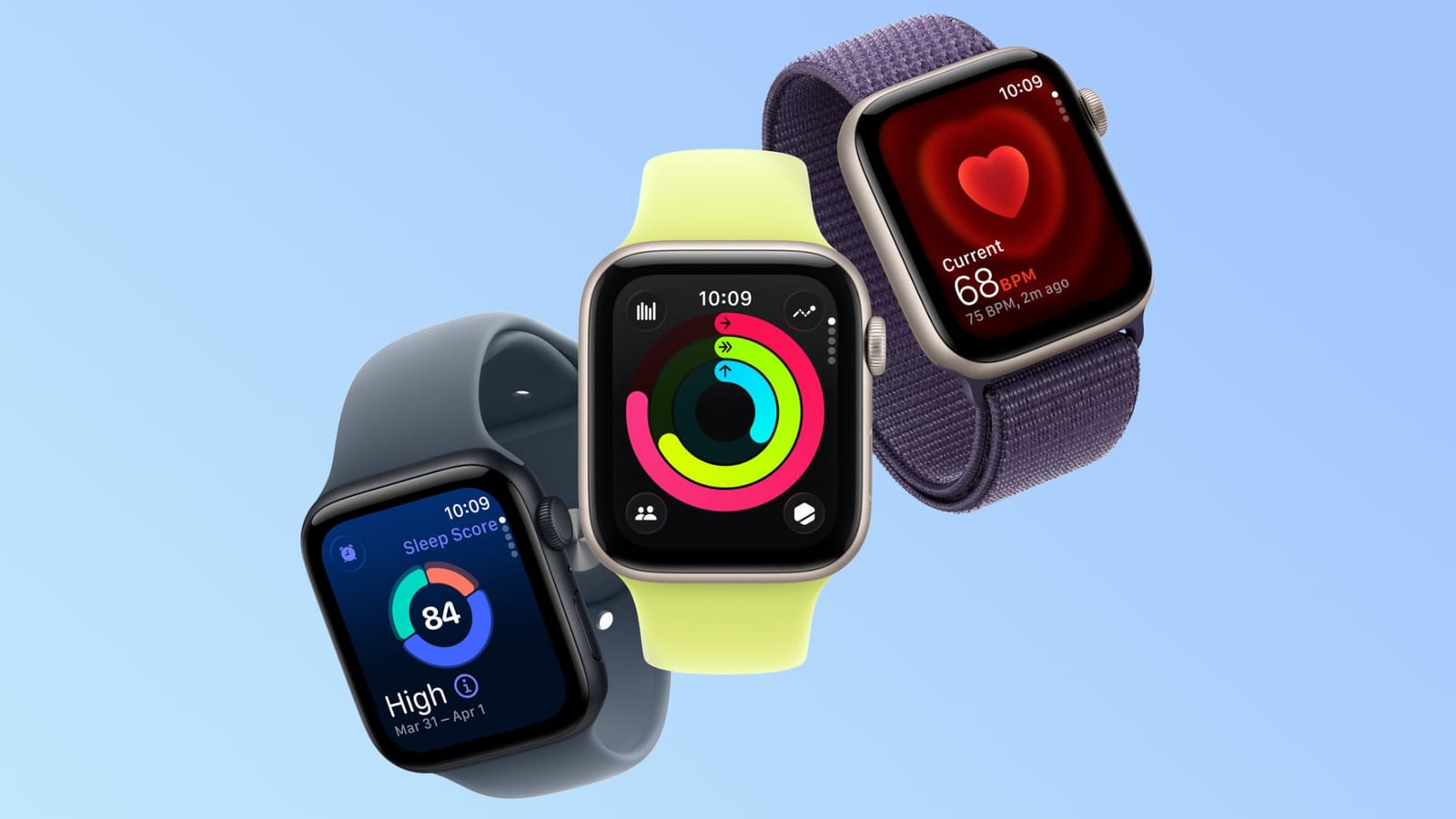
Some Apple Watch owners in the UK and Europe say their watch shows the wrong time after clocks went back on Sunday. The watch shows the right time when you wake it. But the always-on screen keeps showing summer time, so it reads an hour fast.
What happened
MacRumors reports that five users in a forum thread described the problem. Several are in the UK and central Europe. All are running watchOS 27, the software that runs the watch. The always-on display is the dim screen that stays lit when you are not using the watch. The problem has also been reported in standby mode.
What seems to fix it
Restarting the watch fixed the issue for three users. A sixth poster says switching to a different watch face also worked. These are reports from a small group of people, not an official fix from Apple.
What is not known
It is not clear which versions of watchOS 27 or which Apple Watch models are affected. The material does not say how many people have the problem overall. It also does not say whether Apple has responded.
What to do
Clocks go back across most of the U.S. this coming Sunday, November 1. If you wear an Apple Watch, look at it after the change. If the always-on screen shows the wrong hour, try a restart first. Switching watch face is another thing to try.
The takeawayAfter clocks change on November 1, check your Apple Watch and restart it if the always-on screen shows the wrong hour.