A longtime Android reviewer says the small updates to Google's phone software have improved his daily use more than the big AI tools Google keeps promoting. Rajesh Pandey of Android Police has reviewed more than 75 Android phones. His picks include sharing files with Apple devices, floating app windows, and a way to share only some of your contacts with an app.
What changed
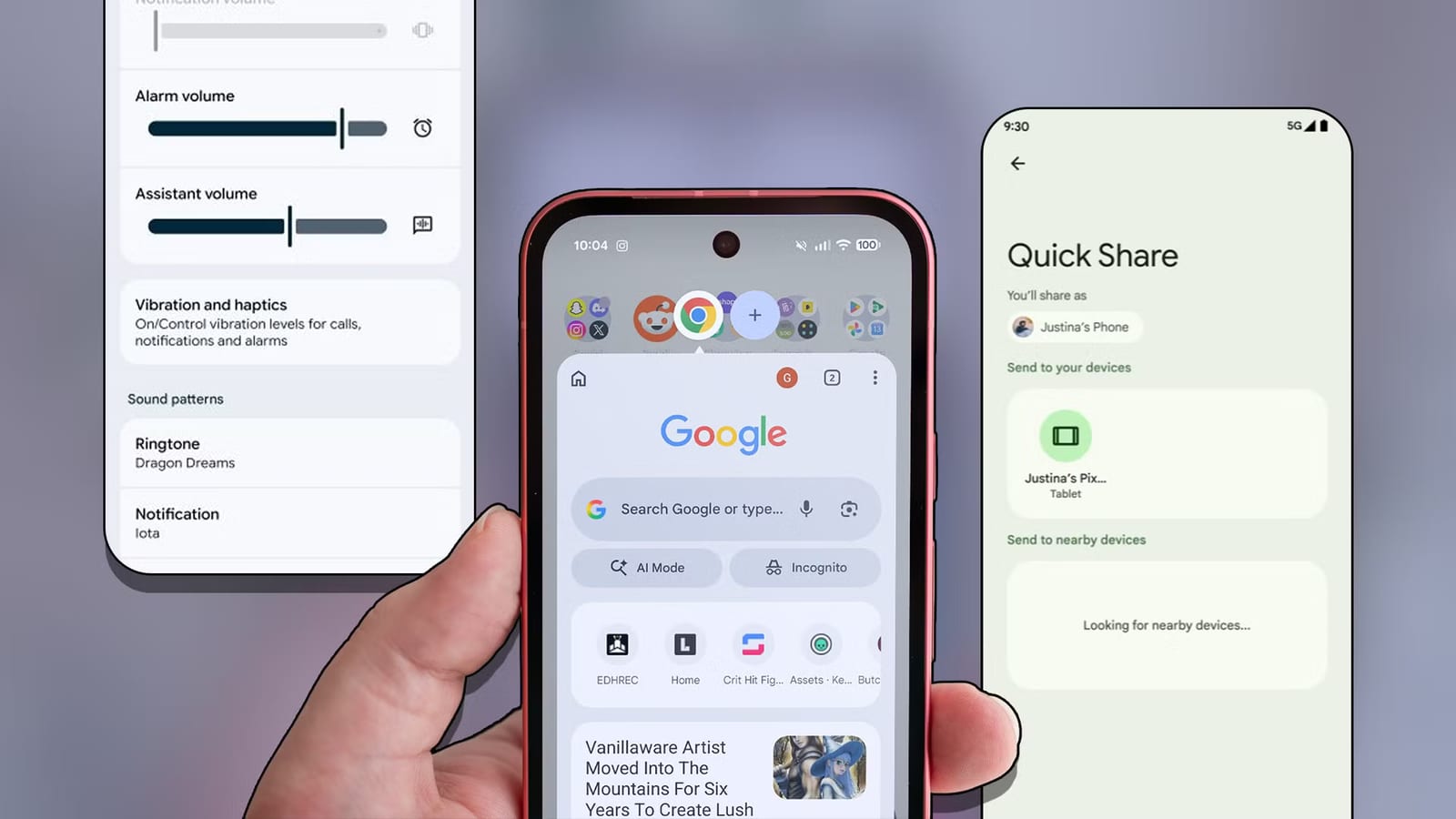
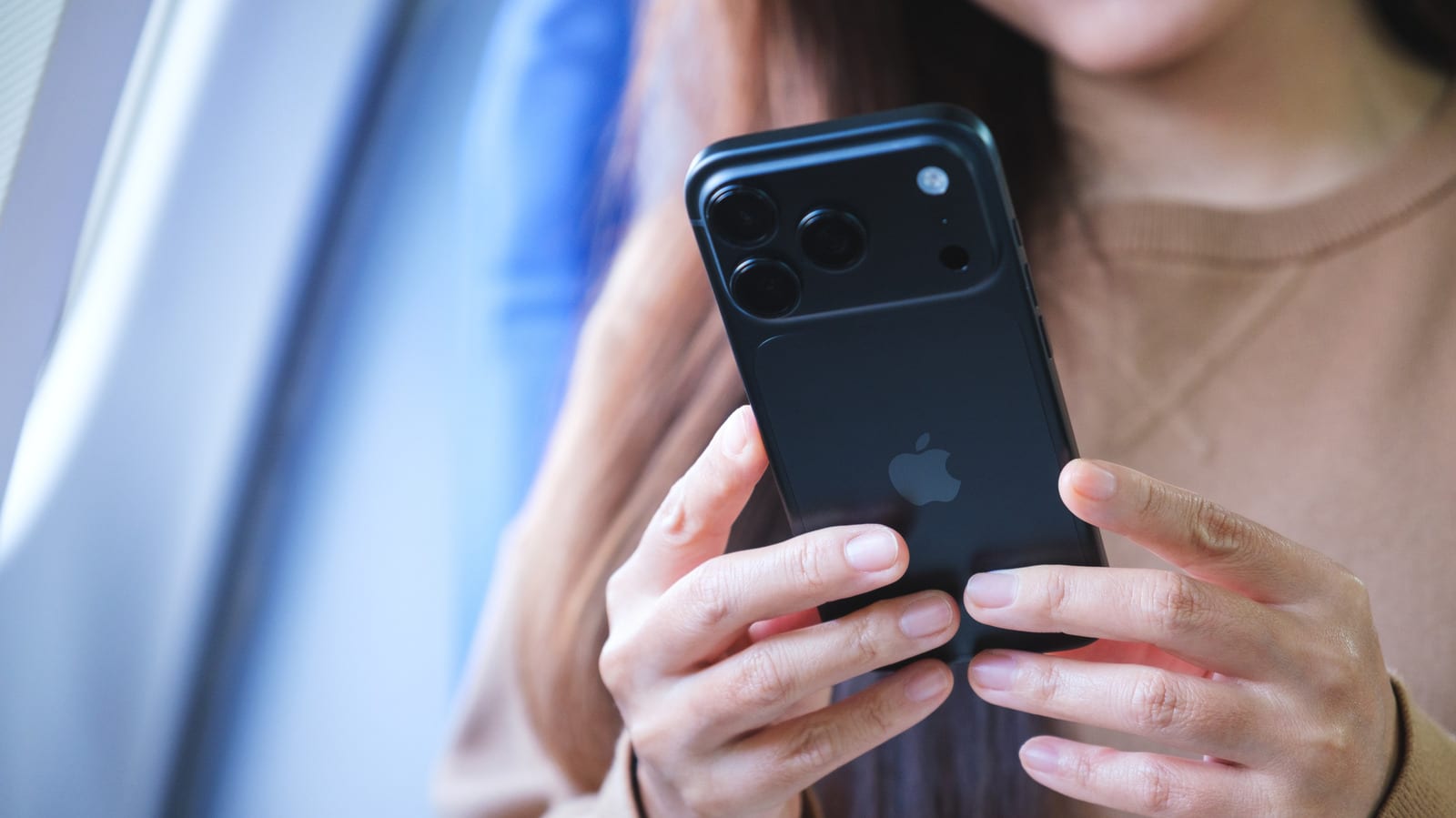
Quick Share, Android's built-in file sending tool, now works with Apple's AirDrop. Google announced it last November, first on the Pixel 10 family. It has since reached more Android phones. Pandey says he no longer needs a separate app to send files to his Mac, and Quick Share is now his default.
Android 17 adds a separate volume control for the phone's assistant. The assistant can be loud or quiet without changing music or video volume. Android 17 also lets Pixel phones open apps in floating windows, something Samsung and OnePlus phones have offered for years. Split screen was already there, but a floating window does not take up half the screen.
A privacy option for contacts
Android 17 also adds a middle ground for contacts. Instead of giving an app your whole phone book, you can share only selected contacts with apps that support the feature. The rest of your list stays private. Pandey says he is more wary of handing over personal data now that AI tools are everywhere.
There is a catch. Apps have to support the new option, and he says developers have been slow to add it.
A small fix in Chrome
Earlier this year, Google added pinned tabs to Chrome for Android. Pinning keeps important pages at the front of the tab view. Pandey usually has 20 to 30 tabs open, so he no longer has to scroll through clutter to find an article he is reading or a page he checks often. He says bookmarks suit long-term saving better.
What to do
- Check whether Android 17 is available for your phone in its settings.
- When an app asks for contacts, look for the choice to share only selected ones.
- Try pinning tabs in Chrome for pages you return to often.
- Use Quick Share to send files to a Mac or iPad if you own one.
What is not known yet
The article does not list which phones besides the Pixel 10 family now have AirDrop support in Quick Share. It also does not say when Android 17 will reach every phone, or which apps support the new contact option. Pandey says he hopes developers adopt it fully, but no timeline is given.
The takeawayIf you have an Android phone, check for Android 17 and share only selected contacts with apps that support it.