Samsung Galaxy owners can restyle their home screens without paying for a launcher app. An Android Police writer tested dozens of One UI features, which is the look and feel of Samsung's phone software, and says a handful make the biggest difference. Most of them rely on Good Lock, a free Samsung add-on.
What the add-on does
Good Lock is a set of small tools from Samsung. The writer, Jade Bryan Jardinico, moved from a Google Pixel to a Galaxy Z Flip 7 because Samsung phones allow more personal touches. His main point is that the home screen can look very different with a few settings, and the tools are not hard to use.
The tweaks that mattered
- Grid: the Home Up module lifts the default 4x6 or 5x6 grid to 5x7 or higher.
- Icons: the Theme Park module restyles every app icon at once.
- Wallpaper: the Wonderland module builds still and moving backgrounds.
- Widgets and folders: both can be recolored, resized and reshaped.
Grid and icons
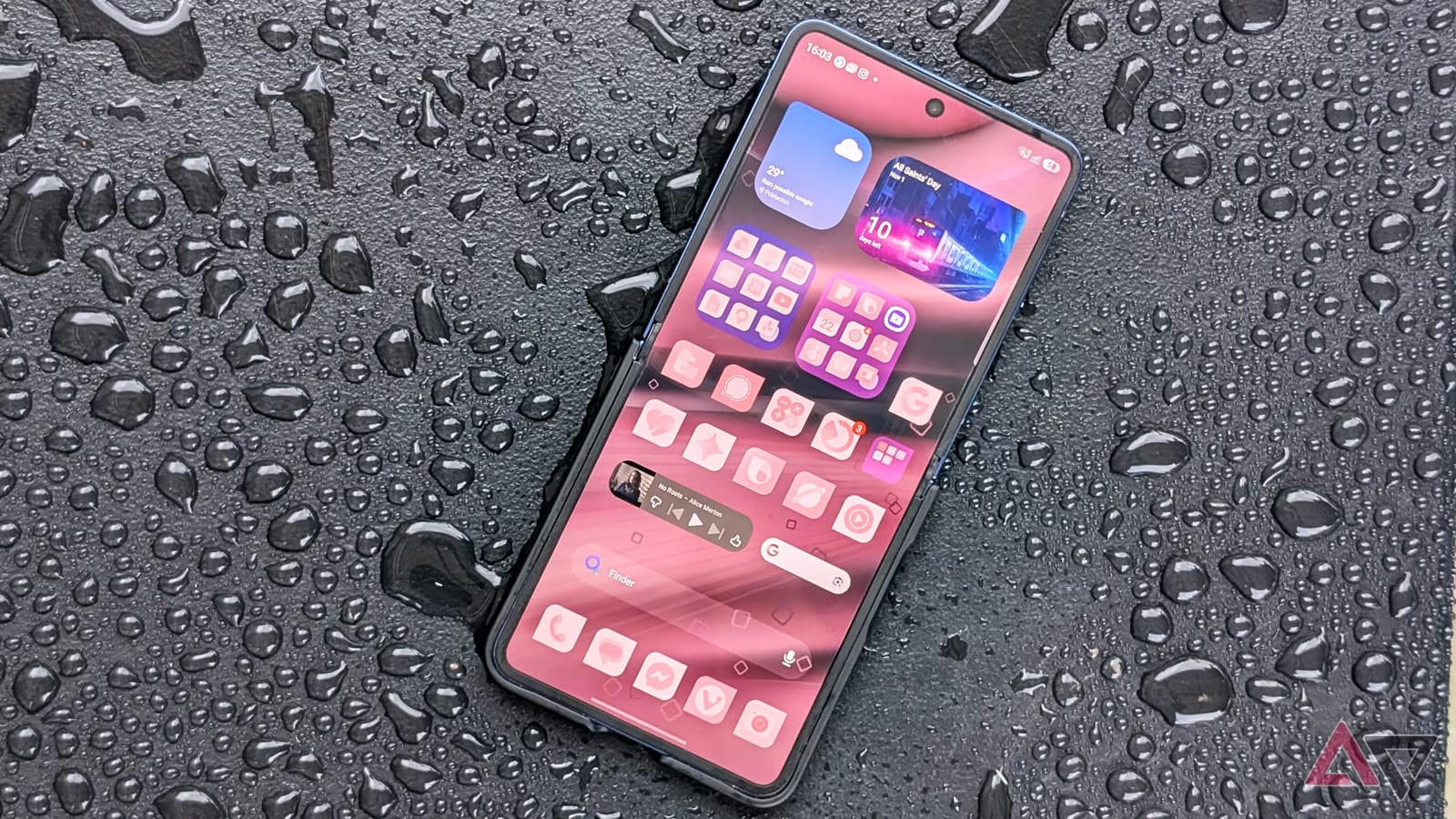
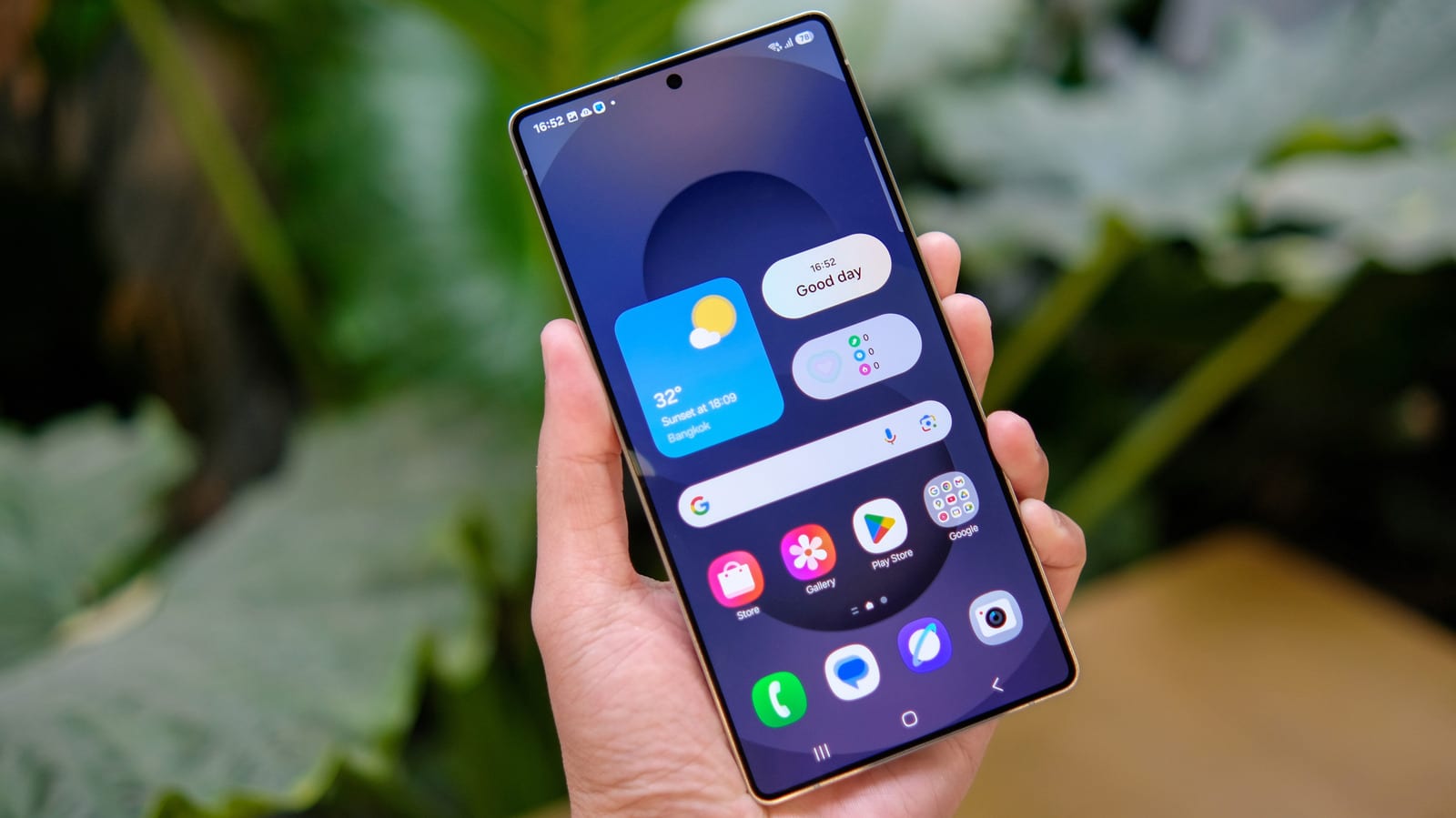
The extra row from a 5x7 grid is useful on a tall phone like the Flip. The writer puts Now Brief and weather widgets on top, large folders in the middle, and single apps and a media player at the bottom. For a cleaner look, he suggests 5x6, which also suits smaller phones such as the Galaxy S26. Smaller app and widget sizes add breathing room, and hiding labels gives a minimalist feel.
Samsung's own color palette does not cover every app icon, so the result can look patchy. Theme Park fixes that. Pick Icons, then a shape, then a style preset. The Duotone preset applies one shade to every icon, something the built-in palette cannot do. Filmgrain gives a black-and-white, E Ink style look, with controls for grayscale and noise.
Widgets, wallpapers and folders
Many widgets are now dynamic, so resizing them changes their layout. Depending on the widget, color and opacity can be adjusted. The Calendar widget can pull its background from the wallpaper. Shapes include circles, clovers and leaf outlines, and each card in a stack can keep its own design.
Wonderland can turn a still image into a live wallpaper with subtle 3D movement. It can also layer another image or video, or add effects such as snow, rain and geometric shapes. It includes presets made for foldable phones. Folders can match the wallpaper by changing their color and transparency, and Home Up can change the grid inside a folder.
What to do
Owners of a Galaxy phone who want a fresh look can start with Good Lock. Try one module at a time, such as the grid or the icons, and see what fits your habits. The review reflects one writer's taste, and results will vary by phone model.
The takeawayIf you own a Galaxy phone, try Samsung's free Good Lock add-on before paying for a launcher app.