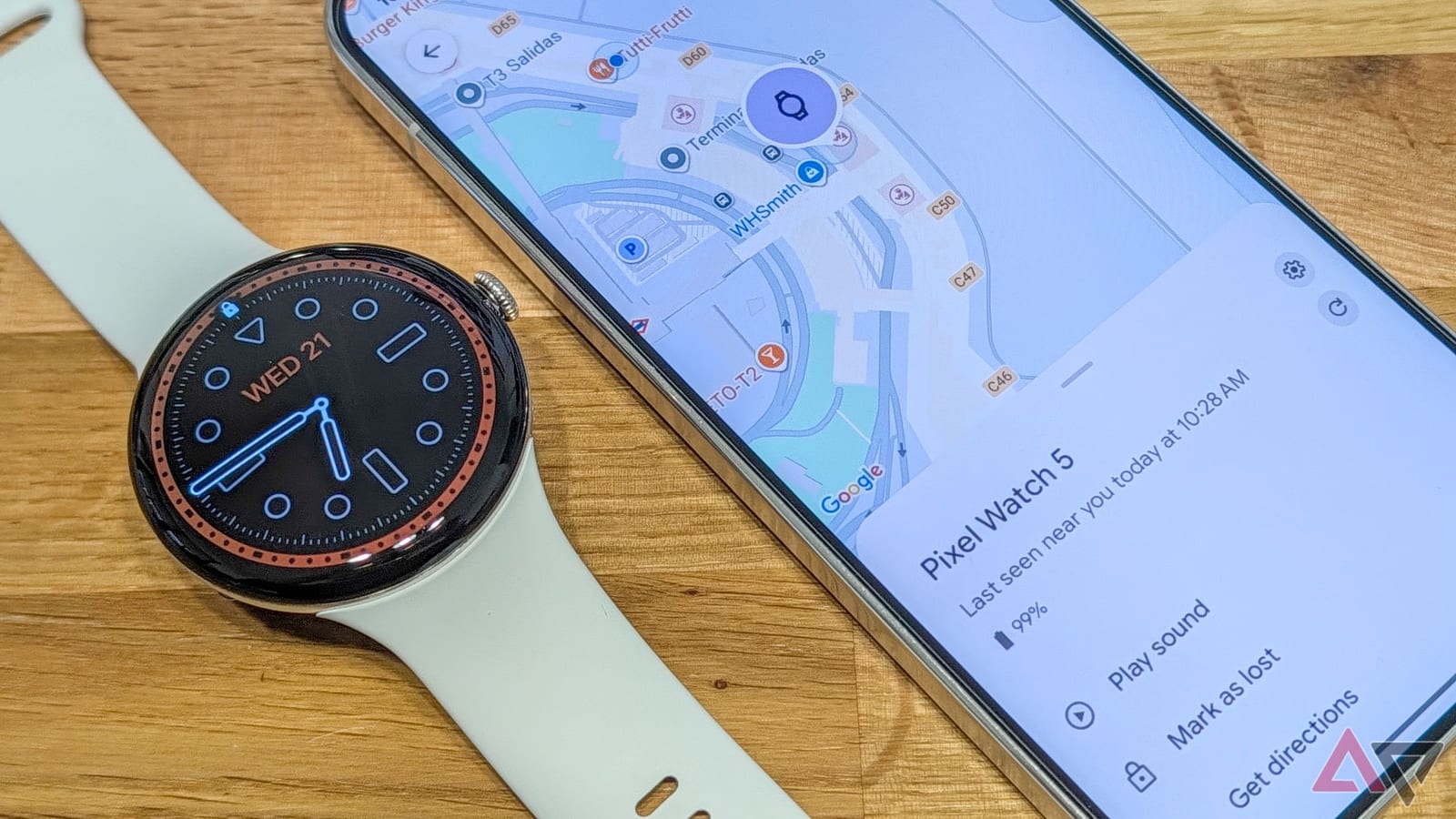
A traveler lost her Pixel Watch 5 at airport security in Madrid and had it back on her wrist in less than 10 minutes. The reason was one setting: Find Hub, Google's tool for locating lost devices. Android Police editor Rita El Khoury shared the story, and it shows why a few seconds in your watch settings can matter.
What happened
At the security line, she took off her watch, as an officer asked. She believes she put it in her tray next to her jacket and backpack. After she cleared the scanner, the watch was gone. It was not in her tray, not in the other trays, and not in the stack of trays heading back to the start of the line. She could not go back through security to look.
She then opened Find Hub on her phone, picked the watch and told it to ring. The sound was faint in the noisy airport, but it was clear enough to follow.
How the ringing solved it
At first, an officer seemed to think she had the watch. She checked her pockets, then stepped away. The sound stayed near the conveyor belt and did not follow her, which convinced the officers. They traced it to the inside of the belt system.
The ringing slowly moved back toward the start of the line, so the watch was riding in a tray. It kept ringing even after it lost its connection to her phone. An officer met it at the start of the line and brought it back through the X-ray to her.
What to check on your watch
Find Hub is Google's network for finding lost devices. A Pixel Watch can be located if it is near another Android device in that network. It works on every Pixel Watch, from the first to the latest. Pixel Watches usually ask during setup whether to turn it on, so it is worth confirming your answer.
- Make sure Find Hub is enabled for your watch.
- On the watch, go to Settings, then Location, and tick the location box.
- Use the Find Hub app on an Android phone, or google.com/android/find, to see and ring the watch.
- The app is free on the Play Store if you do not have it.
Location lets the watch use Bluetooth, Wi-Fi and GPS to find itself. In this case, only Bluetooth was needed.
What is still missing
There is no setting that alerts your phone when you walk away from your watch. The reverse exists: the watch can warn you if you leave the phone behind. Without a watch alert, you have to notice the loss yourself. She notes that if she had not, someone might have picked it up, and it could have been gone for good.
It was not her first airport mishap. Last year in Athens, she used a Google-compatible Pebblebee tracker in her forgotten luggage to tell officials where it was.
The takeawayTurn on Find Hub and location on your Pixel Watch now, so you can ring it if it goes missing.