Galaxy phone owners can put their most-used browser tools one tap away. Samsung's built-in browser, called Samsung Browser, lets you choose which buttons sit on its toolbar. An Android Police writer says that feature alone has stopped him from hiding the app and going back to Chrome.
What changed
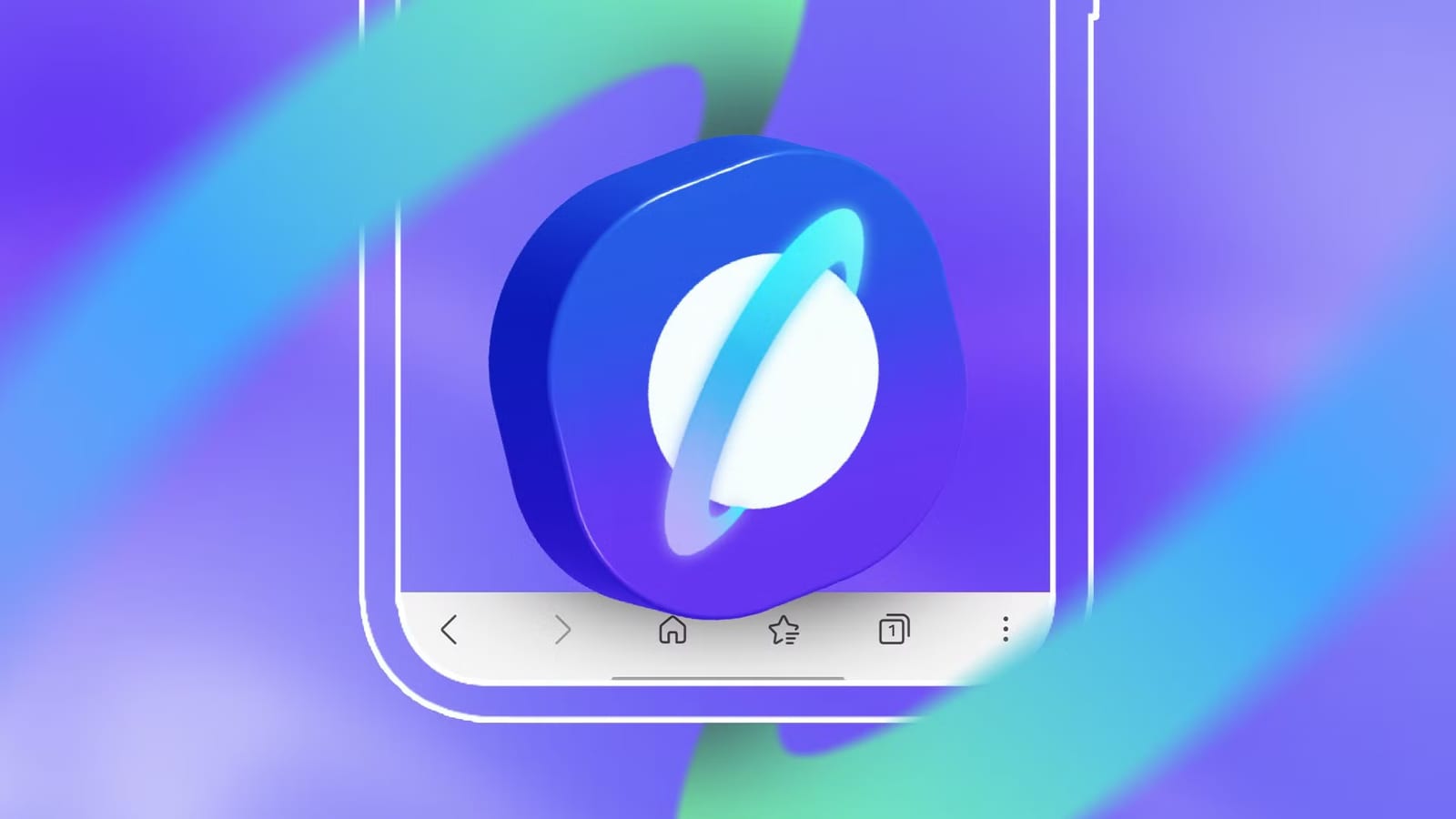
Samsung Browser has a dedicated section for toolbar layout. You can add up to six buttons plus the menu icon, picked from a list of over 30 items, and arrange them in any order. Samsung Browser cannot be uninstalled from a Galaxy phone, so it is already there. The writer had hidden it on every new Galaxy phone until now.
Available buttons include ad blocker, translate, dark sites, find on page, zoom and print or PDF. There is also a button to switch ads back on for a moment when a site refuses to load with an ad blocker running. The writer says reaching the desktop site button in one tap won him over.
How Chrome compares
Chrome allows far less. You can move the address bar to the bottom of the screen. You can also add one shortcut button next to the tab counter. It can open a new tab, share a page, start a voice search, translate a page, bookmark a page or read a page aloud. Google's AI can also switch that shortcut for you based on how you browse.
That is one slot for one feature. Almost everything else sits behind the three-dot menu, which takes at least two touches to use.
How to set it up
- Touch and hold a button, then drag it to the toolbar to add it.
- Tap the red minus sign on a button to remove it.
- Tap Done in the upper-right corner to save.
- Under Customize, pick More options to choose and reorder the tools in the menu.
Once your favorite tools are on the toolbar, the rest can go in the More options menu. From the Layout and menus screen, you can also turn on a tab bar for open tabs or a bookmark bar for saved pages. Both sit above the toolbar. All three bars can stay visible or hide as you scroll.
What is not clear
The article is one writer's opinion, not a lab test. It does not say which Samsung Browser versions or Galaxy models have these options. The writer uses a Galaxy S24 Ultra every day. The piece also points to a separate 60-day comparison of Chrome, Edge, Samsung Browser and Firefox for readers still deciding which browser to use.
The takeawayOn a Galaxy phone, a few minutes arranging the Samsung Browser toolbar can save taps every time you browse.