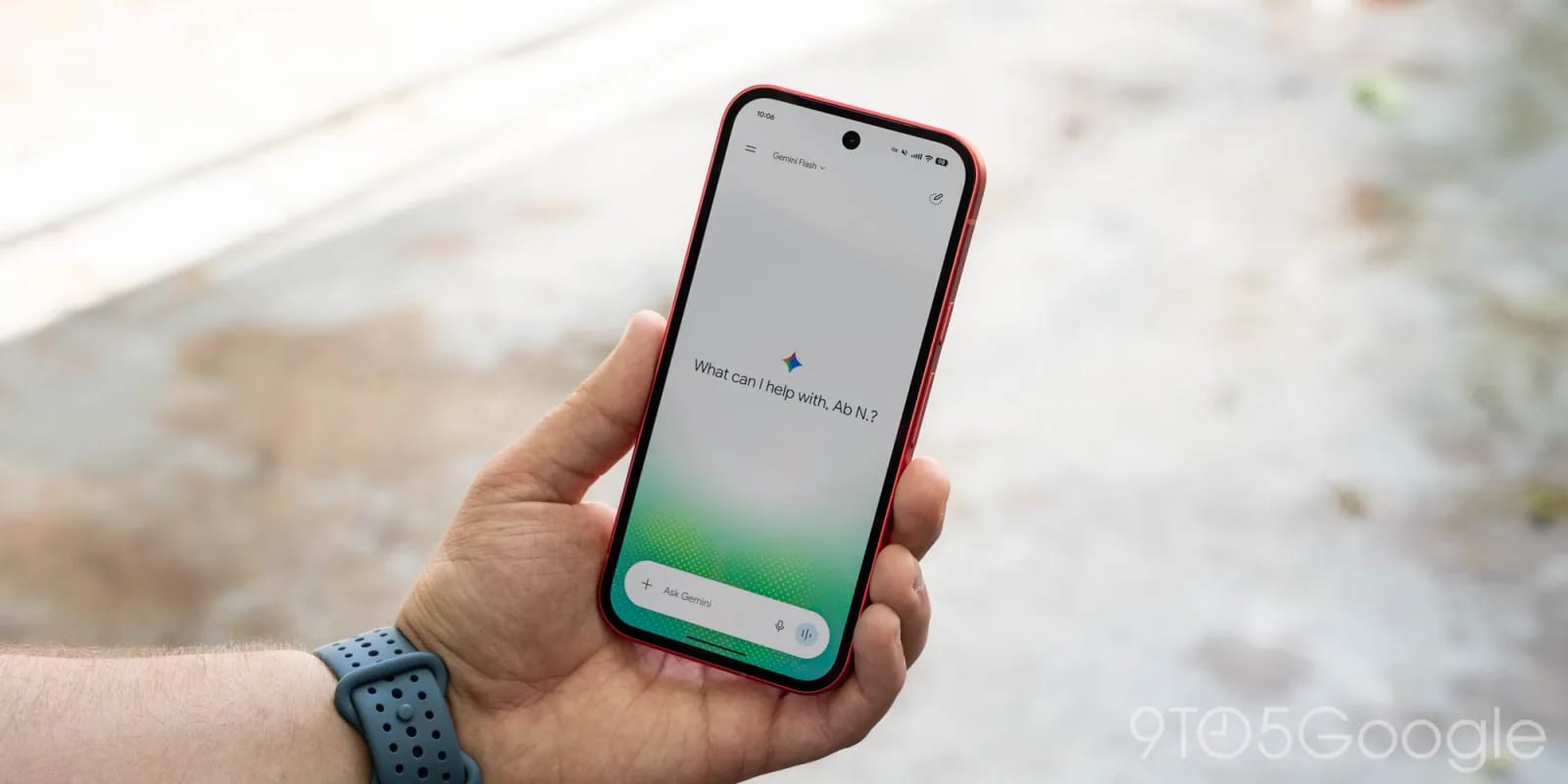
The Gemini app on Android has a tidier menu and a single settings page. Google is rolling the redesign out now. It comes through a server-side update, which means Google switches it on from its end and there is nothing for you to install.
What changed
The side panel is the menu that lists your chats and tools. Google reworked it in these ways:
- Search moves to the top-right corner.
- New chat stays first, and Library now sits right under it instead of near the bottom.
- Only five items show at first. Tapping More reveals the rest.
- The account menu is now only for switching accounts, leaving Feedback, or getting Help.
Settings used to be split between the account menu and a page called Gemini Settings. Now everything is on one Settings page. It starts with Manage account and Usage limits. Under Preferences you will find Notifications, Voice, Theme (new), Device controls and several more.
Who gets it
The same redesign reached iOS, macOS and the web app last week, alongside the launch of Gemini 4 Argon. Android is now seeing wide availability. People with an AI Ultra subscription see the longest menu: New chat, Library, Images, Scheduled, Daily brief, Customize, Students, Videos and Gems.
Two settings sections are not described in the source, so what they hold is unclear. It also does not say whether every Android phone has the update yet.
The takeawayIf Gemini settings were hard to find on your Android phone, check the new single Settings page once the update reaches you.