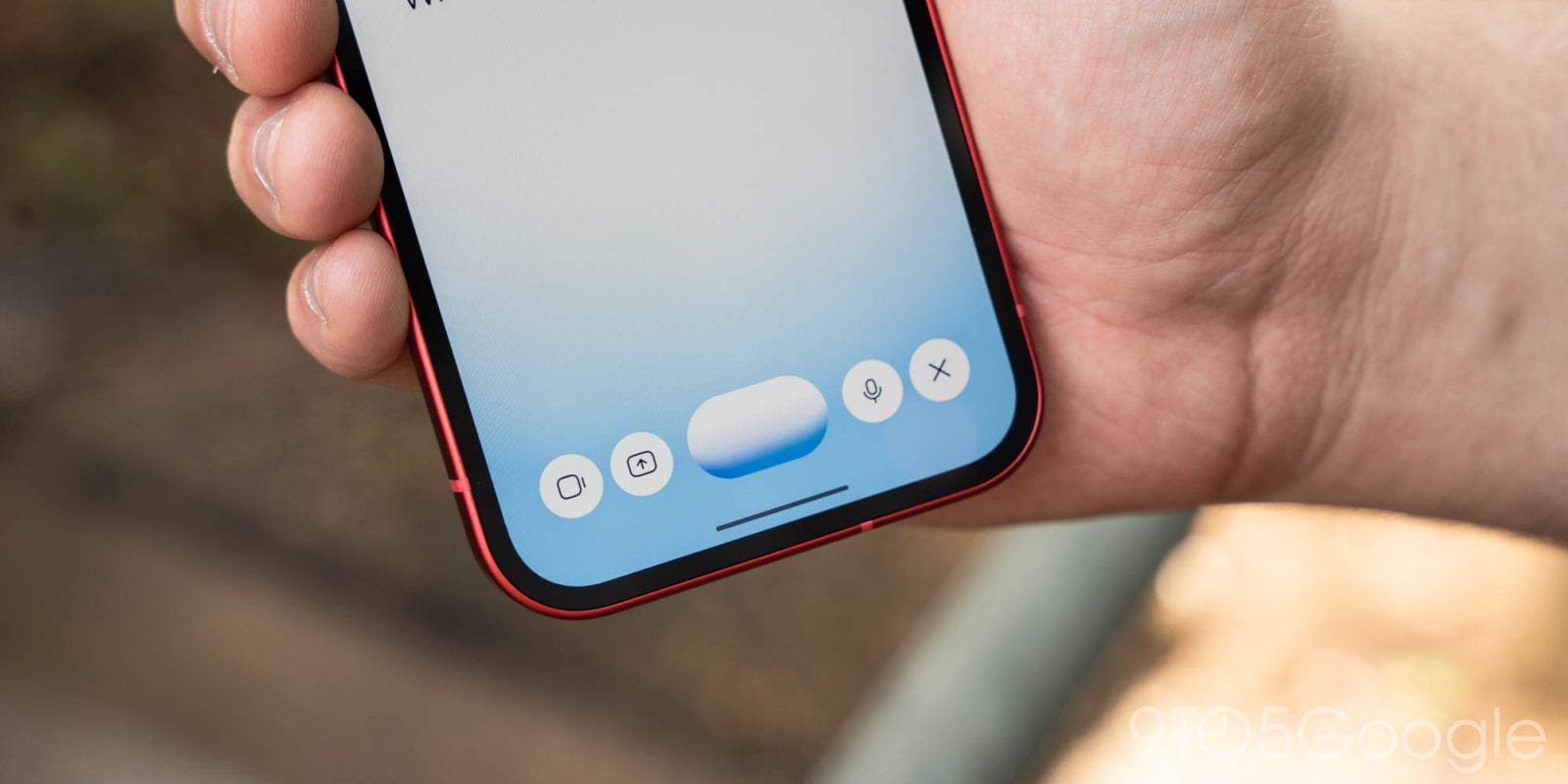
Google is changing how you add photos and files in Gemini Live on Android. A new plus button now sits at the left of the screen once Live is running. Tap it and you can pull in a picture or document without backing out first. 9to5Google reported the change on October 26, 2026.
What changed
The plus button opens a row of four options: Share screen, Photos, Files and Drive. Before, you had to add items to the Gemini overlay first and then start Live. That order is gone, at least in the main app.
A few other controls moved or stayed put:
- Sharing your screen now takes an extra tap, since it lives inside the plus menu.
- The camera button has moved next to the waveform.
- The microphone mute switch and the close button are unchanged.
Limits and what is unknown
The plus menu does not show up when you start Live from the Gemini overlay. It is rolling out with Google app stable version 17.68, so you may not see it yet. It is not on iPhone.
The report does not say when the update will reach everyone or whether iPhone users will get it. It also does not say whether the overlay will get the menu later. Google has made several interface changes to the Gemini app this month, and this one is described as small.
The takeawayIf you use Gemini Live on Android, check for Google app version 17.68 and look for the new plus button inside the Live screen.