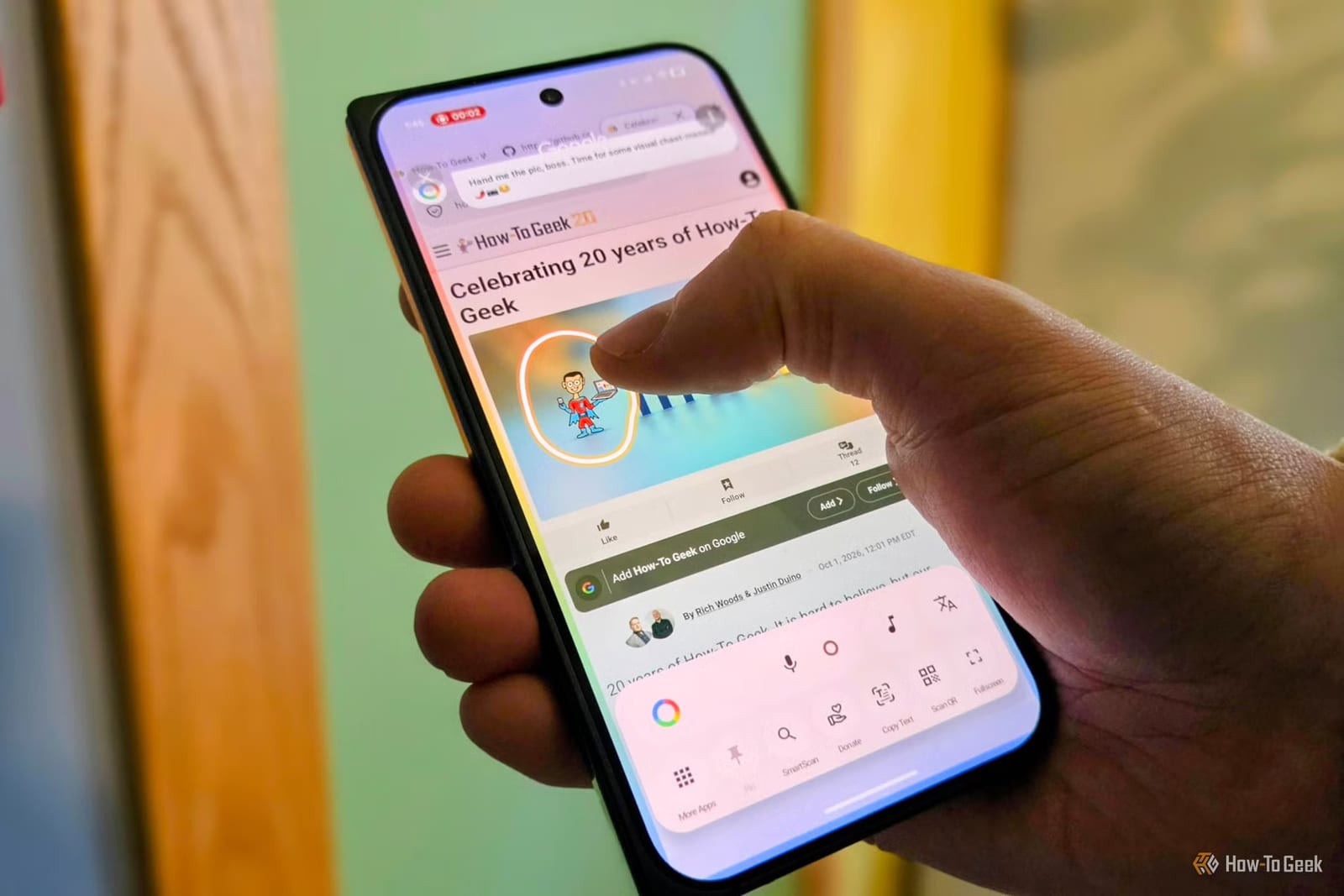
A small Android app is offering a simpler take on Circle to Search, the draw-a-circle-to-look-it-up feature on many phones. It is free, open source and made by AKS Labs. It skips Gemini, Google's AI assistant, and it only looks at the part of the screen you circle.
What changed with Google's version
Google Lens used to work like a souped-up Google Search. It turned a photo into a search for you. Now Gemini handles the identifying and searching. The reviewer at How-To Geek says that has brought more wrong answers, unwanted conversations and hallucinations, which means answers the AI makes up.
Access has also changed. Holding the home button and tapping "Search with Google Lens" no longer works. Google removed the Share and Save features too. On privacy, Circle to Search sends the entire screenshot to Gemini, not only the area you highlight.
What the new app does
The app is also named Circle to Search and came out earlier this year. Because it is open source, anyone can look inside and see how it works. That matters for an app that reads what is on your screen.
- It processes only the area you select.
- It reads text and scans QR codes without an internet connection.
- It works on phones with Google's services removed.
- Share and Save are back.
It is not tied to Google either. Besides Google, you can search with Bing, Yandex or TinEye.
How to set it up
Download it free from GitHub, F-Droid or the Play Store. On first launch, the app asks you to turn on an Accessibility permission, which it needs to start a search.
There are three ways to start. The default is a double tap on the status bar, the strip at the very top of the screen. You can adjust the size and position of that tap zone. You can also set the app as your default assistant, so it launches the way Google's version does. Or you can keep a floating button on screen.
Then draw a circle around anything you see. A results screen opens with tabs for your chosen search engines. Google is the default, and you can change that in settings.
What to keep in mind
The reviewer does not call Google Lens trash. He still uses it often and says it is impressive when it works. He also says Google has made it harder to reach and less accurate than before. This app is one way to get the older, plainer experience. You can keep using Google as your search engine if you like.
The takeawayIf Google's Circle to Search feels too AI-heavy or sends too much, this free open-source app is an easy alternative to try on Android.