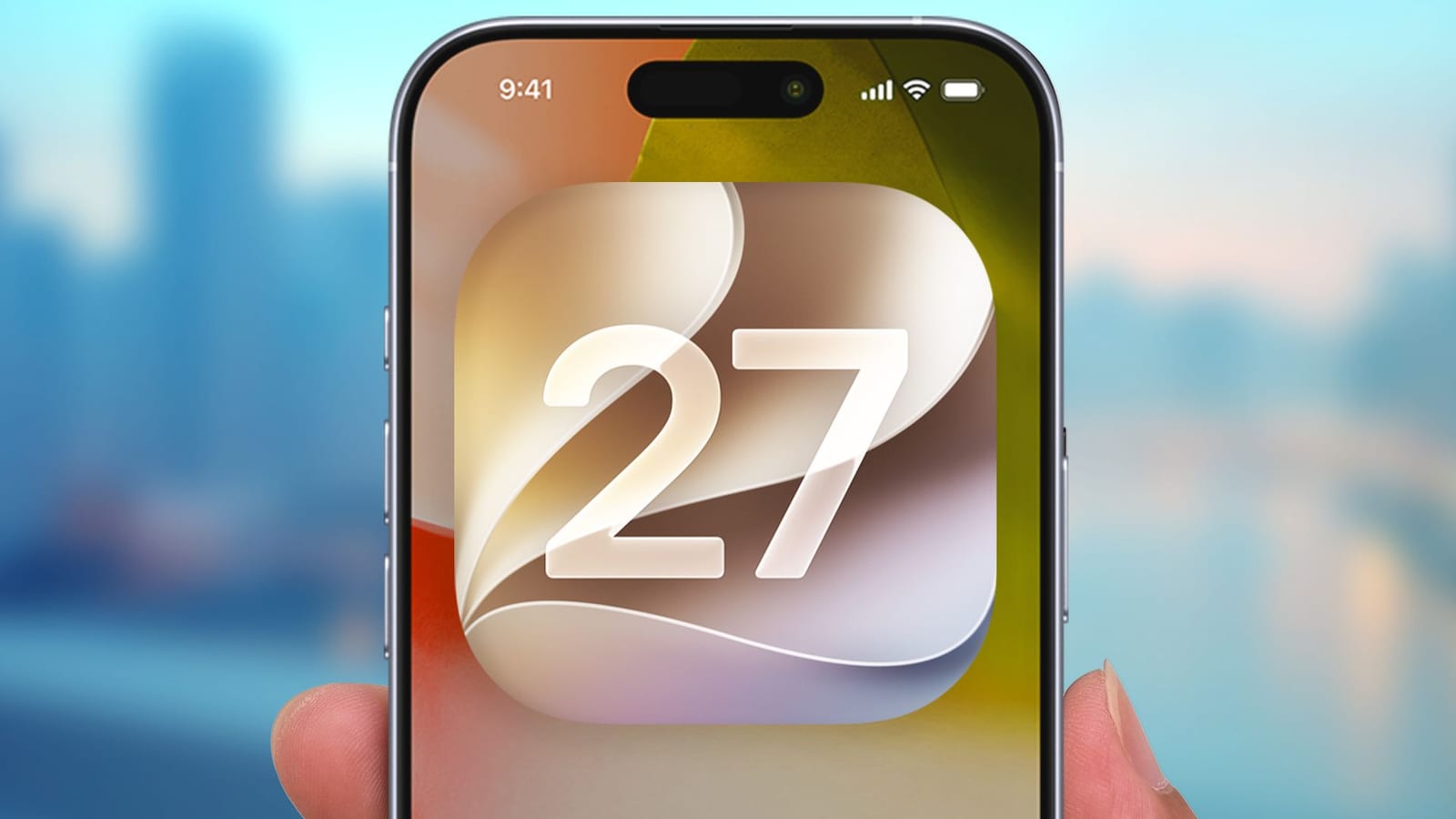
After roughly 90 days with iOS 27, Tom's Guide how-to editor Kaycee Hill named five features she says make the update worth installing. The most important one for everyday safety is a scam shield called Impersonation Risk Detection. It is switched off by default, so iPhone owners have to turn it on themselves.
Photo and video fixes
The Photos app gets two new tools in the Apple Intelligence edit menu. Reframe lets you touch and drag a photo to change its camera angle, as if you had stood somewhere else when shooting. Extend helps when a picture is cropped too tightly. Pull outward on the borders and the software fills in new background.
Video gets a handy change too. Pause a clip on the moment you want, tap the three-dot menu in the top-right corner, and save the frame as a photo. It lands in your photo library at the original resolution, with no screenshot or cropping needed.
Typing and screen looks
The tweak Hill says she uses dozens of times a day is a paste bar on the keyboard. When something is saved to your clipboard, a suggestion bar appears above the top row of keys. It shows a preview of the copied text, link or photo, so pasting takes one tap.
Apple's see-through Liquid Glass design also gets a slider. Under Settings, Appearance, then Liquid Glass, you can drag left for more transparent blurs or right for flatter backgrounds and stronger text contrast. That can help when text is hard to read over a busy wallpaper.
The scam protection
Impersonation Risk Detection is aimed at social engineering scams, where a criminal pretends to be someone trustworthy to get your money. It works on the phone itself. It looks at behavior patterns and sensor data when you try a sensitive action, then calculates a risk score. Apps can use that score to show a warning or ask for extra verification.
Apple does not read your private messages or emails for this, according to the article. The feature is off by default because it shares limited event signals with diagnostic servers. To turn it on:
- Open Settings and tap Privacy & Security.
- Tap Impersonation Risk Detection.
- Switch the toggle on.
What is not clear
Protection can take up to 24 hours to fully start across supported apps. After that, the same menu shows a log of recent risk checks. The article does not say which apps are supported, which iPhones can run iOS 27, or when the update arrives for everyone. It is also one reviewer's view after three months of use.
The takeawayIf you install iOS 27, turn on Impersonation Risk Detection in Settings under Privacy & Security, since it is off by default.