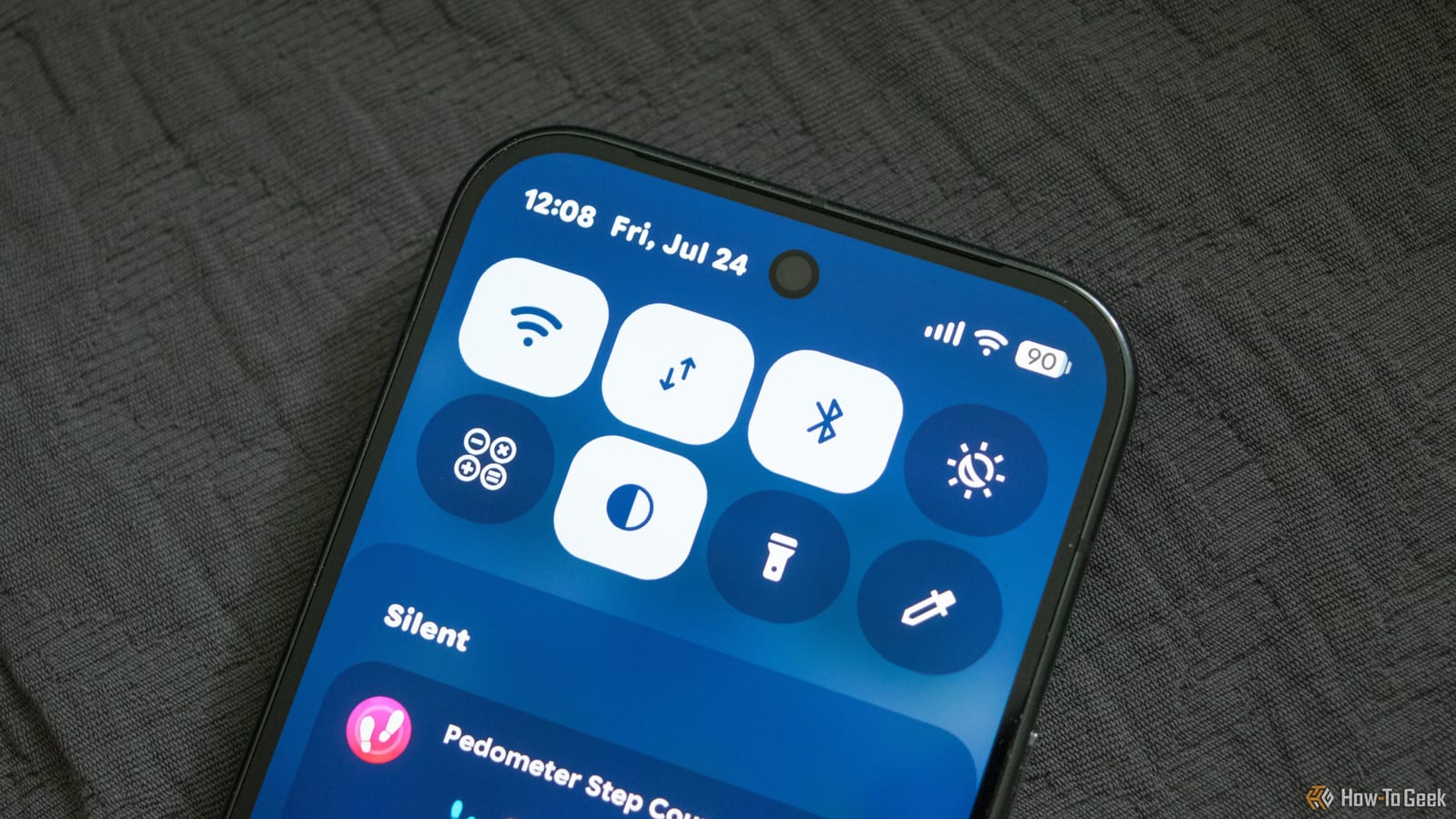
Most people use the Android Quick Settings panel for the same few things: Wi-Fi, brightness, flashlight, location and mobile data. A How-To Geek guide points out that the panel can do much more. Hidden in its edit menu are tiles that cut down the taps for tasks you may do every day.
How to add a tile
Swipe down from the top of the screen and tap the pencil icon. From there, add the tile you want to the panel. The exact steps vary by phone and Android version, and not every phone offers every tile.
Five tiles worth the space
- QR Scanner: one tap opens a link, joins a Wi-Fi network or saves a contact, with no waiting for the camera app.
- Focus Mode: pauses distracting apps and limits their notifications, and it can run on a schedule.
- Camera and microphone access: a phone-wide off switch for both sensors.
- Live Captions: shows real-time captions for supported audio without turning up the volume.
- Device Controls: opens a panel for lights, plugs, thermostats and locks.
Setup and limits
Some tiles need groundwork first. Focus Mode must be set up under Digital Wellbeing in Settings before its tile will work, if your phone supports one. Device Controls pulls devices from compatible apps such as Google Home, so those devices must be set up there first.
The camera and microphone tiles come with a trade-off. They are device-level switches, so turning them off can break video calls, voice messages and camera apps until you switch them back on. Live Captions language support and compatibility vary by device and app, so the feature will not replace proper subtitles everywhere.
What to do
There is no need to fill the panel with every control. The guide suggests keeping shortcuts that solve problems you hit often. If you reach for a tile without thinking, it has earned its spot. If not, swapping it out takes only a few seconds.
The takeawaySwipe down, tap the pencil and add only the tiles you will actually use, such as the QR scanner or the camera and microphone switches.