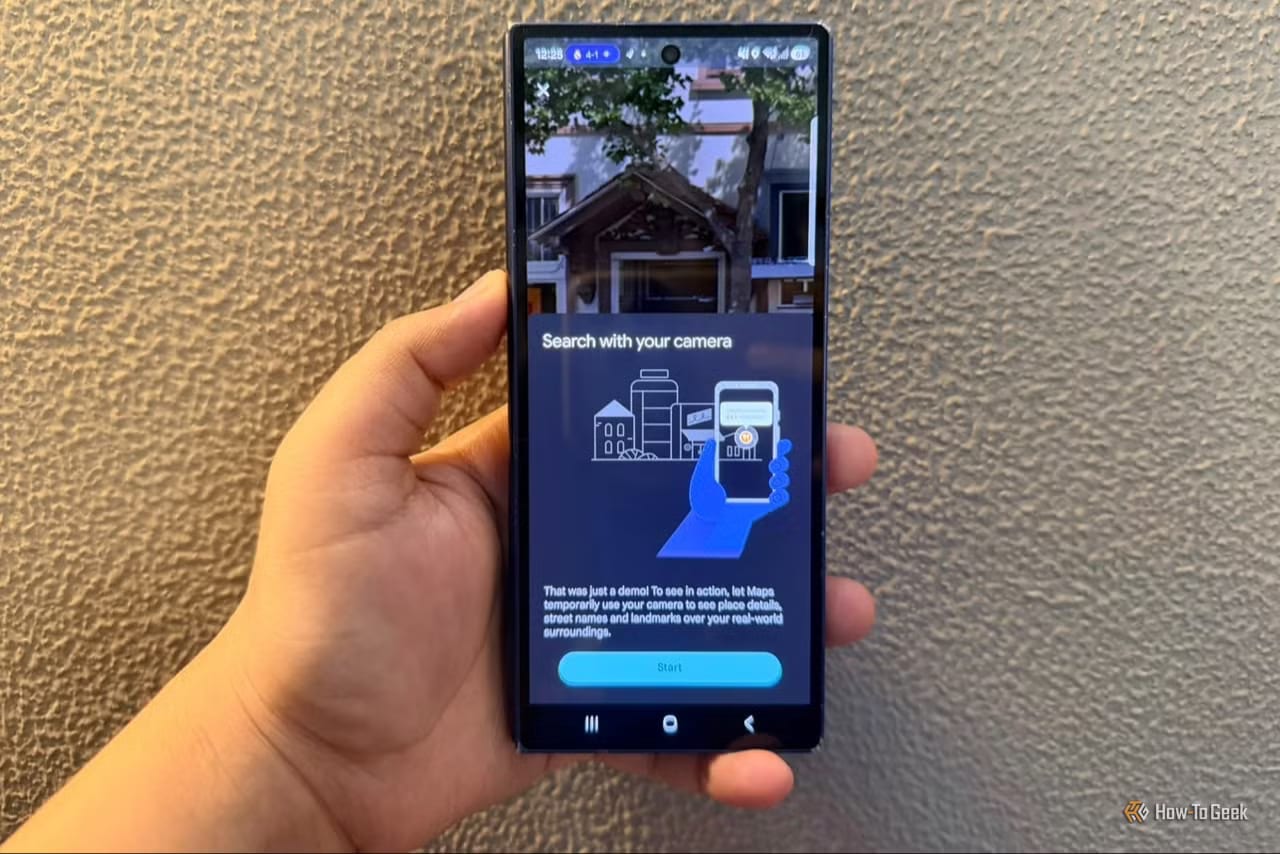
Google Maps can do more than most people use it for. A How-To Geek writer who opens the app almost daily found five features she had overlooked. They include pointing a phone camera at a shop to see its name, and getting a warning about traffic before leaving home.
The five features
- Lens: point the camera at a business to see its name and ratings, when available.
- Ask Maps: one request can cover several needs, like cozy, vegetarian and easy parking.
- Immersive Navigation: a 3D view with buildings, overpasses, lanes and stop signs.
- Gemini in Maps: ask for directions in everyday language while driving.
- Proactive traffic alerts: warnings about major jams and closures on routes you travel often.
How they help
Lens suits anyone exploring a new area who spots a café but does not know its name. On Android, tap the Lens icon in the search bar, if it appears for you.
Ask Maps is built around places and Maps data, unlike a general Gemini chat. Answers can show locations on the map. Follow-up questions, saving a spot, sharing it and getting directions all work without starting over. It can also suggest stops on a road trip.
Immersive Navigation shows what a road looks like, which helps at a confusing highway exit or a multi-lane merge. It can also preview a destination, nearby parking and the building entrance.
Gemini can give landmark-based directions, such as turning after a gas station instead of at 500 feet. It can also find ice cream along a route, check EV charging and share an ETA. Tap the Gemini icon at the top right, or say "Hey Google" if voice activation is on.
Traffic alerts arrive as a phone notification, even when navigation is off. They explain the disruption, how severe it is and how much time it could add.
What may not show up yet
Some of these are rolling out slowly. The 3D option is for supported U.S. devices and may not appear on every phone yet. Proactive traffic alerts are going live for Android users in the U.S., and availability varies. The Lens icon also appears only where it is available.
What to do
Update Google Maps first. For 3D, go to your profile picture, then Settings, Navigation, Map display, and choose 3D. If a feature is missing, it may simply not have reached your phone yet.
The takeawayUpdate Google Maps and check Settings, since several of these features are still rolling out and may not be on your phone yet.