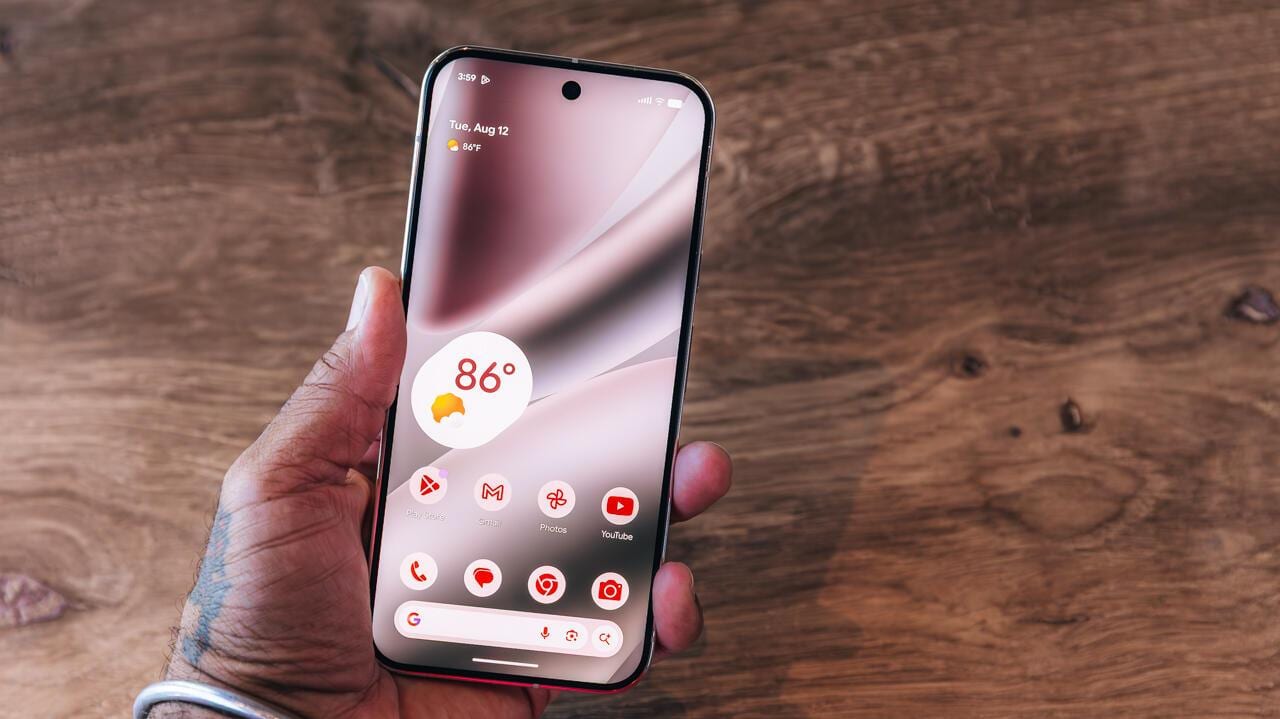
Android can now keep your favorite apps floating on your screen. A new feature in Android 17 lets you turn an app into a small bubble that sits on top of everything else, so it is one tap away. You can bubble up to five apps. It starts on Google Pixel phones.
What changed
Android has had bubbles for a few years, but only for text conversations. You could float a chat from Google Messages or Facebook Messenger, and that was about it. With Android 17, the same idea now works for apps in general.
The saving is small. A bubble spares you a tap or two each time you open an app. But if you jump between the same handful of apps all day, those taps add up, and it makes juggling tasks easier.
How to set it up
- Find the app on your app screen or home screen.
- Press and hold the app until a pop-up menu appears.
- Pick Bubble from the options, which also include App info and Pause app.
The app shrinks to an icon you can move around. You cannot put it just anywhere. It can sit anywhere along the left or right edge of the screen. If you bubble several apps, they always move together.
Who gets it
For now, app bubbles are a Pixel exclusive. Other phone makers are expected to add the feature over time, though the article does not say which ones or when. If you do not own a Pixel, you will have to wait.
A similar option on Samsung
Samsung phones already have something close, called Smart Pop-Up View. It lets you reply to notifications from chosen apps without leaving the app you are in. It works a little differently from a bubble, because it is built around notifications.
To turn it on, open Settings and choose Notification Settings. In the advanced settings, pick Floating Notifications, then Smart Pop-Up View. Then choose which apps get priority. You may need to switch on the "Multi window for all apps" setting first.
What is not known yet
The material does not say which Pixel models get the feature or exactly when other brands will follow. It also does not say whether the five-app limit or the left and right edge rule will change.
The takeawayIf you use a Pixel, press and hold a favorite app and tap Bubble; on Samsung, try Smart Pop-Up View in your notification settings.