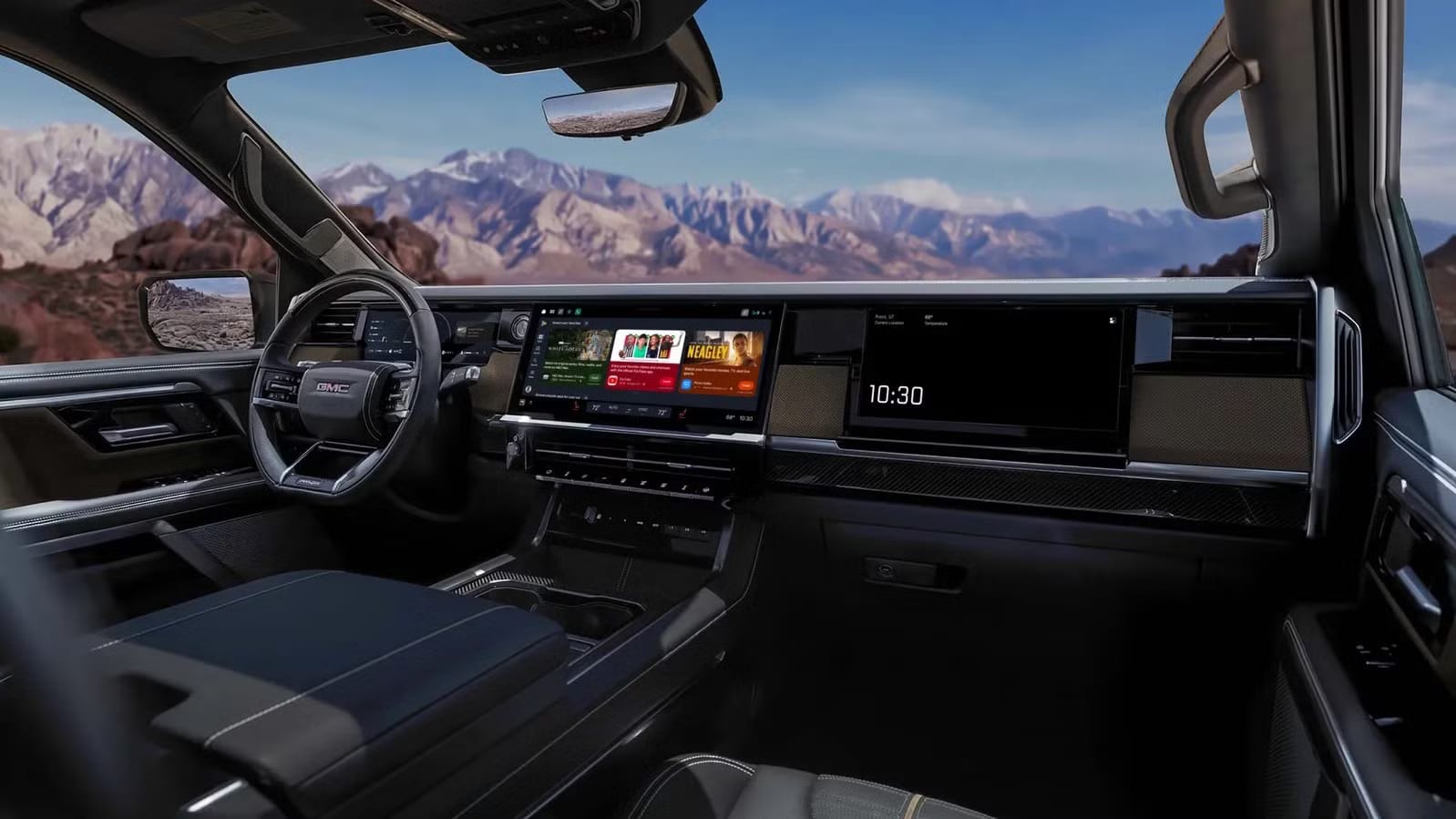
Android Auto picked up three useful upgrades that got buried under the news about Google's Gemini AI. YouTube can play full video while your car is parked, then switch to audio only when you drive. Widgets are more flexible. And supported cars can now play Dolby Atmos surround sound.
YouTube that follows the road
The revamped YouTube app lets you watch full-sized videos while parked. When you start driving, it detects the movement and goes audio only. The video keeps playing in the background, so it works like a podcast. The catch is that this needs a YouTube Premium subscription, which is YouTube's paid plan.
Widgets and better sound
Widgets are small tiles that show information or shortcuts at a glance. Android Auto now offers many more of them, and they stay visible while you drive. They take on the colors of your theme and resize to fit your car screen.
- Clock
- Favorite photos
- Contacts
- Google Home shortcuts
- Android Auto apps, including Spotify and WhatsApp
On sound, Android Auto now supports Dolby Atmos, a spatial format that makes audio feel like it surrounds you. It works over Bluetooth or a USB cable in compatible cars. Supported screens also get full HD video at 60 frames per second, which means smooth motion.
Which cars get it first
Google said the features reach some brands first: BMW, Genesis, Mahindra, Mercedes-Benz, Renault, Škoda, Tata and Volvo. Other compatible models are scheduled to follow, though no dates were given. That covers cars with built-in Android Auto systems from the maker and from other companies. Google says it ensures compatibility with over 500 car models.
Aftermarket screens may qualify too. Pioneer and Kenwood units have confirmed compatibility. If your screen is not on the list, check the manufacturer's website.
What to check
Any Android phone running Android 11 or higher has Android Auto support built in. It connects through Bluetooth or a compatible cable. iPhones do not work with Android Auto.
Look up your car on Google's compatibility list and see whether it is in the first group. If you want YouTube's driving mode, factor in the Premium cost. The article does not say when each car will get the update, so your car may need to wait.
The takeawayCheck whether your car is on Google's compatibility list, and remember that YouTube's switch to audio while driving needs a Premium subscription.