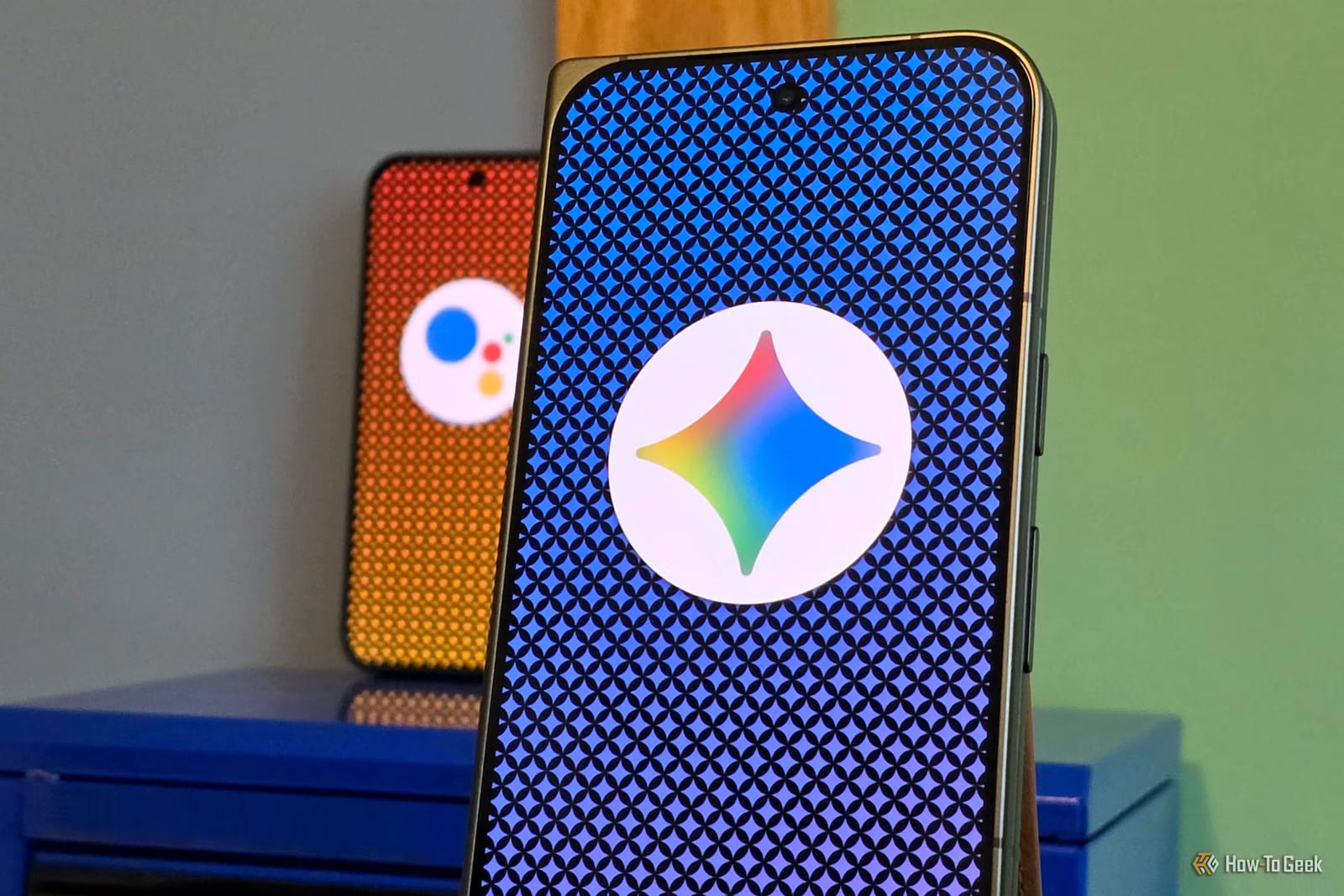
A writer at How-To Geek switched from Google Assistant to Gemini, Google's newer AI helper, and came away impressed but not fully sold. Gemini handles longer, plainer requests much better. But some familiar smart-home routines, like a "good morning" setup, are not fully supported yet.
What Gemini does better
Google Assistant works best with short, specific commands, such as play a song, call someone or set an alarm. Gemini lets a person explain what they mean. Writer Sanya Shah described a dish she tried at a restaurant and asked Gemini to help her make it at home. She also narrowed weekend outing ideas by asking for kid-friendly places or options without a long drive.
She also asked Gemini to explain technical topics in simpler terms, then give an example. Her main point was that she stopped thinking only in commands. She could start with a half-formed idea and work through it.
Connected apps and the car
When linked to supported Google apps, Gemini can work with information already on the phone instead of sending the user from app to app. Examples from the article:
- Add an item to an existing Google Keep list without opening the app.
- Suggest trip stops, group them by area and build a day-by-day plan.
- Open suggested places in Google Maps to check distances.
- In Android Auto, find coffee spots along a route or follow up on a message.
- Search Gmail for a hotel address and start navigation there by voice.
Google Assistant could already play music, navigate, make calls and send messages in Android Auto. The difference, she wrote, is that Gemini accepts more detailed requests.
What she misses
With Google Assistant, saying "Hey Google, good morning" turned on her lights, gave weather and calendar updates, and played the news. Gemini supports many smart-home controls, but some familiar routine actions are not supported. She said she would need to check which parts of her setup still work.
She also noted that not every request needs an AI conversation. Her verdict: Gemini for exploring ideas and solving problems, and Assistant's simplicity for everyday tasks. In her words, ditching Assistant was easy, but replacing it was not.
What to do
This is one person's experience, not a test across many phones and home setups. The article does not say when Google will move every phone to Gemini. If yours is moved, try your daily routines and smart-home commands first, so you know what still works before you rely on them.
The takeawayIf your phone moves to Gemini, test your routines and smart-home commands first, because some familiar ones may not fully work.