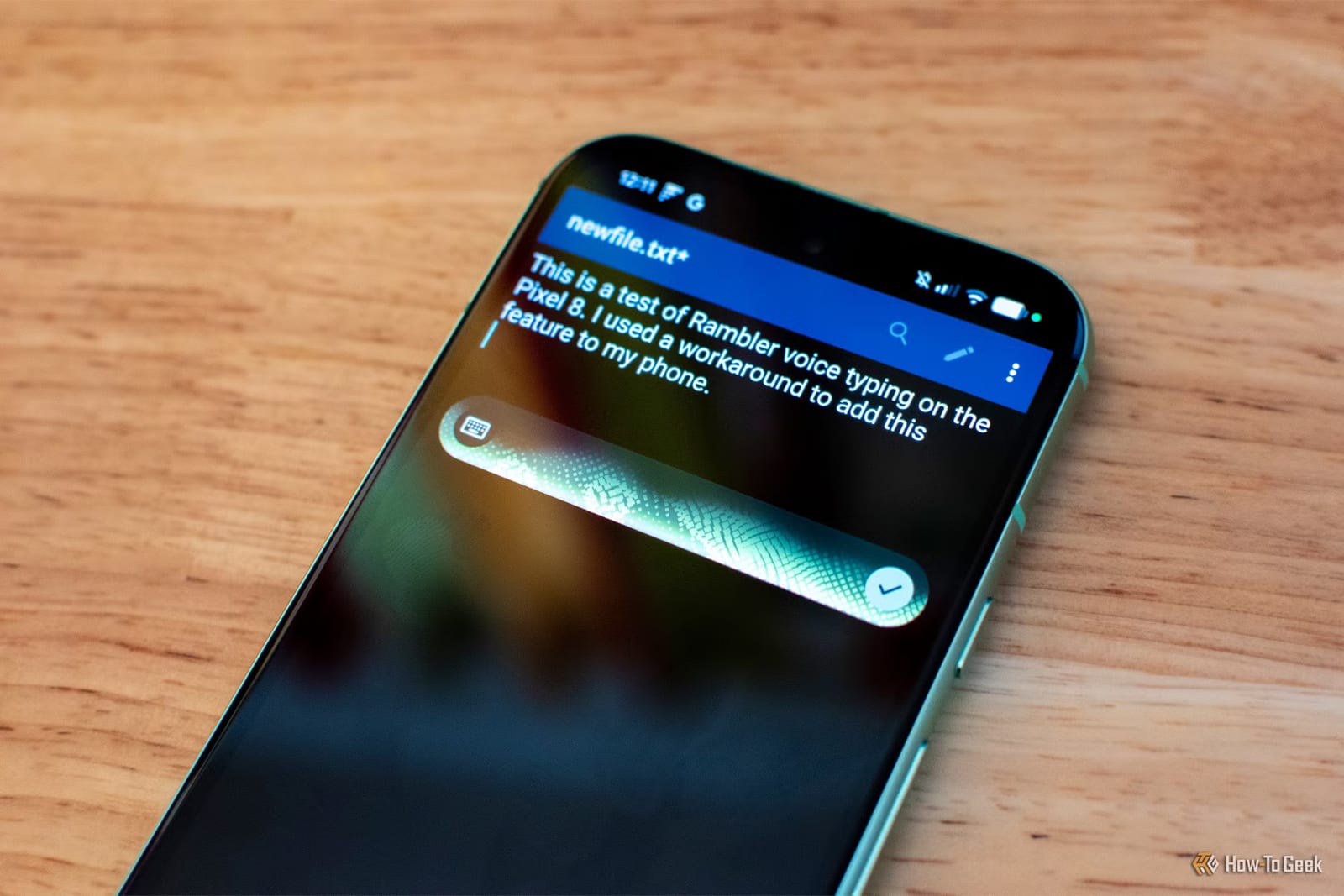
Google's new Pixel 11 has a voice typing feature called Rambler, and a writer at How-To Geek says it can run on an older Pixel 8a. It took about two minutes. The catch is that it needs an unofficial keyboard app, which breaks Google's rules and puts your typing at risk.
What Rambler does
Regular voice typing often mishears words, mangles punctuation or gives up mid-sentence. Rambler uses AI on the phone and in the cloud to clean up what you say. It removes the pauses, the "uhhs" and the mid-sentence corrections, adds punctuation and keeps your general tone.
You can also give it plain instructions, such as "make this sound more professional" or "make this shorter and more casual." It can swap specific words, insert emoji or add sentences. One quirk: your words do not appear on screen until you stop talking. A glowing animation shows that it is listening.
How the workaround went
Rambler is officially exclusive to the Pixel 11 and the Googlebook, a new type of Google laptop. The writer tested it first on the ASUS Googlebook 14. He then found modified versions of Gboard, Google's keyboard app, that bring Rambler to older phones. He used one called PixelBoard. Another, Gboardwu, is also popular.
- No root access is needed, which means no deep changes to the phone.
- The app file comes from GitHub and runs alongside the normal Gboard.
- Rambler worked right away, with no setting to switch on.
- It even worked offline, though rewriting was probably less powerful without internet.
The risks
The writer is clear that this violates Google's terms of service. A keyboard app can see everything you type, including passwords and private messages. Apps like these can also have security flaws. Unofficial versions do not get updates through Google Play, so a serious flaw could stay unfixed on your phone.
The article text provided cuts off while discussing a second concern. It starts to say that Rambler's cloud features use AI and cost Google money. The rest is not available here.
What to do
For people who want better voice typing and cannot get Rambler the proper way, the writer suggests an alternative app such as Wispr Flow instead. Anyone on a Pixel 8a or another older phone has a safer path than installing a modified keyboard. It is simply to wait for an official option or use a trusted app.
The takeawayRambler can run on an older Pixel, but a modified keyboard sees all your typing, so use a trusted voice app such as Wispr Flow instead.