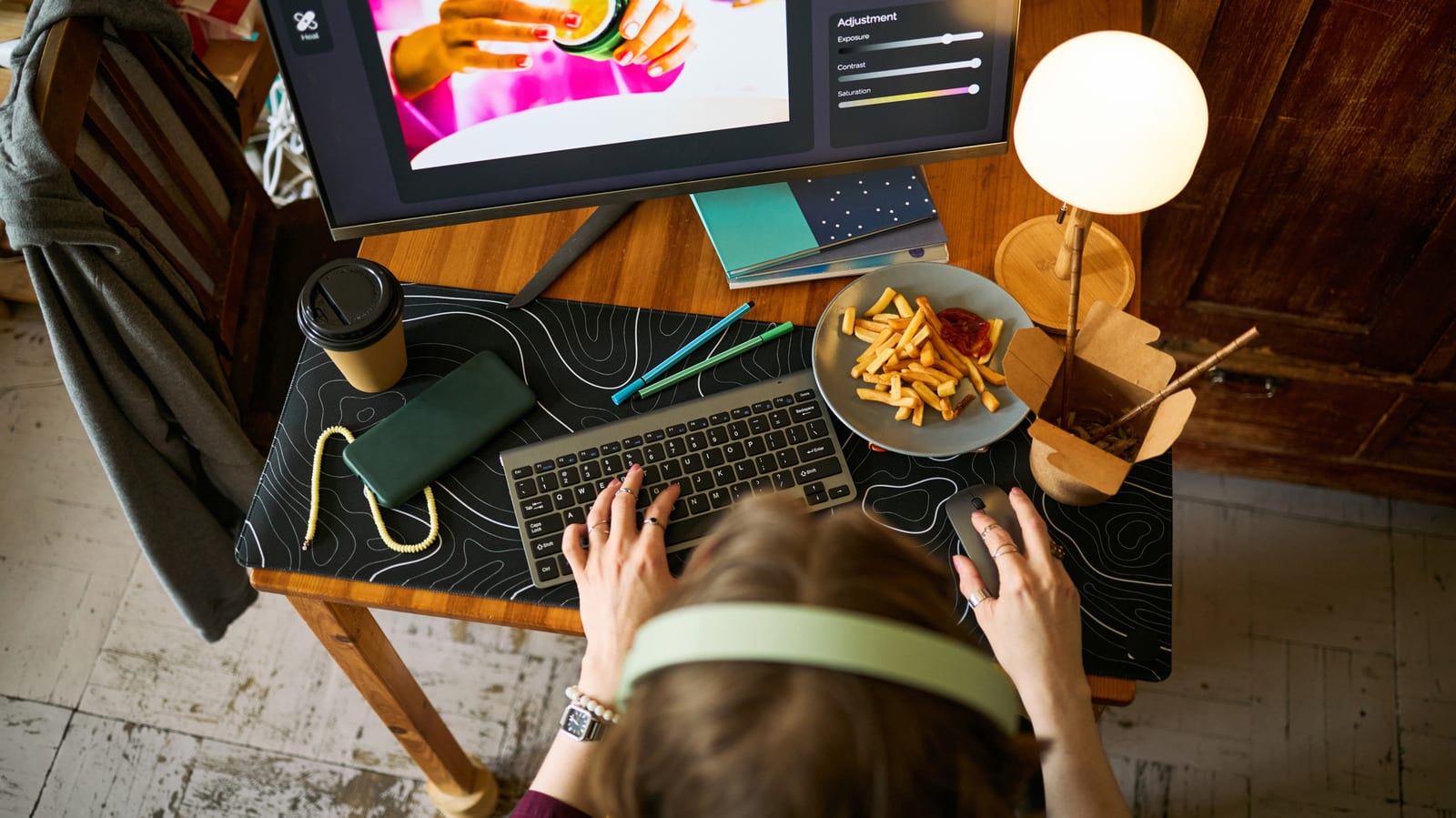
Whether your laptop sits open or closed next to a bigger monitor makes little real difference. Engadget's take is that it is mostly a style choice. There are a few small trade-offs, though, and heat is the main one to know about, especially if the laptop is the only computer you use.
Why people close the lid
A closed laptop leaves the desk looking clean. It also keeps dust off the screen, the keys and the space between them. The keyboard stays protected, and there is less wear from opening and closing the lid. With the screen off, the laptop also draws much less power, and no second panel lights up the room late at night.
Why others leave it open
An open laptop gives you extra screen space for a second browser window or a music player. It also usually handles heat better. Many laptops push hot air out through the keyboard area, and an open lid lets it escape. PCWorld notes that some, like the Razer Blade 16, vent air out of the top of the keyboard. Gaming laptops run hot, so this matters most for them.
Which one fits your laptop
A fanless MacBook Air or any thin, low-power laptop is fine closed all day. Stands exist for exactly that. A gaming laptop or any workstation that gets properly hot should stay open. If you are unsure, check the maker's website to see whether the laptop is fine under heavy work with the lid shut.
If you go closed
- Keep the power adapter plugged in, since an external monitor draws more power.
- In Windows, open Control Panel, find "Choose what closing the lid does," and set both options to "Do nothing."
- Use a stand so air can get under the laptop. A cooling pad only lowers temperatures a little.
- Overnight jobs like a big download work if the vents are clear and the load is light to medium.
There is also a middle road. Close the lid just far enough to switch the screen off, as long as hot air does not blow straight onto the display. Dust can still get in, so clean the laptop now and then.
One tip for both
A docking station lets one cable connect your keyboard, mouse, network cable, HDMI and audio. When you leave, you unplug one cable instead of five. Most also hold the laptop tilted, which leaves room for air to move around it.
The takeawayClosed or open is mostly taste, but keep hot-running laptops open, and set Windows lid options to Do nothing if you close it.