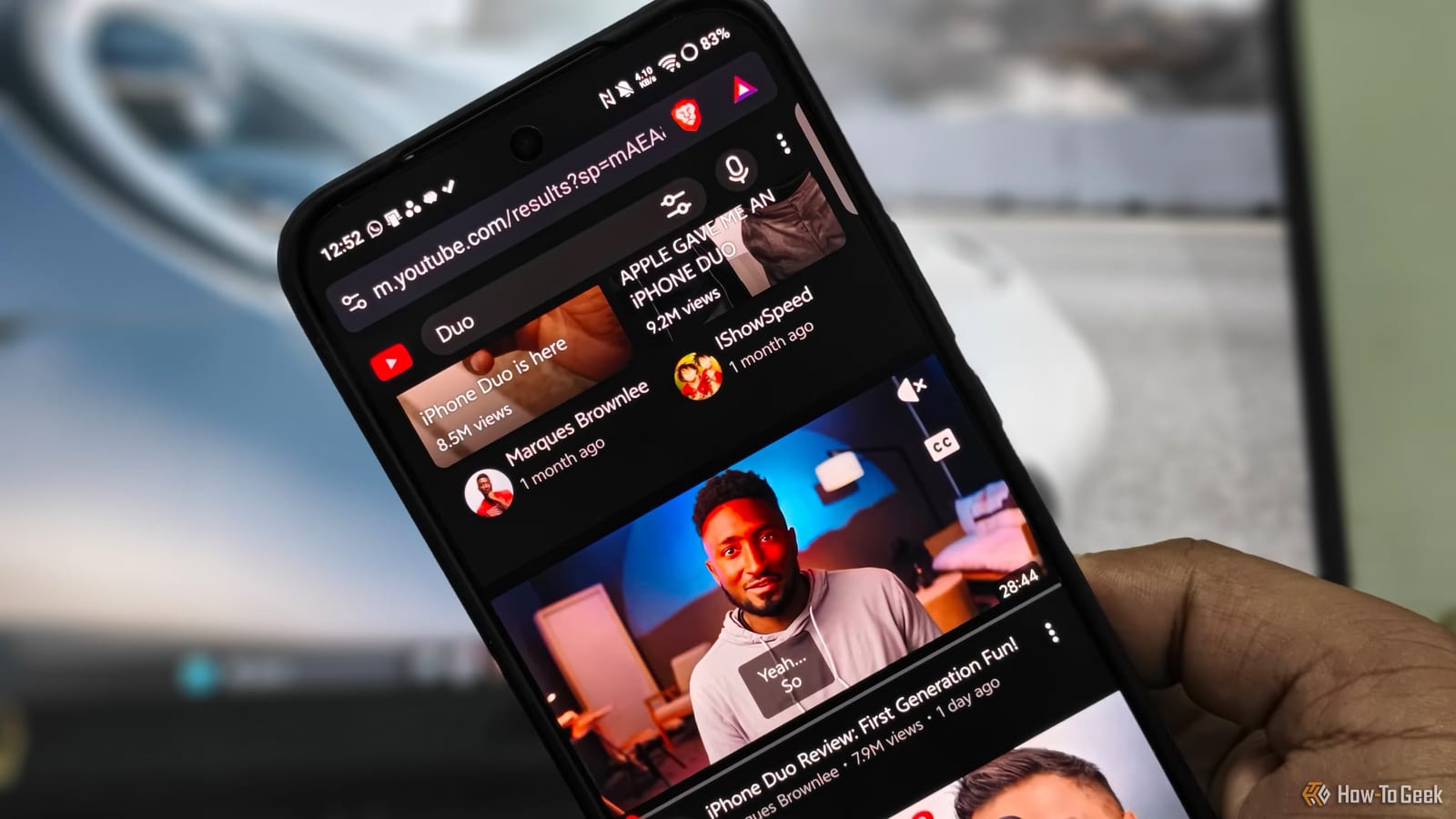
A writer at How-To Geek says he stopped paying for YouTube Premium after finding that Brave, a free browser, can do much of the same job on an Android phone. It blocks ads, plays audio in the background and can hide the clutter that Premium leaves in place. Premium costs more than $10 a month.
What changed
The author, Vishwamoorthy Ramakrishnan, paid for Premium for years to skip mid-roll ads and to keep videos playing in the background. His complaint is that the YouTube app has become crowded. It pushes Shorts, community polls, playable mini-games and a recommended feed, and a paid plan does not remove any of that.
How the setup works
Brave blocks YouTube's pre-roll and mid-roll ads by default through its built-in shields. Background play needs one switch: open Settings, go to Background play and turn it on. Once a video is playing on the YouTube site and the browser is minimized, a playback control shows up in the phone's quick settings panel.
The cleanup tools sit in Settings, then Media, in a YouTube section. The article names these options:
- Hide YouTube Shorts and YouTube Playables.
- Block YouTube recommended content, which removes end cards and suggestions after a video.
- Block YouTube distracting elements, which removes sign-in prompts, menus, comments and video info.
- Block thumbnails, auto-dubbed videos and members-only videos.
The browser may need a restart the first time these are switched on. The author says the home screen then looked the way it did years ago.
Opening links in Brave
A link from a friend on WhatsApp would normally open the YouTube app. To change that, turn on Open YouTube link in Brave under Settings, then Media. Next, press and hold the YouTube app icon, tap the (i) button, find Open by default and switch off Open supported links. After that, shared links open in Brave.
The trade-offs
The filters work on phones, tablets and PCs, but not on the living room TV. Anyone who watches on Google TV, Apple TV or Roku will still see ads there. Official offline downloads are also gone, along with a few AI-powered features.
Who it fits
By the author's own account, this suits people who do not mind ads on a TV and who watch mostly on a phone. Anyone who relies on downloads or watches mainly on a TV screen should weigh those losses before cancelling. The article is one writer's experience, and it does not say how long the settings will keep working.
The takeawayIf YouTube mostly happens on an Android phone, Brave's free settings may replace Premium, but TV ads return and offline downloads disappear.