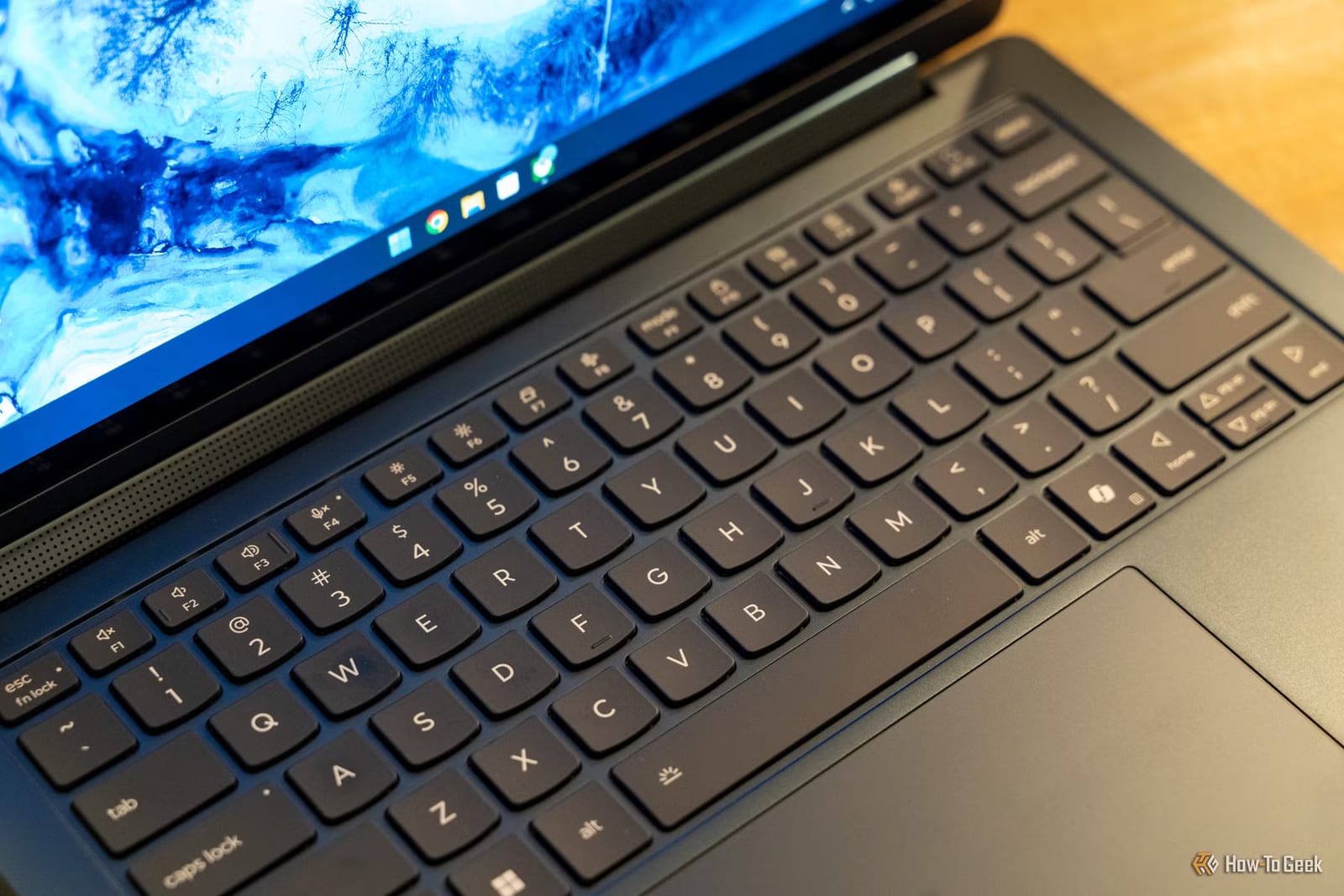
Windows 11 is set to make it quicker to silence the Sticky Keys pop-up, according to a report from How-To Geek. The site says you will soon be able to turn off that prompt without opening Settings. For anyone who keeps getting interrupted by it, that could save a small but real annoyance.
What Sticky Keys is
Sticky Keys is an accessibility tool built into Windows. It lets you press shortcut keys one at a time instead of holding several down together. For people who need that help, it is useful. For everyone else, the pop-up about it can show up at the wrong moment and break your focus.
What is not known yet
The report gives no release date. It also does not say exactly how the new option will work, where it will appear, or which Windows 11 users will get it first. Until Microsoft says more, treat this as a change that is coming, not one that is here.
What to do
- Watch for the next Windows 11 update, since that is where the change would arrive.
- Until then, the prompt can still be handled through Settings.
- If you rely on Sticky Keys for typing shortcuts, the report is about the pop-up, not removing the tool.
The takeawayKeep an eye on Windows 11 updates, because a faster way to silence the Sticky Keys pop-up is reportedly on the way.