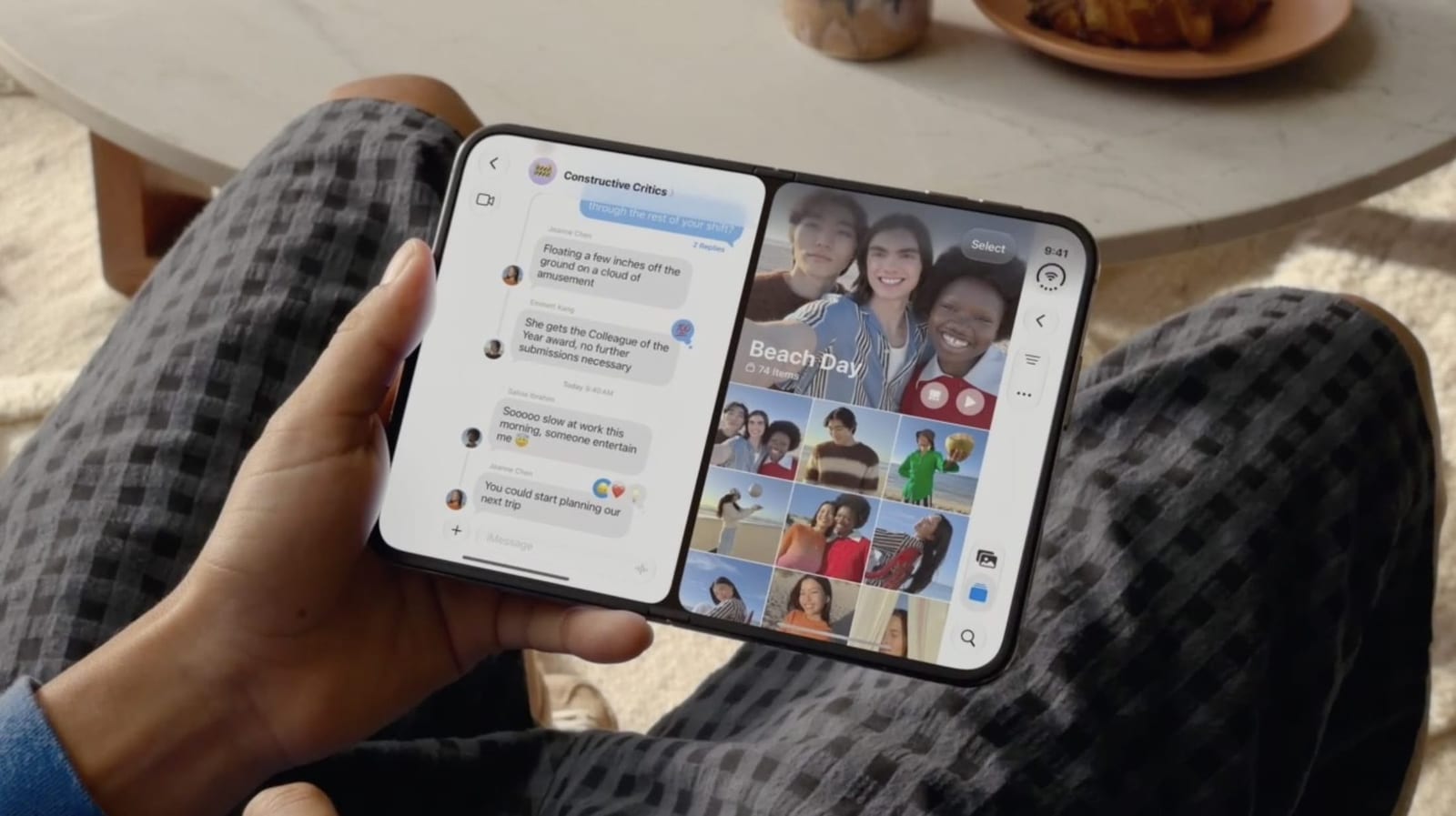
The new iPhone Duo is the first iPhone that can run two apps on the screen at the same time. Unfold it, turn it sideways, and the 7.6-inch inner display can show two apps side by side. MacRumors has a walkthrough of how it works.
How it works
The feature is called Split View. It works on the inner display when you hold the phone in landscape, meaning wide rather than tall. Good pairings include Messages next to Maps, or Safari next to Notes.
If you often use the same two apps together, you can lock them as an app pair. They will then always launch together.
Some apps can also open two windows of themselves, including Safari, Mail, Notes and Files. Open the app in Split View, tap its icon again on the Home Screen or in App Library, and a second window opens beside the first. That gives you two webpages, or your inbox next to a draft.
Limits to know
- To swap sides, swipe up from the bottom of either app, pause in the center, then drag it across.
- To unpair, drag the center divider to the left or right edge. The app you push off closes.
- The split is fixed at 50/50. Unlike on iPad, you cannot give one app more room.
- Only one app can play sound at a time.
The material does not say what the iPhone Duo costs or when it ships. It also does not list the two ways to start Split View, so those steps will need to come from the phone itself or from Apple.
The takeawayOn the iPhone Duo, turn the unfolded phone sideways for Split View, and lock your most-used two apps as a pair.