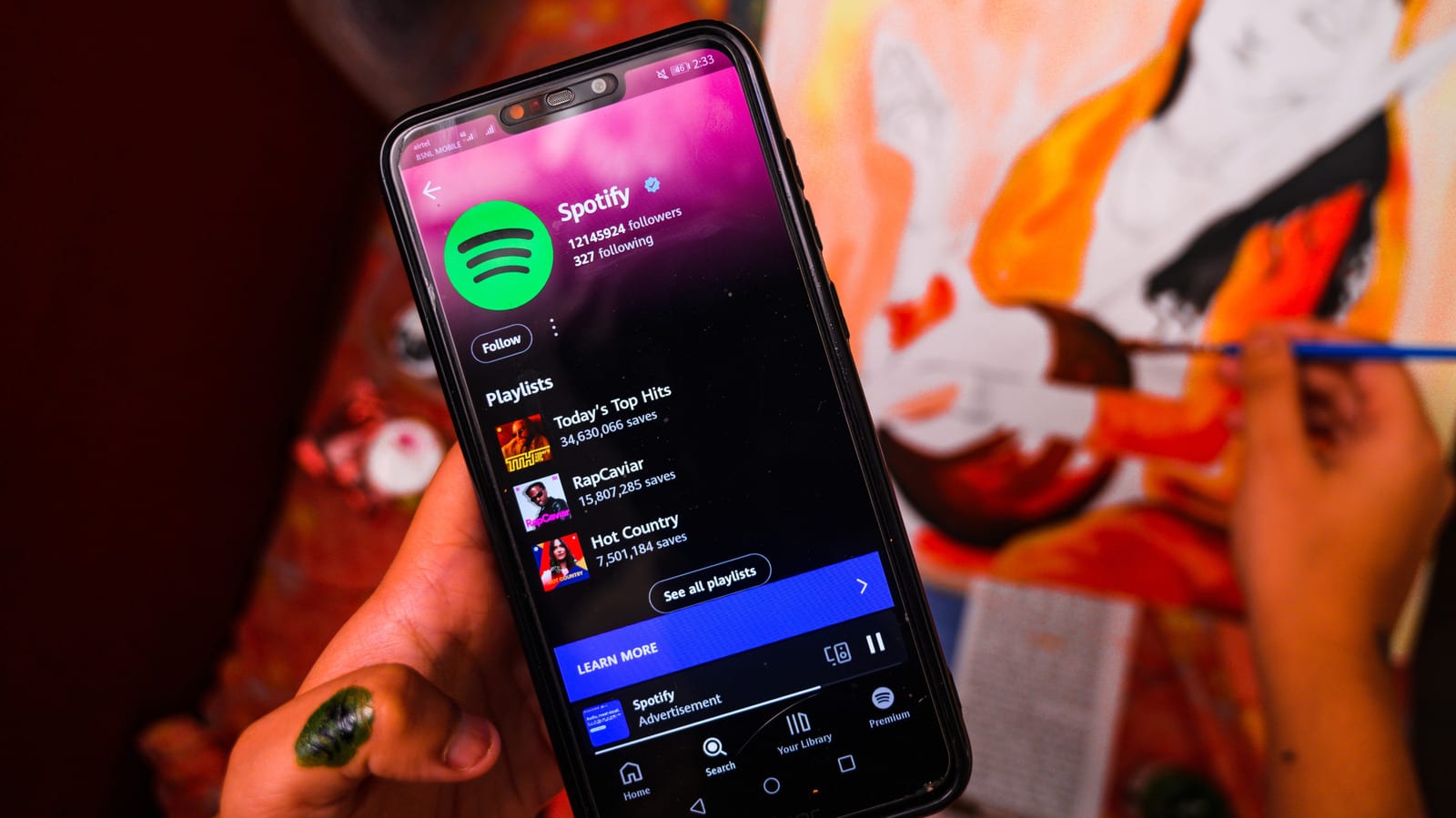
For songs, shows and podcasts you play often, downloading them first beats streaming them over and over. That is the finding in an Engadget look at battery and data use. Streaming only comes out ahead for things you will play once, and even then it is not guaranteed.
Why downloads win
A download has an upfront cost. There is an early burst of battery and data use while the file arrives. But that cost is outweighed by the lack of effort on every replay. The best time to download is on Wi-Fi. It is usually faster, and it helps you avoid the data caps many cellular providers still put on their plans.
When streaming makes sense
Streaming is the better fit for one-time plays. If you stop partway through a video or playlist and never come back, you may use less power and data. The word is "may" because streaming apps always save a base amount of content, whether or not you ask them to. Depending on where you stop, your device may already hold the whole video or playlist, and that effort is wasted.
The catch is storage
The main reason to skip downloads is space. The writer notes that a few saved playlists in a music app can take up several gigabytes. Spotify says its lossless downloads can use up to 1 GB per hour of playback. That makes downloading an entire library impractical, if not impossible.
Lower the quality
Dropping the quality setting is the easiest fix. Spotify says moving from lossless to its "Very high" setting (320 kbps) cuts data use from 1 GB per hour to 0.14 GB. Less data also means less battery drain, since the download finishes faster. Video apps work the same way, but they use resolution instead. A 480p or 720p video is far smaller than a 1080p one. Some apps and devices may not offer 4K downloads at all.
Do not cut too far. Here is where the quality loss shows up:
- Lossless and 320 kbps audio are virtually indistinguishable.
- At 160 kbps, you will notice less clarity.
- On a phone or tablet, 1080p and 4K are hard to tell apart.
- 720p is below the sharpness of most displays.
Other ways to save
Lowering screen brightness also helps. So does being choosier about what you play. Not every moment needs a soundtrack or video running. Keeping fewer apps, podcasts and playlists on your device also means less for it to update in the background.
The takeawayDownload what you replay over Wi-Fi, and pick a lower quality setting to save data, battery and storage.