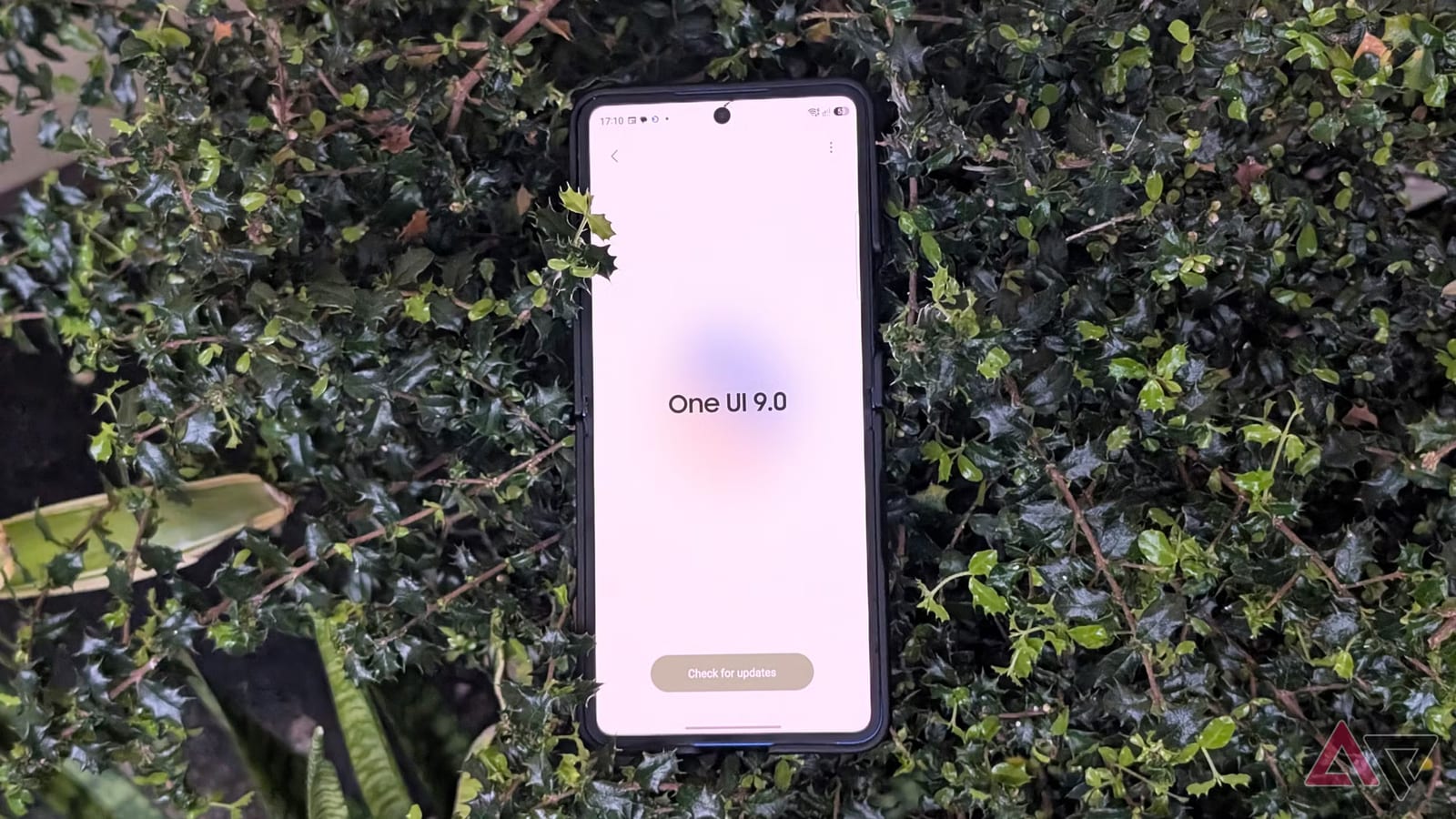
Act this weekWhat happenedSamsung's One UI 9 update, based on Android 17, is causing a web error and reports of phones freezing at startup.
Who is affectedOwners of Galaxy phones that got One UI 9, especially the Galaxy S26 Ultra, and some Galaxy S24 and S25 Ultra users.
What to do- 1Update your phone's web browser, including Chrome, to the latest version.
- 2Connect to Wi-Fi when you sign in to your Samsung account in the app.
- 3If the app login fails, sign in through Samsung's account website in a browser.
- 4If the phone sticks on startup, force a restart and go offline with airplane mode.
Samsung's big One UI 9 update, built on Android 17, is causing trouble for some Galaxy owners. Samsung has confirmed one bug, a web page error tied to the Samsung account. Other owners say their phones freeze at startup after the update. The most reports come from the Galaxy S26 Ultra. A full fix has no confirmed date.
What happened
A Galaxy S26 Ultra owner posted on Samsung's South Korea community forum. After updating, they saw a message saying a web page was unavailable and could not load. The address in the message pointed to a Samsung account page. A Samsung community manager appears to have confirmed the update is behind it. The cause is WebView, a built-in piece of the system that lets apps show web pages inside them.
The startup problem is separate, and Samsung has not confirmed it. Last week, several users said their phones froze after installing One UI 9. Some saw a stuck boot screen or an Access Denied message on the Welcome screen when the install finished. Some phones sat on the boot screen for several minutes.
Who it affects
The reports come from people who already installed One UI 9. The freezing reports appear to be global. Galaxy S24 and Galaxy S25 Ultra models were mentioned, but the clearest reports involve the Galaxy S26 Ultra. Samsung has not said how widespread either problem is, so it is hard to know your odds. If you have not installed the update yet, waiting a bit is a reasonable choice.
What to do
The alert box above lists the steps. In short, Samsung's advice for the web error is to update your browser and use Wi-Fi when signing in. For a phone stuck at startup, the common trick is to force a restart and take the phone offline. One Reddit user did this with Safe Mode and airplane mode. Others suggested turning off the home router or removing the SIM card.
Going offline appears to work because it skips a verification step during setup, and that step can cause the freeze or even brick the device. Bricked means the phone stops working. Also, there is no confirmation that Samsung's browser and Wi-Fi advice actually cleared the error for the user who reported it.
What happens next
Samsung has not said when a proper fix will come. The November security patch might carry one, but that is a guess, not a promise. Until Samsung says more, expect more reports from owners as the update reaches additional phones.
The takeawayIf you own a recent Galaxy phone, consider holding off on One UI 9, and know that going offline can get a frozen phone past startup.