A refurbished laptop can give you more computer for your money than a new one, but only if the seller did real work and you check a few things before you pay. A machine can look brand new and still have a well-worn battery. Engadget's guide explains where the savings are and where the traps hide.
What refurbished really means
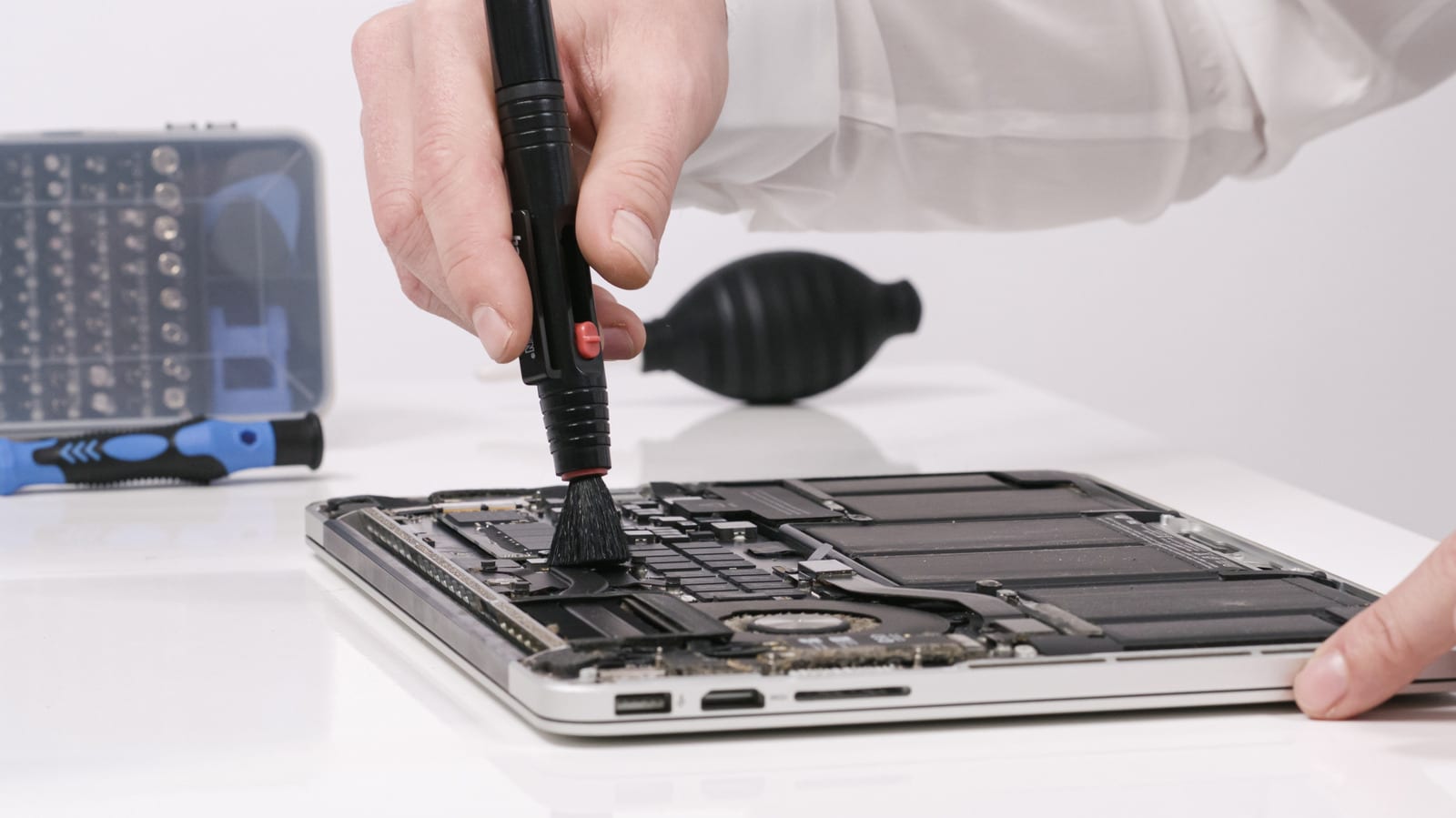
A used laptop is generally sold in the condition the last owner left it. A professional refurbishment should include inspection, cleaning, testing and repairs. The catch is that the standard varies from company to company.
Dell and Apple both run refurbished programs. Apple's Certified Refurbished laptops are tested, arrive in a new box and come with a one-year limited warranty. A retailer selling its own refurbs might offer a shorter warranty with fewer guarantees, so read what is covered. Open box laptops, usually returned and never used, can shave off a few dollars.
Where the savings come from
You might find a refurbished mid-range laptop with more memory and a better screen than a new budget machine at the same price. For browsing, writing and video calls, an older business-grade laptop with plenty of RAM and an SSD could be enough for less money. The trade-off is age. Older models can struggle with the software you need, and older processors can be less efficient.
What to check before you buy
- A seller who explains what was tested
- Clear condition grades that spell out the wear to expect
- Details on the battery's current condition
- Photos of the actual machine, plus the serial number if possible
- A return policy that covers you if something goes wrong
If you can try the laptop in person, open and close the lid to see that it moves without strain. Test every key and the trackpad. Look at the screen with a light and a dark background to spot dead pixels or discoloration. Check the ports, Wi-Fi, speakers, webcam and charger. Make sure any old account lock is removed and that Windows is activated.
Red flags and the battery
Cracked casing, loose hinges or water damage suggest a low-quality seller or a laptop that was never refurbished. Scratches on the lid are another matter, since cosmetic wear does not necessarily hurt performance. Faults with the screen, keyboard or ports are the costly ones, because a repair could outweigh your savings.
The battery matters most if you carry the laptop around. Refurbished does not guarantee a new battery. Look for listed battery health, and ideally a tested one. If the laptop stays docked at your desk, this matters less. Otherwise, add the possible cost of a replacement, if one is even possible.
The takeawayBefore buying refurbished, ask about battery health, condition grades and the return policy so a cheap deal does not cost you more later.