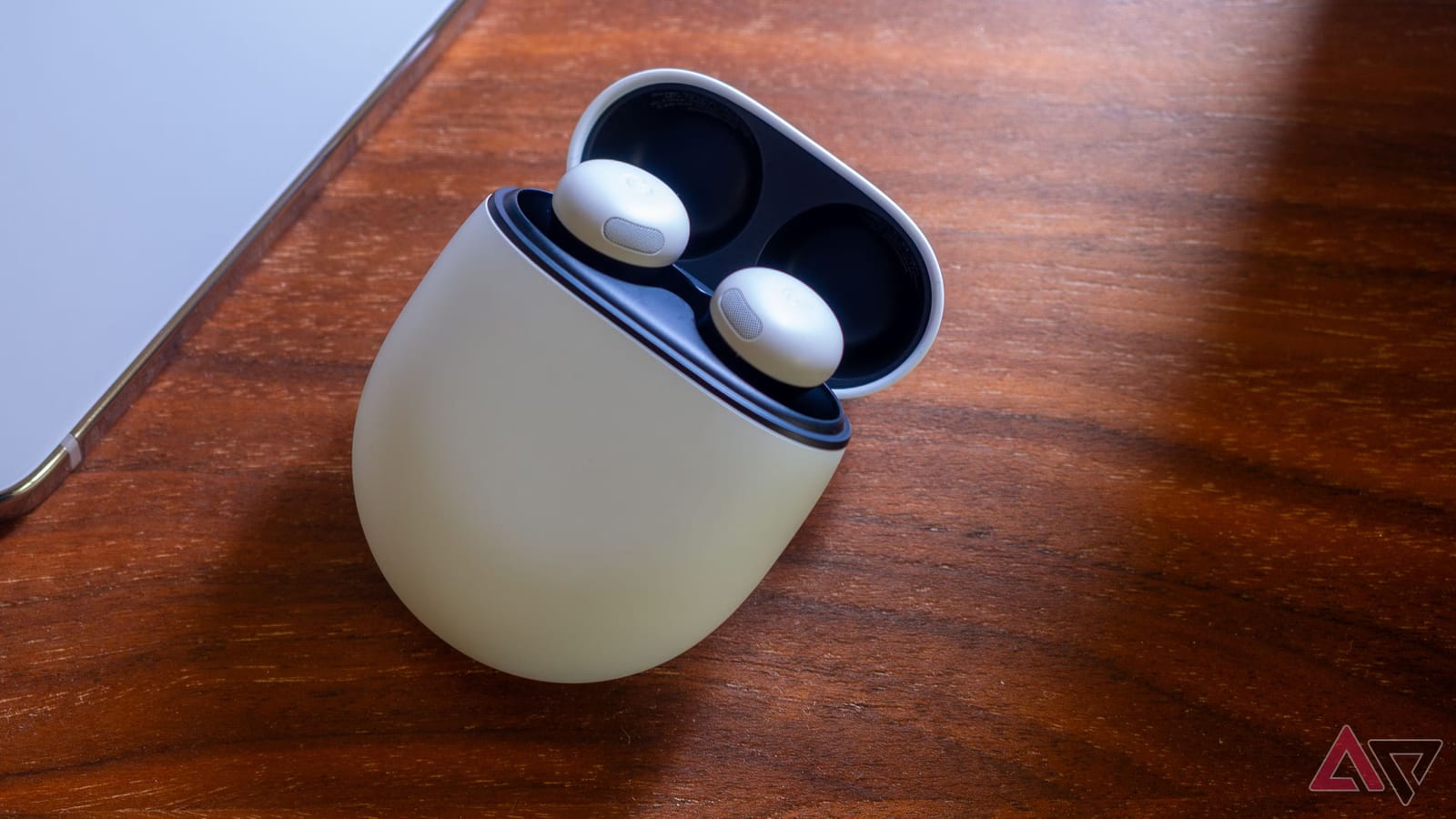
Google's Pixel Buds Pro 2 and Pixel Buds 2a can now change several sound settings when you ask Gemini, Google's AI assistant. A software update, release 6.144, adds the feature. You no longer need to unlock your phone and open the Pixel Buds app. Android Police's Rita El Khoury says it has worked well in daily use.
What changed
Before, changing the equalizer meant picking up the phone, unlocking it, opening the app and tapping through Sound and then Equalizer. Now you can say something like "change the equalizer mode to heavy bass," and Gemini sends the change to the app. The reviewer tested it at home with the Buds 2a and outdoors with the Buds Pro 2. She reports no hiccups, fast results, and success even when she worded commands a little differently.
What you can control
- Noise cancellation modes
- The equalizer setting, which adjusts bass and treble
- Conversation detection on or off
- Touch controls on or off
Conversation detection turns on transparency, which lets outside sound in, and lowers the volume when you or someone nearby starts talking. The reviewer found it annoying in busy places and kept it off. Voice makes it easy to switch on only when needed.
What does not work yet
Voice commands do not cover spatial audio, head tracking, head gestures, audio switch or the live translate mode. For those, the app is still the way to go.
How to try it
Open the Pixel Buds app and check More settings, then Firmware update, to confirm the buds are on release 6.144. The update reached the reviewer's earbuds only after a few weeks, so older software may mean waiting. Next, make sure Digital Assistant is set up. Then say "Hey Google," or tap and hold one earbud, and speak the command.
Other changes in the update
A new Pixel Watch bedtime option sits under More settings. When bedtime mode is on, it disables the buds' touch controls and mutes low-battery warnings, so sleeping with them in is less likely to trigger music or read out notifications. The update also adds an enhanced Live Translate conversation mode that works with the Google Translate app. The reviewer is still testing it.
The Buds Pro 2 are also supposed to get a feature called Dynamic Active Noise Cancellation. The reviewer has not seen any sign of it yet. It may be an improvement that is simply not visible.
The takeawayOwners of Pixel Buds Pro 2 or Buds 2a should check for software release 6.144, then try asking Gemini to change sound modes.