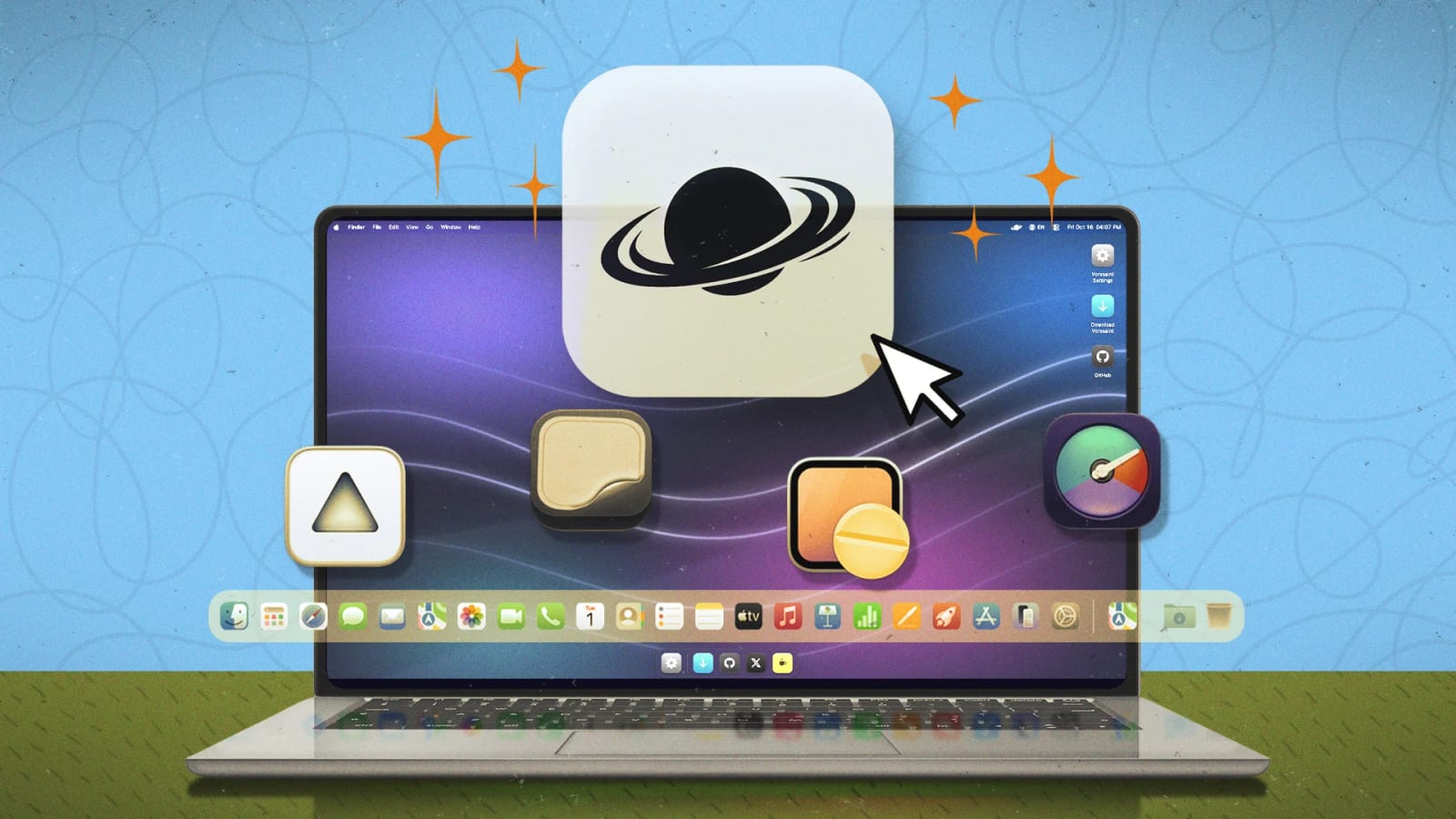
A free Mac app called Vorssaint bundles more than 75 small utilities in one place. Lifehacker's writer says it has replaced at least 10 single-purpose apps on a MacBook. For anyone whose Mac is crowded with little tools they barely remember installing, it could mean fewer apps to manage.
What it does
Vorssaint works like a Swiss Army knife for the Mac. Each tool can be turned on or off in the app's settings. If only five features matter to you, the rest can stay off. That keeps the app from using more of your Mac's resources than it needs to, which matters most on older, base-model MacBooks.
Features that stand out
- Super key: turns Caps Lock into a shortcut key that presses Command, Control, Shift and Option together.
- Clipboard manager: keeps history and can skip apps you mark as sensitive.
- Link cleaner: removes tracking data from copied links automatically.
- Cut and Paste in Finder: Command-X and Command-V move files, like on Windows.
- Keep awake: stops sleep for 15 minutes up to indefinitely.
The Super key still lets Caps Lock do other jobs. Holding it triggers the shortcut key. Tapping it once can capitalize, switch input sources or act as Escape. The link cleaner is customizable, with filters for specific websites to avoid breaking links.
Vorssaint also has a disk image installer, which can stand in for Rapidmg. It also includes a notch app called Dynamic Island. Keep awake covers the job done by Amphetamine, such as running a laptop with the lid closed on an external display.
Where it falls short
The writer calls it a jack of all trades, master of none. The volume mixer is the clearest example. It sets a volume level for each app, switches output devices and ranks audio devices by priority. That is enough to replace simpler tools like FineTune.
It does not match SoundSource. It cannot send audio to several devices at once, adjust latency or boost volume above the maximum. It also cannot lock one app to one output, such as Spotify always going to headphones.
Who it suits
Vorssaint fits people who want several everyday tweaks without installing a separate app for each. Power users who rely on advanced features in a specialist app may want to keep it. A sensible approach is to list the utilities you use, check that Vorssaint covers what you actually need, then turn on only those tools.
The takeawayVorssaint is free, so it is worth testing against your single-purpose Mac apps, but keep any specialist tool whose advanced features you rely on.