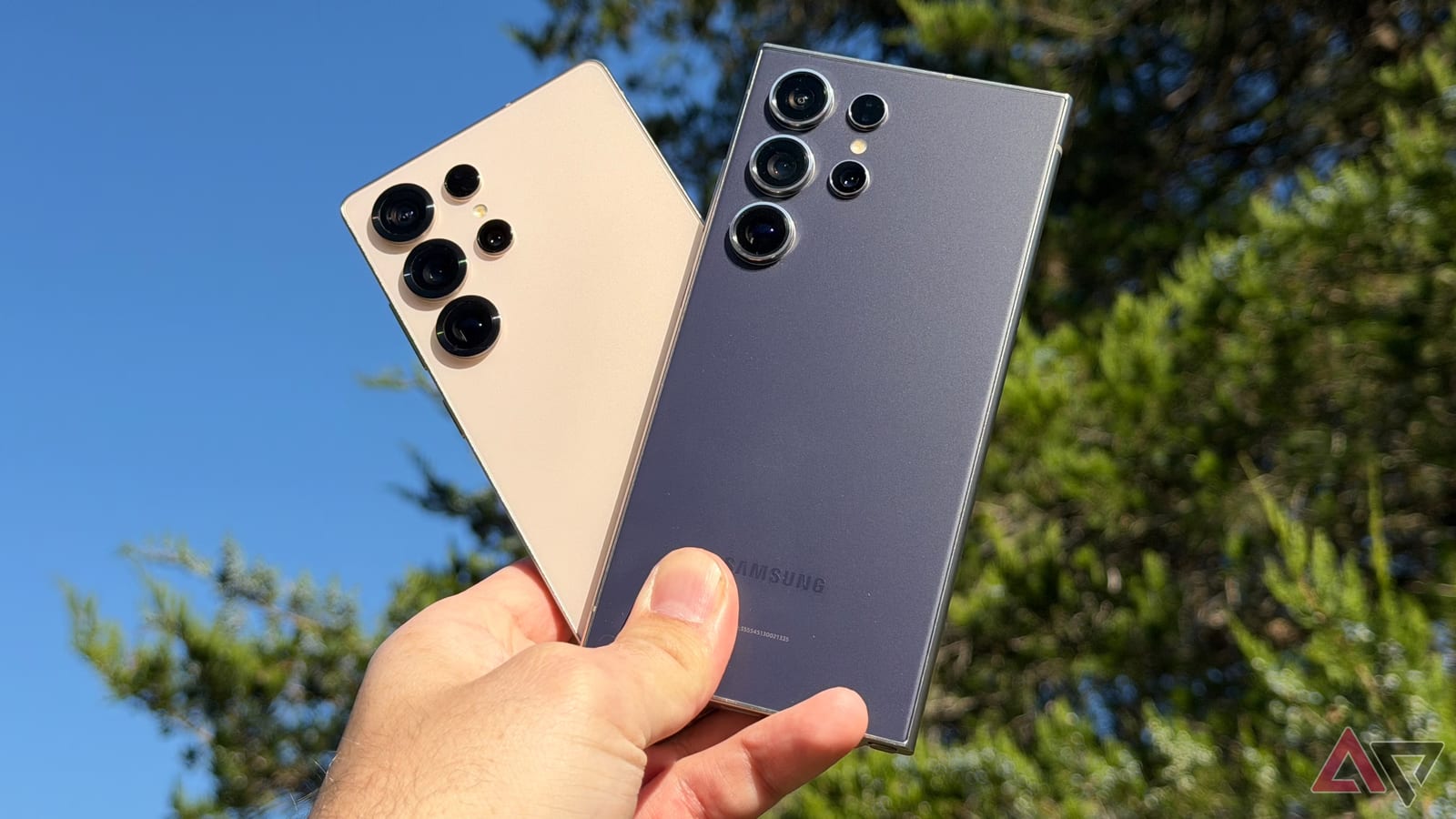
Samsung's newest software, One UI 9, makes it much harder for a thief to guess a phone's unlock code. But a Galaxy S24 Ultra that was updated to it did not get that protection, and Samsung says the fix is a full factory reset. A Galaxy setting that has existed for years offers a similar safeguard without the reset.
What changed
One UI 9 adds waiting periods between wrong unlock attempts. Each wrong guess makes the next try take longer, which makes guessing by brute force, meaning trying code after code, impractical. Phones that ship with One UI 9 have this turned on by default. Older Android and Galaxy phones usually had such limits off unless the owner switched them on.
Who it affects
The gap hits phones that were updated rather than bought new. The reviewer's S24 Ultra launched in 2024 with One UI 6.1 and received One UI 9 in October 2026. It did not get the new lock screen security policy. Samsung says the only way to get it is to reset the phone. People who use a PIN are most exposed, since PINs are statistically easier to guess than long passwords with letters, numbers and symbols.
The workaround
The alternative is Auto factory reset, a Galaxy setting found on phones since the S7. It stays off until you turn it on. Once active, the phone erases everything, including files and settings, after 20 wrong unlock attempts. For comparison, the article notes that iPhones require a full reset after 10 wrong guesses, while Google limits it to 20 wrong tries.
The catch
The same feature that stops a thief can also wipe your phone by accident. Anyone who gets hold of the phone can trigger the wipe with wrong guesses, and kids can set it off too. The writer chose to turn it on anyway. His reasoning was that a phone erased after a break-in attempt is different from resetting a phone just to gain a few features he does not need. He does not tell readers to do the same.
What to do
- Check whether your phone has the new wait times after wrong guesses.
- If you use a PIN, consider the added risk of guessing.
- Back up everything before turning on Auto factory reset.
- Weigh the risk of an accidental wipe, especially with kids around.
Switching to a complex password also lowers the risk, according to the article. Whichever route you pick, a recent backup is the safety net.
The takeawayIf your updated Galaxy lacks One UI 9's new lock guard, Auto factory reset is an option, but back up first because it can wipe the phone by accident.