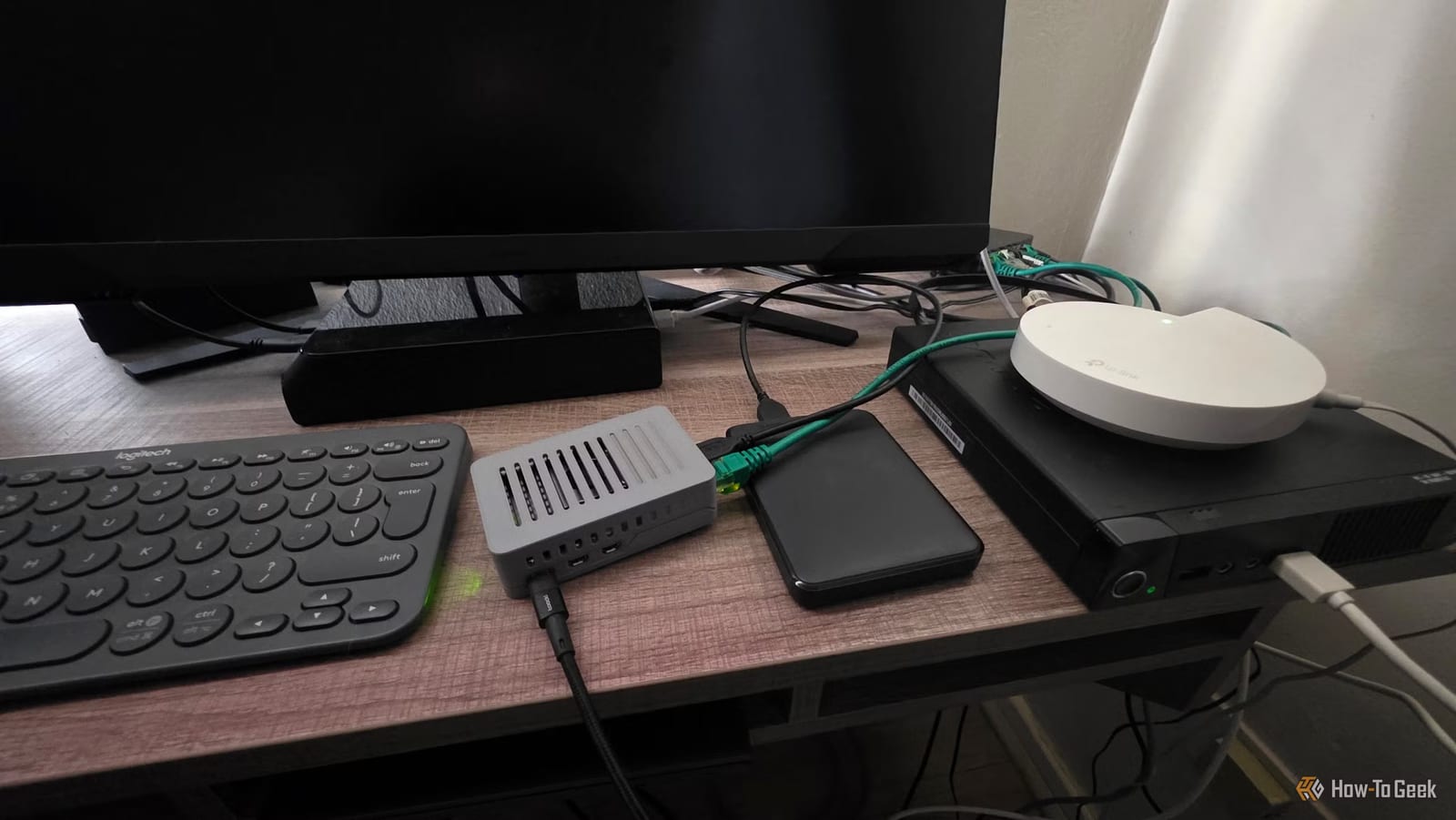
That old Raspberry Pi in a drawer can do real work without ever being plugged into a monitor. A How-To Geek guide by Sydney Butler lists four projects that need only power and an Ethernet cable: ad blocking, a private smart home hub, home file storage and 3D printer control.
What headless means
A Raspberry Pi is a small, cheap computer. Headless means it runs with no screen, keyboard or mouse. The guide suggests using the official Raspberry Pi Imager app to install Raspberry Pi OS Lite, a version with no desktop, and to set up SSH ahead of time. SSH lets you control the Pi by typing commands from another computer on your network.
Skipping the desktop also helps speed, especially on Pi models with limited memory.
The four projects
- Pi-hole blocks ad and tracker websites for devices on your network.
- Home Assistant runs a smart home from inside the house.
- A Pi with a USB drive works as a basic home file server.
- OctoPrint adds remote control and a camera to 3D printers.
Ads, smart homes and files
Pi-hole uses DNS filtering. DNS works like a phone book for websites, and Pi-hole refuses to look up addresses that serve ads and trackers. It installs headlessly, and you manage it from a dashboard on another device. The guide suggests plugging the Pi into an Ethernet port on your main router and powering it over USB.
Home Assistant is the smart home option. The author argues that a smart home should not need the internet to work, and that its brain should live inside your walls. After installing Home Assistant OS with the Imager, setup is finished remotely. The guide calls it one of the easiest headless services to set up.
For storage, the Pi's USB 3 ports can connect fast USB drives. That makes a basic NAS, which is a drive shared across your home network. The simplest route is a network share, like on any computer. The guide calls openmediavault the more interesting and lasting method. It notes that a dedicated NAS can be expensive.
Older 3D printers
Many newer printers already offer browser control. The guide is about older workhorse machines with no Wi-Fi and no camera. With OctoPrint, a Pi lets you start and stop prints, watch them on a camera and send G-code, the instructions a printer follows. That replaces carrying a flash drive back and forth.
What to know before trying
Using a terminal can feel odd at first. The guide says to follow each project's step-by-step instructions. The author also keeps ChatGPT open beside the terminal for troubleshooting. The article does not give prices or say which Pi models suit each project, so check each project's own instructions first.
The takeawayA spare Raspberry Pi with power and Ethernet can block ads, run a smart home or store files at home, with no screen needed.