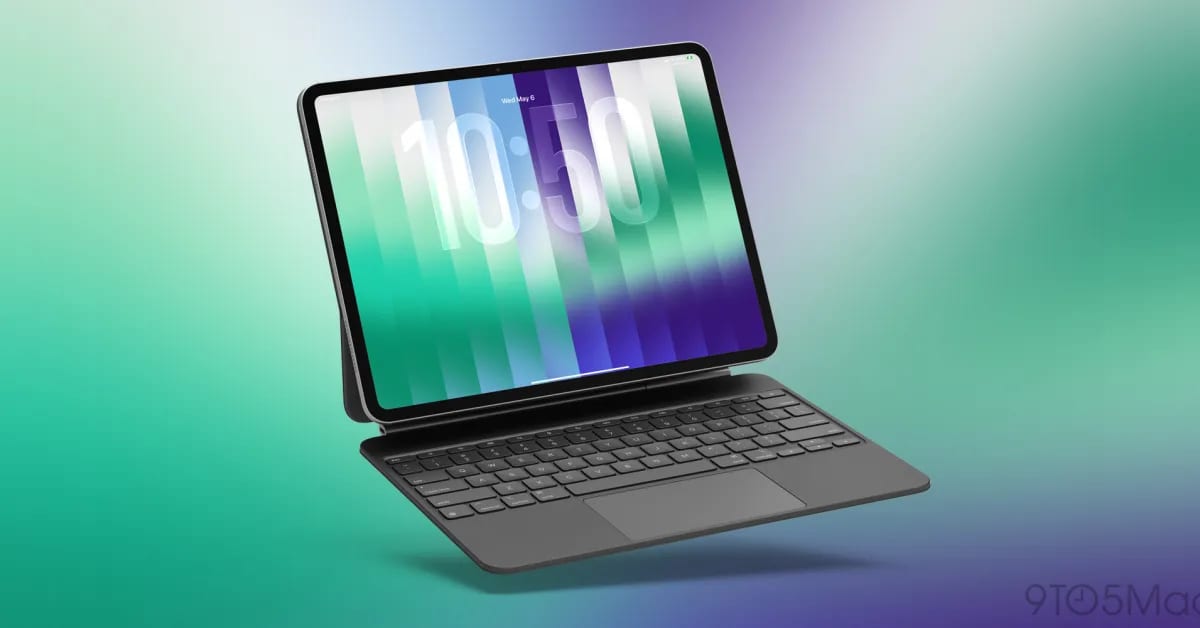
A new setting in the iPadOS 27.3 beta lets you make an app window full screen with a double-tap on its top edge. Tap twice again and the window goes back to its earlier size. It is optional, and it is off until you turn it on.
What changed
The setting is called Double-tap Top of Window to Zoom. It sits in Settings, under Multitasking & Gestures, just below the Windowed Apps switch. Windowed Apps has to be on for the new option to appear.
If you use a trackpad, a double-click does the same thing as two taps.
Why it helps
The small window buttons in the top-left corner, called traffic light controls, can be fiddly. In iPadOS 27 they move around and even disappear depending on the size of the window. Keyboard shortcuts are another way to resize, but they take time to learn.
The 9to5Mac writer, who uses an iPad Pro as his main computer, says the setting is a quick way to go full screen for a moment without the buttons or a keyboard. It suits people who mostly use touch.
What is not known yet
The setting is in beta, which is an early test version, so details could change before a final release. The material does not give a release date for iPadOS 27.3. It also does not say which iPad models will get the option.
The takeawayIf you run app windows on an iPad, look for Double-tap Top of Window to Zoom in the iPadOS 27.3 beta under Multitasking & Gestures.