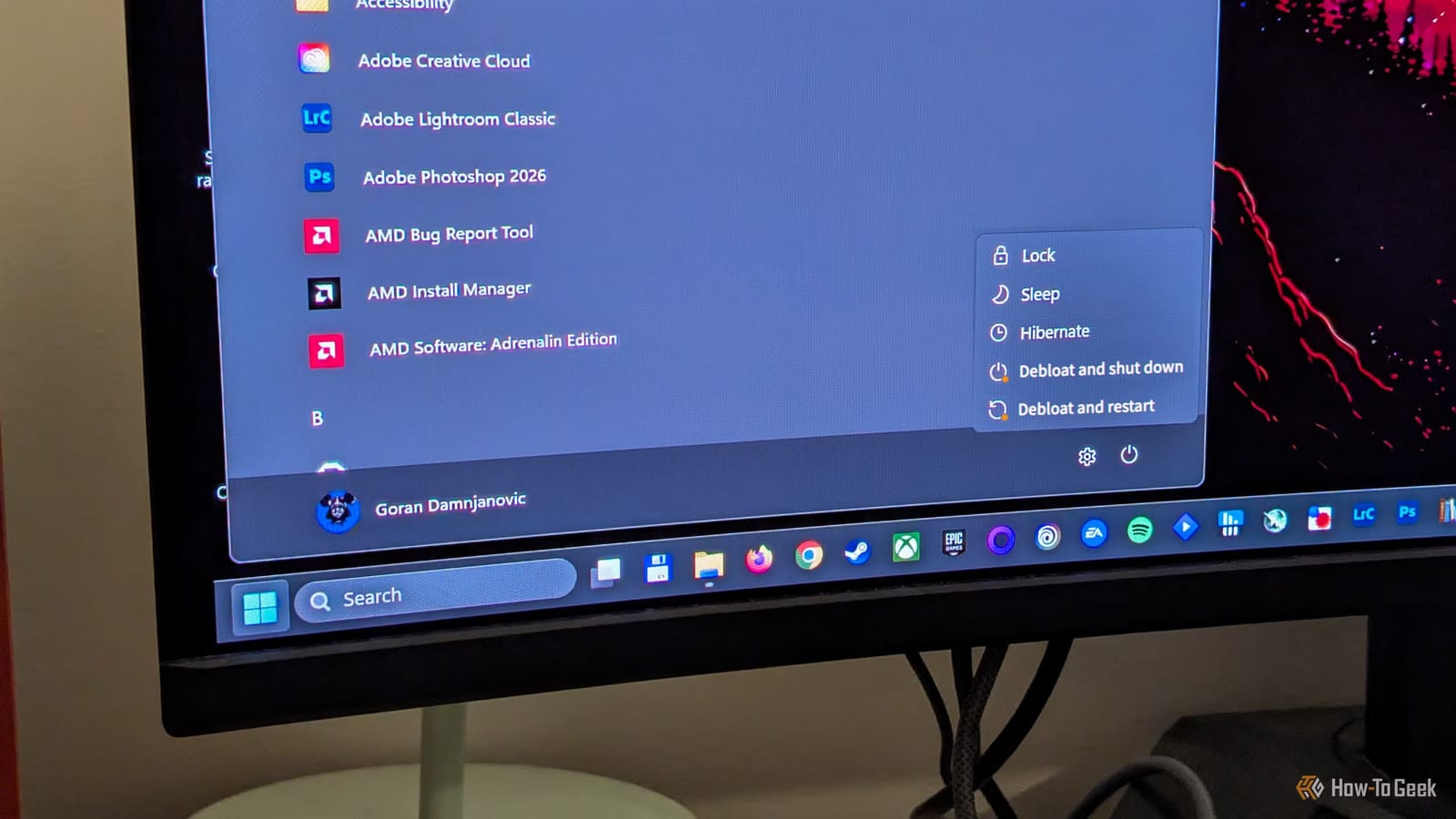
Microsoft has made a cleaner, less cluttered version of Windows 11, but it is not for the average buyer. Called Project Zenith, it was announced in early September 2026 and will only come on certain developer PCs. If you hoped for a no-nonsense Windows from Microsoft itself, this is not the way to get it.
What Project Zenith changes
Project Zenith is not a new edition of Windows like Home or Pro. It is a ready-to-code setup of Windows 11 with fewer distractions. Start menu tips, account notifications, sync provider tips, and recently used files and folders are turned off.
File Explorer gets power-user tweaks too. Hidden files, file extensions, the full folder path in the title bar, the details pane, and long-path support are all on by default. Windows Terminal and VS Code are pinned to the Taskbar.
These PCs also arrive with developer tools installed, including VS Code, GitHub Copilot, PowerToys, several programming languages, and Windows Subsystem for Linux.
Why most people can't get it
Zenith needs at least 64GB of unified memory and memory speed of at least 250GB/s. Unified memory means the processor and graphics chip share the same RAM. It will ship on developer PCs with AMD Ryzen AI Max+ chips, such as the AMD Ryzen AI Halo, or NVIDIA RTX Spark chips, with at least 64GB of RAM.
The free script
Microsoft also offers Windows Developer Config, an open-source project on GitHub. It runs from a single PowerShell command, a typed instruction, and works on a regular PC. There are two versions, standard and full.
- Standard: developer tools, PowerShell 7, Ubuntu through WSL, dark theme, and Do Not Disturb mode.
- Standard also turns off online suggestions in Search, Search Highlights, and Start menu recommendations.
- Full adds Developer Mode, Sudo, Remote Desktop, and turns off widgets and the Edge first-run sign-in prompt.
The catch is that this is not a pure cleanup. The scripts add tools such as VS Code, GitHub Copilot CLI, Python, and Node.js. PowerToys and PowerShell 7 are handy for anyone, but the rest is baggage if you don't write code.
What to do
The reviewer at How-To Geek does not recommend the scripts for non-developers. The same annoying settings can be switched off by hand, or with a third-party debloating tool such as WinUtil by Chris Titus, which the reviewer calls a go-to option. Those routes skip the extra software.
The takeawayProject Zenith needs special hardware, and Microsoft's free script adds coding tools, so non-developers are better off adjusting settings themselves.