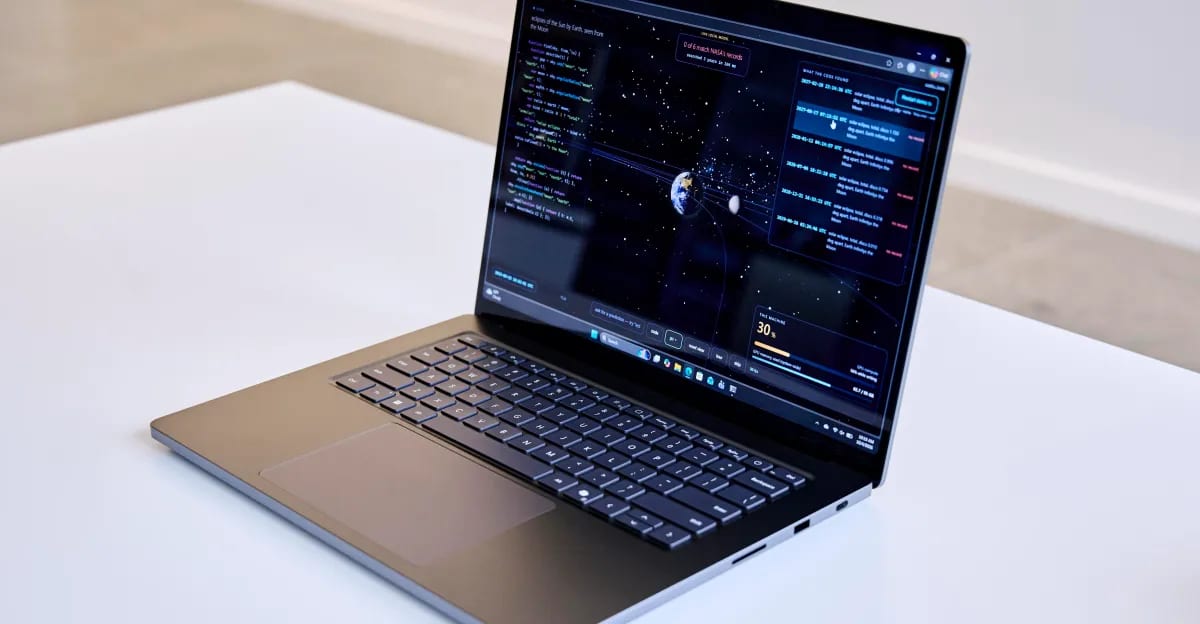
Microsoft has released a firmware update for the Surface Laptop Ultra that fixes three launch problems: screen flickering, unexpected restarts and slow reboots. The update came out October 22. Firmware is the built-in software that controls how the laptop's hardware works. Microsoft also lists unspecified "additional bug fixes and general performance improvements."
What reviewers saw
The Verge's Tom Warren ran into some of these problems while reviewing the laptop. He called rebooting "surprisingly slow" and said moving a window around rapidly sometimes left "a little trail." He also heard speaker interference "loud enough to sound like firecrackers." A restart cleared it, but it came back a couple of times. The Verge has asked Microsoft whether the update covers the speaker issue. There is no answer yet.
What to do
Microsoft says some extra steps "may be required" after installing. It recommends restarting the Surface to finish the installation. Select Start, then Power, then Restart.
- The update will reach all Surface Laptop Ultra devices, but not at the same time.
- To skip the wait, follow the steps on Microsoft's driver and firmware page.
- The update cannot be uninstalled or rolled back to an earlier version.
The material does not say what the laptop costs or who the update might not help. Owners who still see odd behavior after updating and restarting have no confirmed fix to point to yet.
The takeawayIf you own a Surface Laptop Ultra, install the October 22 firmware and restart, knowing you cannot roll it back.