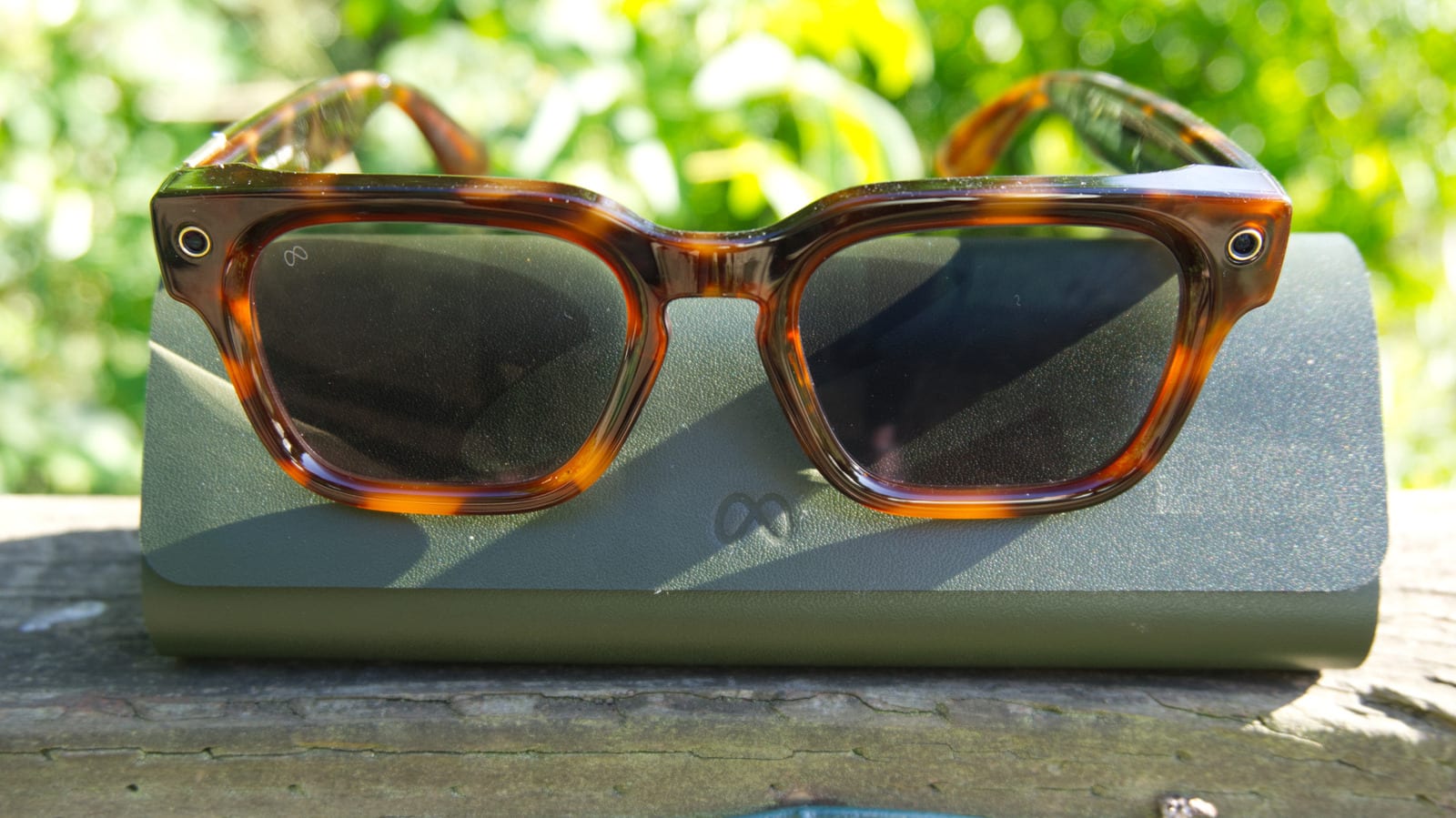
Act this weekWhat happenedMeta is rolling out a software update to fix a rare problem where its AI glasses get too warm after moisture gets inside.
Who is affectedOwners of Meta-branded glasses: Adventurer, Fury, Starfire, Nova and Capri. Oakley and Ray-Ban models are not affected.
What to do- 1Open the Meta AI app and go to Settings, then Glasses, then Updates.
- 2Install software version 130. It may take a day or so to appear.
- 3Keep your glasses away from heavy sweat and more than light rain.
- 4If they shut off and show an alert, contact Meta Customer Service for a free replacement.
Meta is fixing a problem that can make some of its AI glasses get too warm when they get wet. The company says the issue is rare and affects only a small number of pairs. It still wants every owner of its own-brand glasses to update, and it is offering free replacements to anyone who is affected.
What happened
Meta says moisture getting inside the glasses can cause the heat problem. In an email to users, reported by 9to5Google, the company named "excessive moisture or sweat" as the trigger. Meta does not use the word "overheating." It compares the fix to a phone that shuts itself off when it needs to cool down. If that happens to the glasses, they turn off on their own.
The wording raises a fair question. Meta says all of its AI glasses have an IPX4 water resistance rating. The company explains that this means the glasses are safe if you get caught in light rain while wearing them. A sweaty workout or heavy rain is a different test.
Who it affects
The update covers Meta-branded frames: Adventurer, Fury, Starfire, Nova and Capri. Oakley and Ray-Ban glasses are not affected, according to Meta. If your pair carries one of those two brand names, you can relax on this one.
What to do
The steps are in the alert box above. In short, update the glasses to software version 130 through the Meta AI app. The rollout is still underway, so it may take a day or so to show up for everyone. If your glasses do shut off, they will show a push notification (a pop-up alert on your phone) that points you to Meta's customer support. A free replacement is available through Meta Customer Service.
What is not known yet
Meta has not said how many pairs are affected. It has also not said exactly how the update changes the glasses. The company describes it as a fix, and it says updating ensures "the best performance." Whether the update prevents every shutdown is not clear from what Meta has shared. Owners who see a shutdown after updating should contact Meta Customer Service.
The takeawayIf you own Meta-branded glasses, install software version 130 and contact Meta for a free replacement if they shut off after getting wet.