Before paying extra for a mesh Wi-Fi system, check whether a regular router would do the job. Engadget's guide says the price gap is large enough that buyers need a concrete reason to step up. For most apartments, that reason is probably missing.
What mesh actually gives you
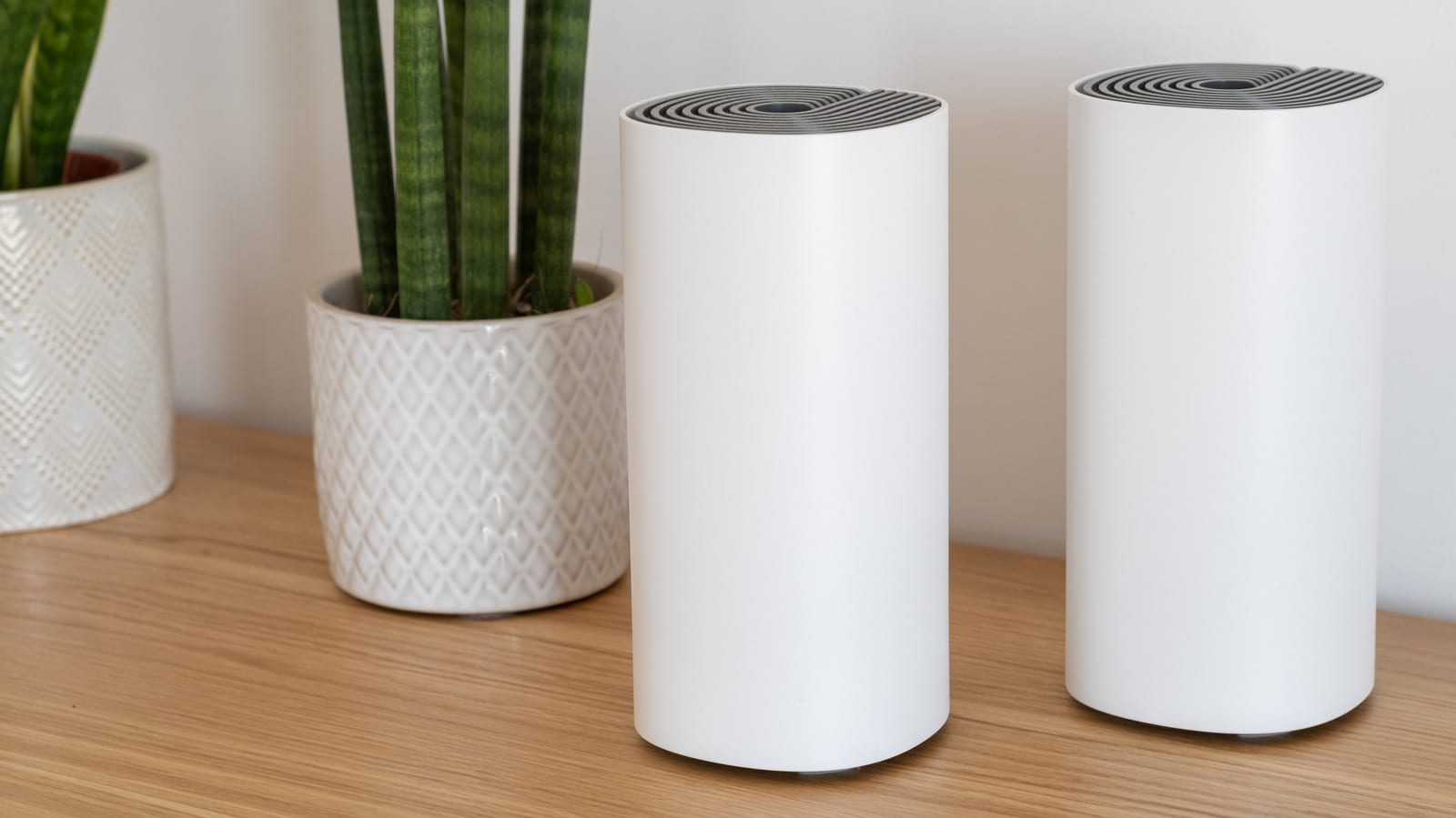
A mesh system is a main router plus extra units placed around the home. Each extra unit repeats the signal from the main one, which connects to your modem or fiber box. A fairly cheap kit like an Eero 7 two-pack can cover up to 4,000 square feet in theory. Need more reach? Add another compatible unit. A standalone router has a fixed range unless you buy an extender.
Mesh also hands your devices from one unit to the next as you move, without you switching networks by hand. Speeds stay more consistent as you walk around the home.
The downsides
Mesh uses one network name for everything. You cannot give each frequency band its own name, and the system decides which band each device uses. Bands are like separate lanes of wireless signal. That can trip up cheap smart home gadgets that only work on the 2.4GHz band, because their setup apps often cannot find them when your phone is on 5 or 6GHz. It also makes it harder to force a PC or VR headset onto the faster bands.
Cost is another issue. In cheaper mesh kits, the link between the units, called backhaul, can share the same bands your devices use. Performance can then suffer considerably. Without the budget for a tri-band or quad-band system, mesh may only be worth it if filling dead zones is your only goal.
Who needs mesh
- Multi-floor houses
- Homes where you want coverage in a backyard, detached shed or garage
- Homes where metal or concrete walls block the signal
Some mesh systems also let you connect the units with a wired Ethernet cable if interference keeps causing trouble.
Who can skip it
Most apartments should be well covered by a standalone router unless you have specific speed or range problems. The advice is to save the money or put it toward a faster router. Some multi-floor homes are small enough for one router too.
To get the most from a single router, place it in a fairly central spot and keep it clear of anything that blocks the signal. Engadget compares it to a radio tower: you would not expect clear reception with a mountain in the way.
The takeawayTry a well-placed standalone router first, and pay for mesh only if your home is large, multi-floor or has dead zones.