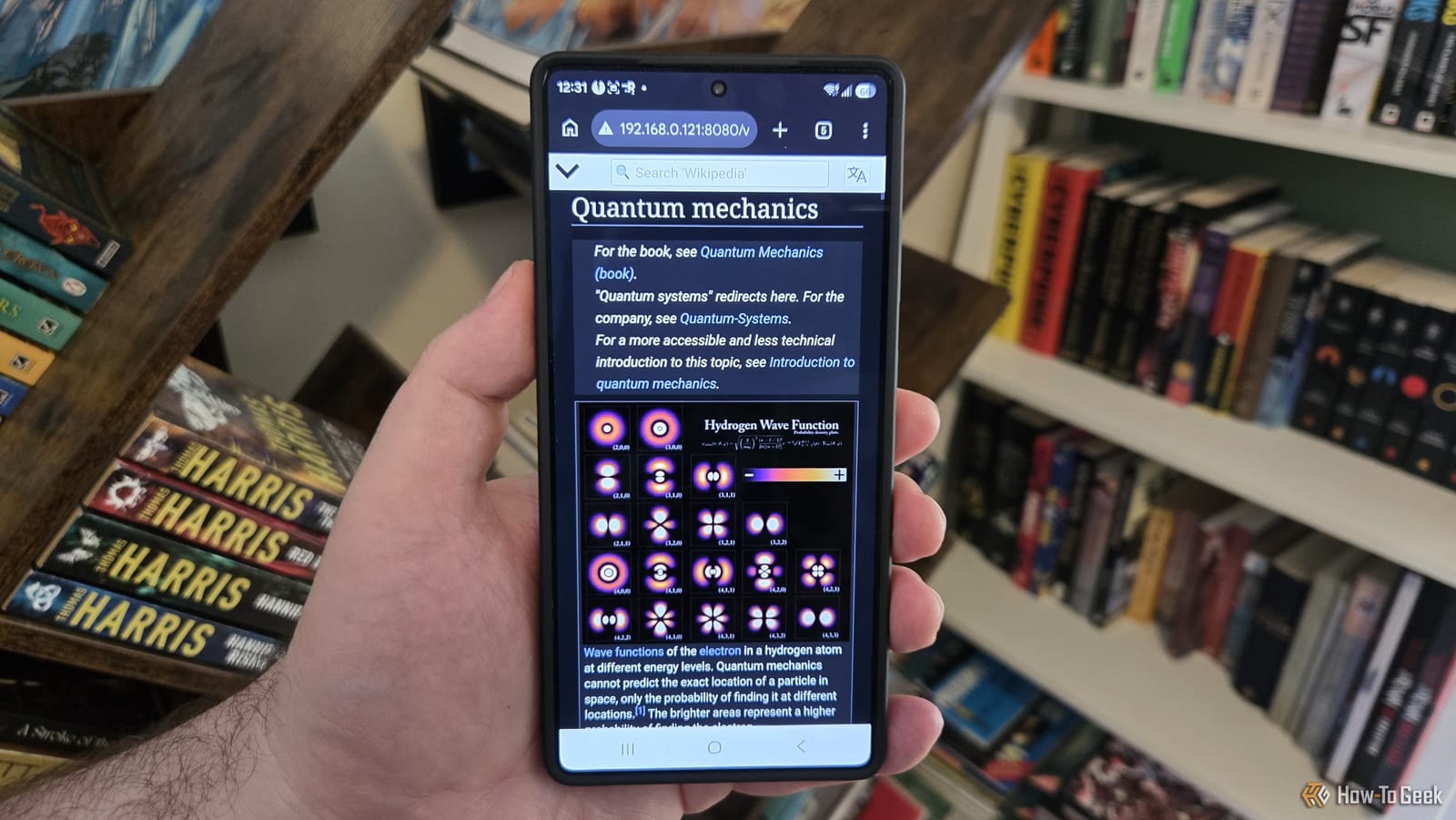
Wikipedia can live on a small computer in your house. Tech writer Sydney Butler, who lives in South Africa where internet outages are common, put the full English Wikipedia on a Raspberry Pi. Any device on his home network can now read it in a web browser, with or without internet.
What it takes
Two things are needed: free server software called Kiwix and a Wikipedia file in a format called ZIM. Kiwix began as a way to give schools and other places with poor internet access to Wikipedia. It can also serve other knowledge collections, several at once, from the same computer.
The complete English Wikipedia file is about 119GB. Butler used an old 1TB USB hard drive he had lying around. He advises against a standard SD card, the small memory card a Pi usually runs from. SD cards are not very robust, and frequent writing may wear them out. An SSD is a good alternative to a mechanical drive.
How the setup works
Butler downloaded the file by plugging the drive into his Mac. Then, on the Pi, he updated the system and installed a package called kiwix-tools using the terminal, the text window where you type commands. A single command points the server at the file and picks a port, which is like a numbered door on the computer.
Adding a flag called --daemon keeps the server running after the terminal window closes. Once it runs, anyone on the local network can visit the Pi's address, followed by :8080, in a browser. Butler worried a spinning hard drive would feel slow. In his case it was still snappier than Wikipedia online, even with gigabit fiber.
Limits to know about
- It is a snapshot. Articles do not update on their own, so you must swap in a newer file now and then.
- Talk pages and editing do not work, because this is not the live site.
- The server must be started by hand after each Pi restart, unless you set it to launch at startup.
- Set a static IP in your router so the Pi keeps the same address.
Butler notes that a Linux tool called systemd can launch the server at startup. A static IP is a fixed address that stops the Pi's address from changing, so you do not have to look it up each time.
Who might want this
The idea suits anyone hit by outages or slow service, such as a household, a school or an office with weak connectivity. The setup involves some terminal work, and Butler skips the details of a headless install, meaning one run without a screen or desktop. The regular Raspberry Pi desktop system is the easier route.
The takeawayA Raspberry Pi, a big drive and free Kiwix software can keep all of English Wikipedia available at home, though you must replace the file to refresh it.