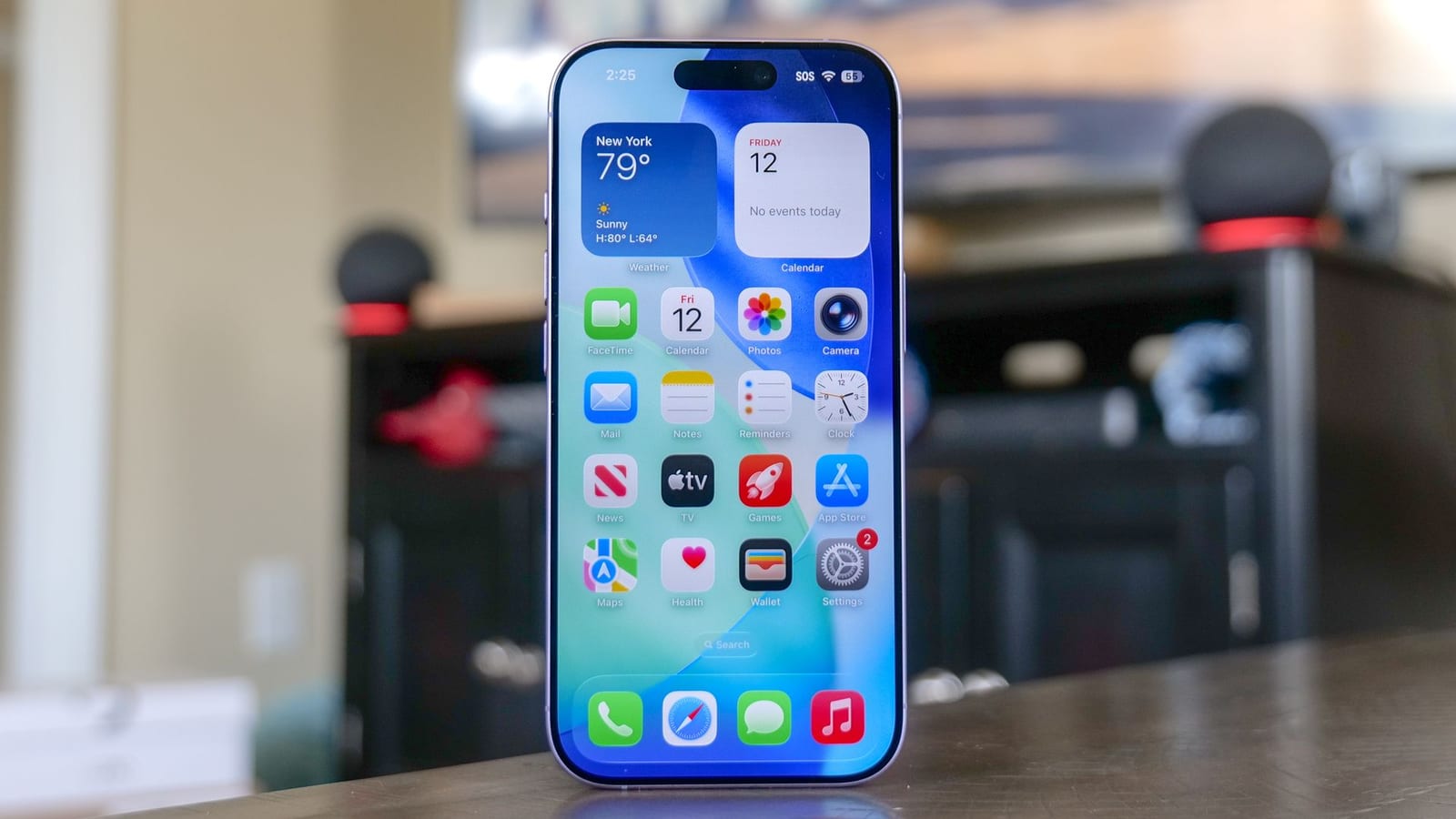
Act this weekWhat happenedSocial posts blamed the iPhone's Live Listen feature for secret eavesdropping, but it is an accessibility tool, not spyware.
Who is affectediPhone owners, especially those who use AirPods, Beats or compatible hearing aids.
What to do- 1Open Settings on your iPhone.
- 2Tap Accessibility, then choose Audio & Visual.
- 3Tap Live Listen.
- 4Toggle off Remote Control.
Social media posts have blamed an iPhone feature called Live Listen for secretly listening in on people. Tom's Guide looked into it and found it is not spyware. It is an accessibility tool. Still, there is one setting worth a quick check, especially if you use AirPods, Beats or hearing aids with your phone.
What Live Listen does
Apple built Live Listen for people who are deaf or hard of hearing. It turns the iPhone into a remote microphone. The phone picks up sound and sends it to AirPods, Beats or compatible hearing aids. It is meant for tuning in to someone across a noisy cafe or lecture hall. It is not meant to log conversations or create secret transcripts.
The real risk
The only genuine privacy issue is physical. Bluetooth reaches 10 to 15 metres. That means someone could leave an active phone on a desk and listen in from the next room. Nothing in the report suggests the iPhone is recording or transcribing people on its own.
The alert box above lists the steps to turn off Remote Control. Doing so makes sure the feature cannot be triggered or controlled remotely.
What is not known
The report does not say how many people have been affected by the scare, or whether Apple has responded to the posts. It only confirms what the feature is for and where the real risk sits.
The takeawayLive Listen is not spyware, but turning off Remote Control takes seconds and closes the one real gap.