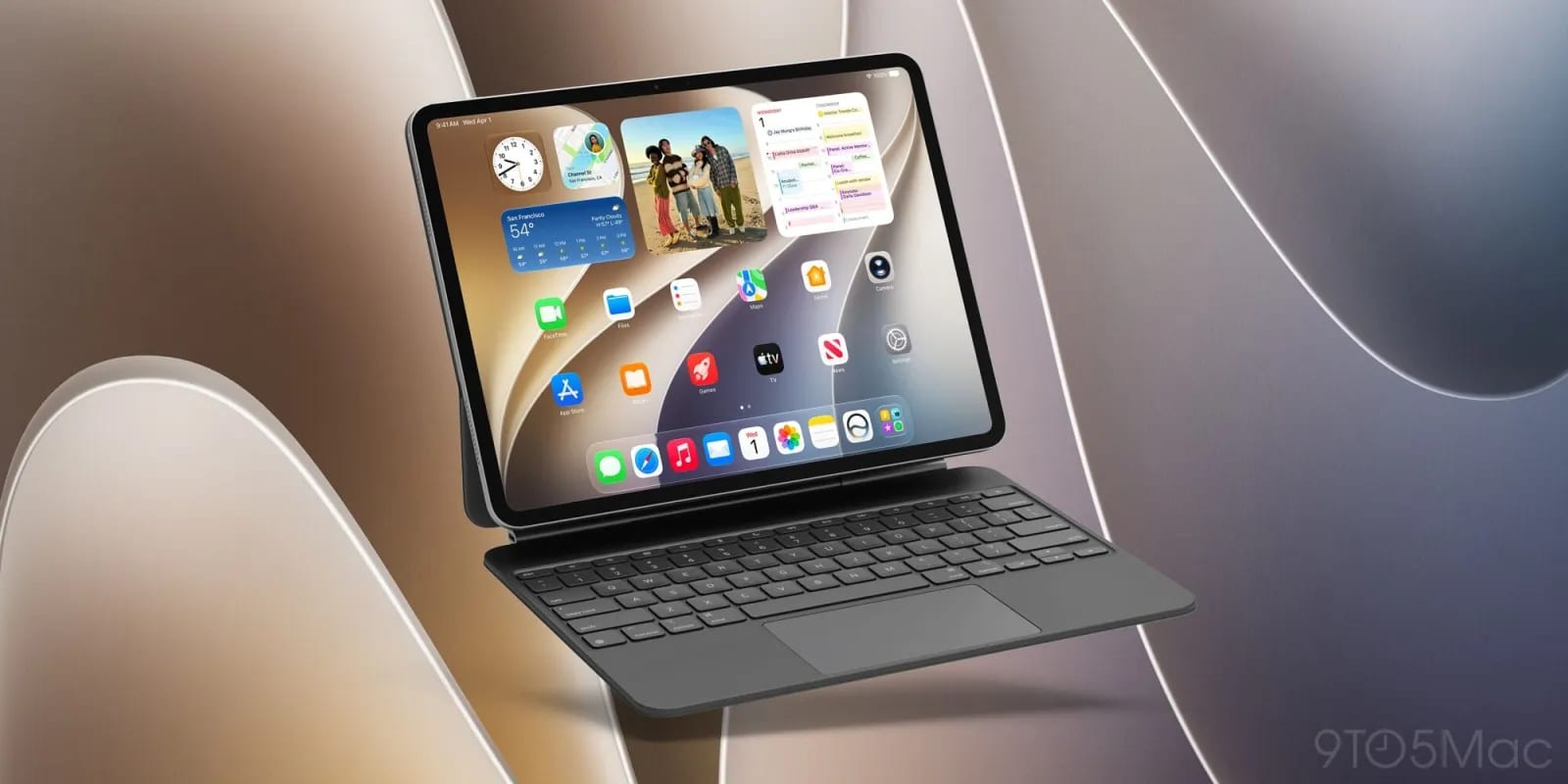
Apple is expected to release iPadOS 27.2 next week, according to 9to5Mac. One of its new features is borrowed from the Mac. When you select text, a small Siri icon can appear next to it, so you can ask Siri a question without leaving what you are reading.
How it works
On the Mac, in many situations, selecting text shows a small Siri icon at the top left of the selection. Hover over it with the cursor and an "Ask Siri" box opens. That behavior was missing from iPadOS 27. In iPadOS 27.2, it works the same way if a trackpad is connected to the iPad.
Without a trackpad, nothing is lost. Selecting text still shows the usual edit menu, and you can tap the Siri option there. The report says the trackpad version is smoother.
One more way to reach Siri
The iPad already has many ways to call up Siri. You can say "Siri" or "Hey Siri," pull down from the top of the screen, use the edit menu, open the new Siri app, or press Command and Space to open Spotlight and ask from there. The new popup adds one more door, and it is the one that sits right at the words you are working with.
What is not known
The report calls this one of several new features in iPadOS 27.2 but does not list the others. It also gives no exact release date beyond next week. If you use an iPad for email, reading or work, the update may be worth installing when it appears.
The takeawayIf you use an iPad with a trackpad, iPadOS 27.2 next week should let you hover over a Siri icon on selected text to ask a question.