Act this weekWhat happenedApple added Impersonation Risk Detection to iOS 27, letting supported apps ask your iPhone for a risk rating before a payment or account change.
Who is affectediPhone users on iOS 27, especially people who use banking and payment apps that support the feature.
What to do- 1Open Settings and tap Privacy & Security.
- 2Tap Impersonation Risk Detection and turn on Share with App Developers.
- 3Wait up to 24 hours for the feature to become active.
- 4Treat anyone who tells you to turn it off as a possible scammer.
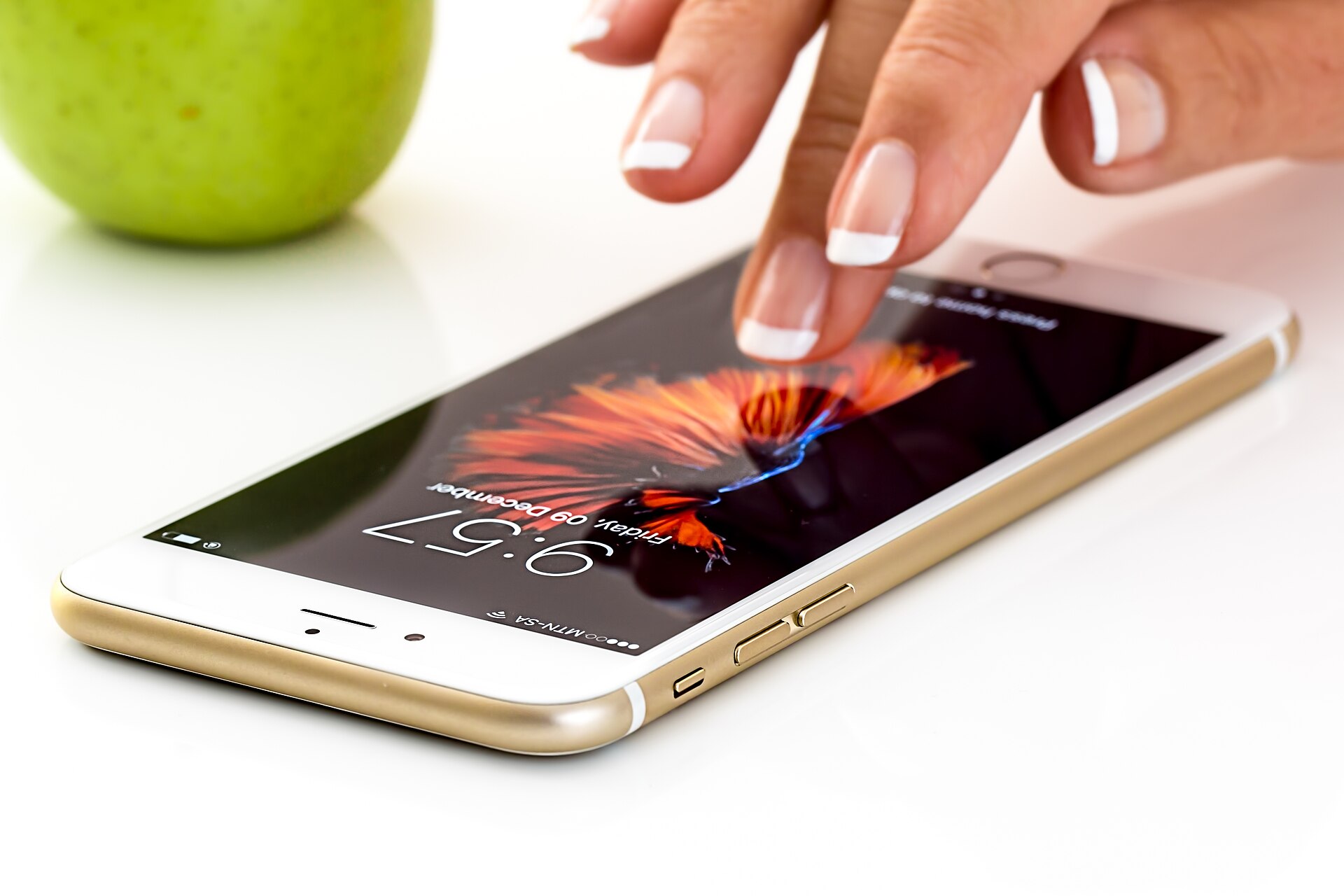
Apple has added a scam check to iOS 27 called Impersonation Risk Detection. When you are about to make a payment or change an account, a supported app can ask your iPhone for a quick risk rating. The setting is off by default, so nothing happens until you turn it on.
What changed
Two-factor authentication stops a stranger from logging into your bank account. It does nothing when a scammer on the phone talks you into logging in and sending the money yourself. This new feature is aimed at that gap.
Your iPhone looks at signals such as timing, interaction patterns and context. It then gives the app one of three risk levels. Depending on the result, the app might show a warning, add a delay or ask you to verify your identity.
What stays private
The analysis happens on the phone. Your personal data is not sent to Apple or to the app. The app gets only the risk level and decides what to do with it. Apple also says the feature does not read your Photos, Messages or Mail.
What to do
The steps are in the alert box above. They take a few taps in Privacy & Security. One catch: the feature works only in supported apps, so it will not protect you everywhere.
Why the 24-hour wait matters
Turning the setting on or off can take up to 24 hours to take effect. That delay is deliberate. It blocks a common scammer move, which is telling a victim to switch off protection so the scheme can keep going. Anyone pushing you to disable this setting may be trying to scam you.
What to watch for
Once the feature is active, you can return to the same menu to see which apps asked for a risk check and why. If constant identity checks become annoying, you can turn off the Share with App Developers toggle. You can also block individual apps from asking.
Apple's tool will not catch everything. A calm pause before sending money, especially when someone on the phone is rushing you, is still the best defense.
The takeawayTurn on Impersonation Risk Detection if you bank on your iPhone, and treat anyone who tells you to switch it off as a possible scammer.