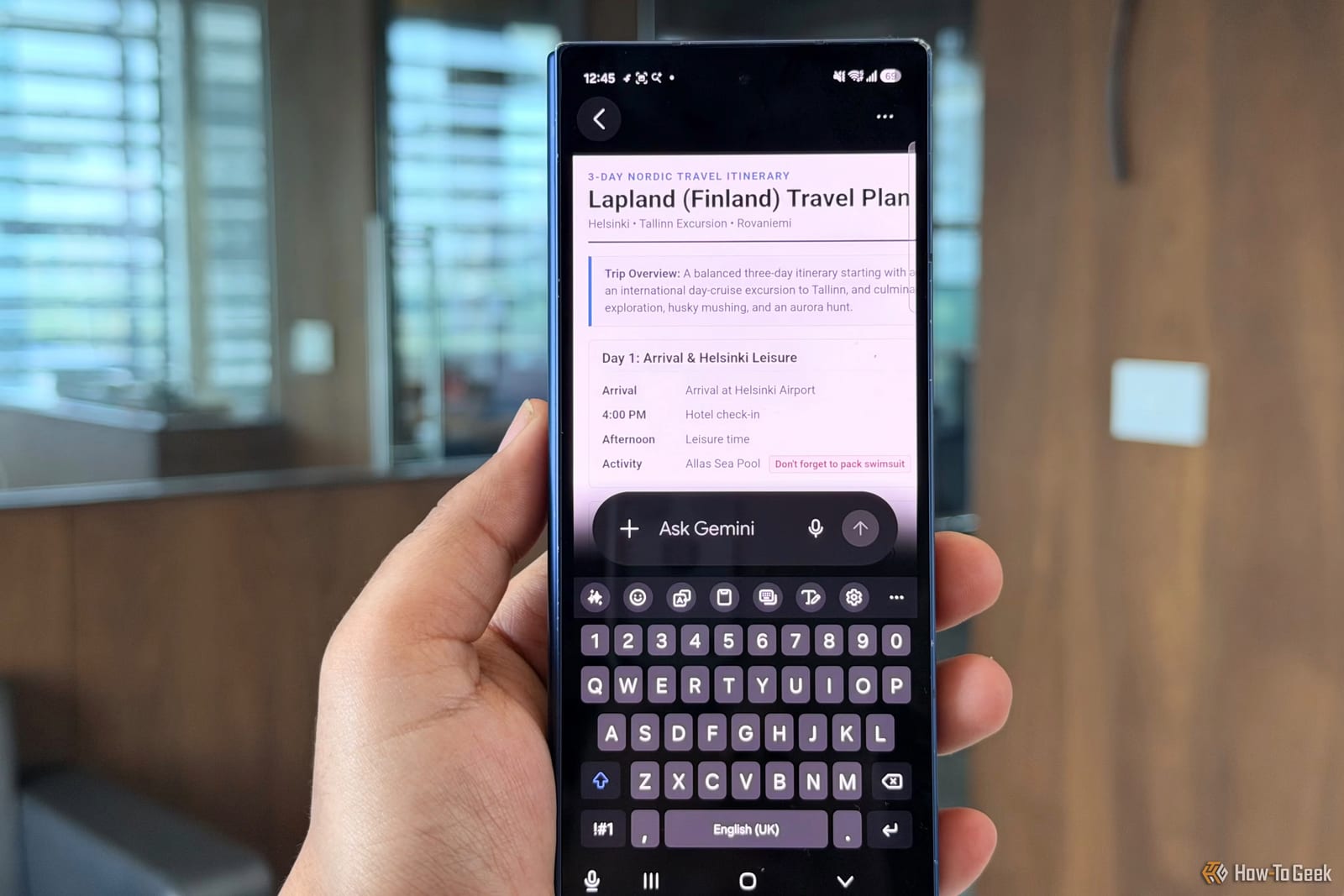
Google Search has quietly lost a handy research tool. The Export to Docs button, which let people send what they found into a Google Doc, no longer shows up in search results. Android Authority first flagged the change. The good news is that Gemini, Google's AI assistant, still offers the same kind of export.
What changed
Export to Docs was a shortcut. Instead of copying and pasting results into a document by hand, you pressed a button and the content landed in Google Docs. That button is now gone from Search. Gemini, the AI assistant Google offers alongside Search, still lets you move its answers into a Google Doc.
Who it affects
Anyone who builds notes, reports or school assignments in Google Docs and used the button to speed things up. If it was part of your routine, you may have noticed it missing. People who never used it will see no difference.
What to do
- Try Gemini for research tasks where you want the answer in a Google Doc.
- Look at the workaround Android Authority describes if you prefer to stay in Search.
- Copy and paste into a Doc as a fallback until your routine is settled.
What is not known yet
The material available does not say why Google removed the button. It also does not say whether the change is permanent or whether the button will return. The details of the workaround are not included here, so check Android Authority's report for the exact steps.
The takeawayIf you saved Search research into Google Docs, use Gemini's export or the workaround Android Authority describes so your routine keeps working.