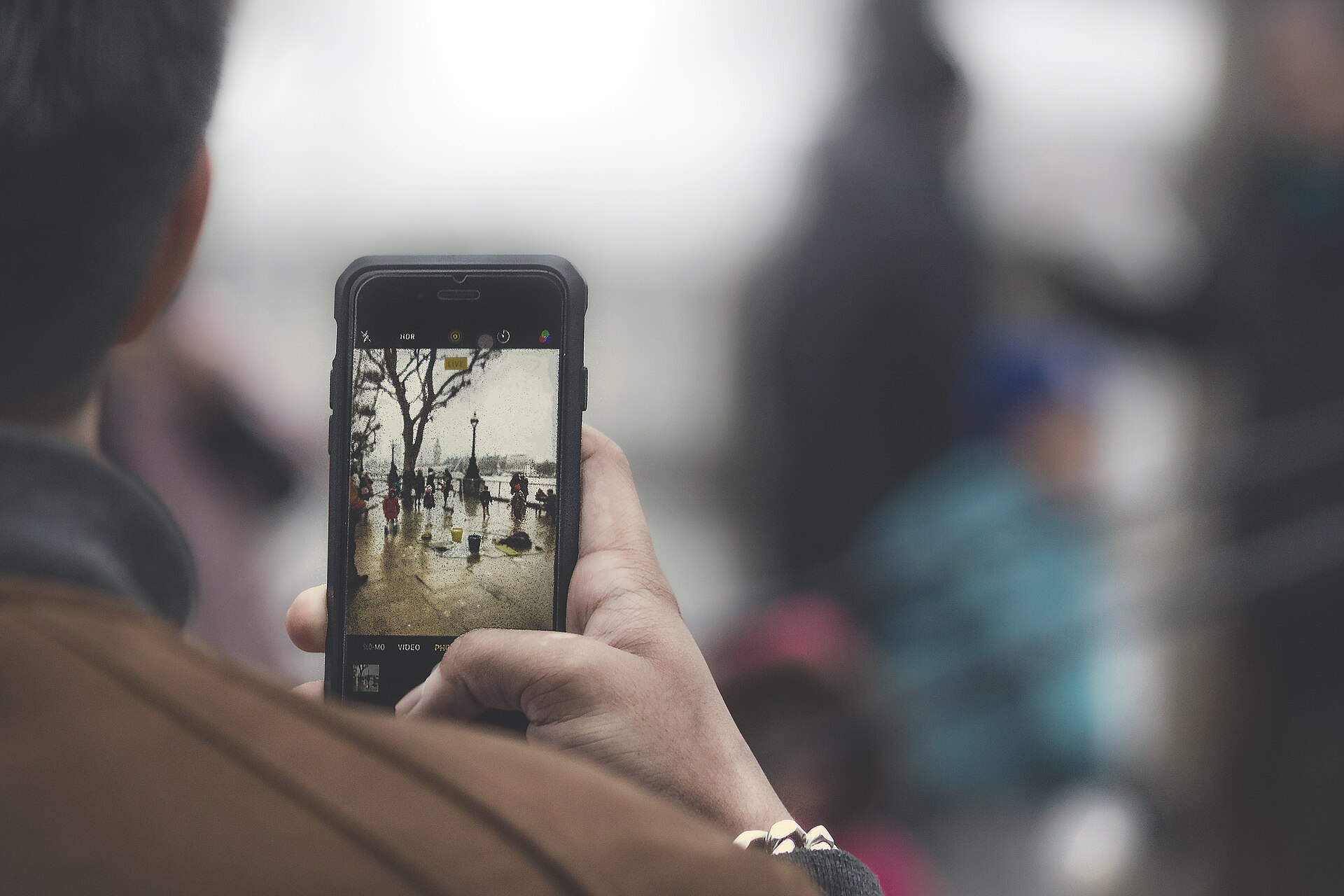
Most phones already have typing tools that many people never use. Pocket-lint writer Adrian Sobolewski-Kiwerski points to four: a cursor trick on the spacebar, slide typing, text shortcuts and swapping to a different keyboard app. They work on both iPhone and Android.
Move the cursor with the spacebar
Fixing a typo in the middle of a word is a common annoyance. Tapping between narrow letters like an "i" and an "l" often takes several tries. The fix is to swipe left or right on the spacebar. The cursor moves with your finger, so you can place it exactly where you want it. The article says all major phone makers include this in their keyboards.
Type by sliding
Slide typing lets you drag one finger across the letters of a word without lifting it. Lift your finger when the word is done, and it appears on screen. The author says it can raise typing speed for many people, especially those who do not type with both thumbs. It is usually on by default. If it is not, look for a toggle in your keyboard settings.
Turn long phrases into shortcuts
Both iOS and Android let you create your own text shortcuts. You add a shortcut to the phone's dictionary, enter the phrase it should become, and accept the change. The example is "omw", which turns into "On my way" the same way autocorrect works. The phone may need time to learn a new shortcut. At first, you may have to pick the phrase from the suggestions above the keyboard.
Try a different keyboard
If the standard keyboard still does not suit you, you can replace it. Download another keyboard app from the App Store or Google Play Store, install it and open it. It will ask for permission to become your default keyboard. After you agree, you can use it right away. Different keyboards have different layouts and features, so check the settings once you are set up.
What to do
- Swipe on the spacebar the next time you need to fix a typo.
- Check your keyboard settings for slide typing if it is not working.
- Set up a shortcut for a phrase you type often.
- Test another keyboard app if the standard one frustrates you.
The takeawaySpend a minute in your keyboard settings: spacebar swiping, slide typing and text shortcuts are already built into your phone.