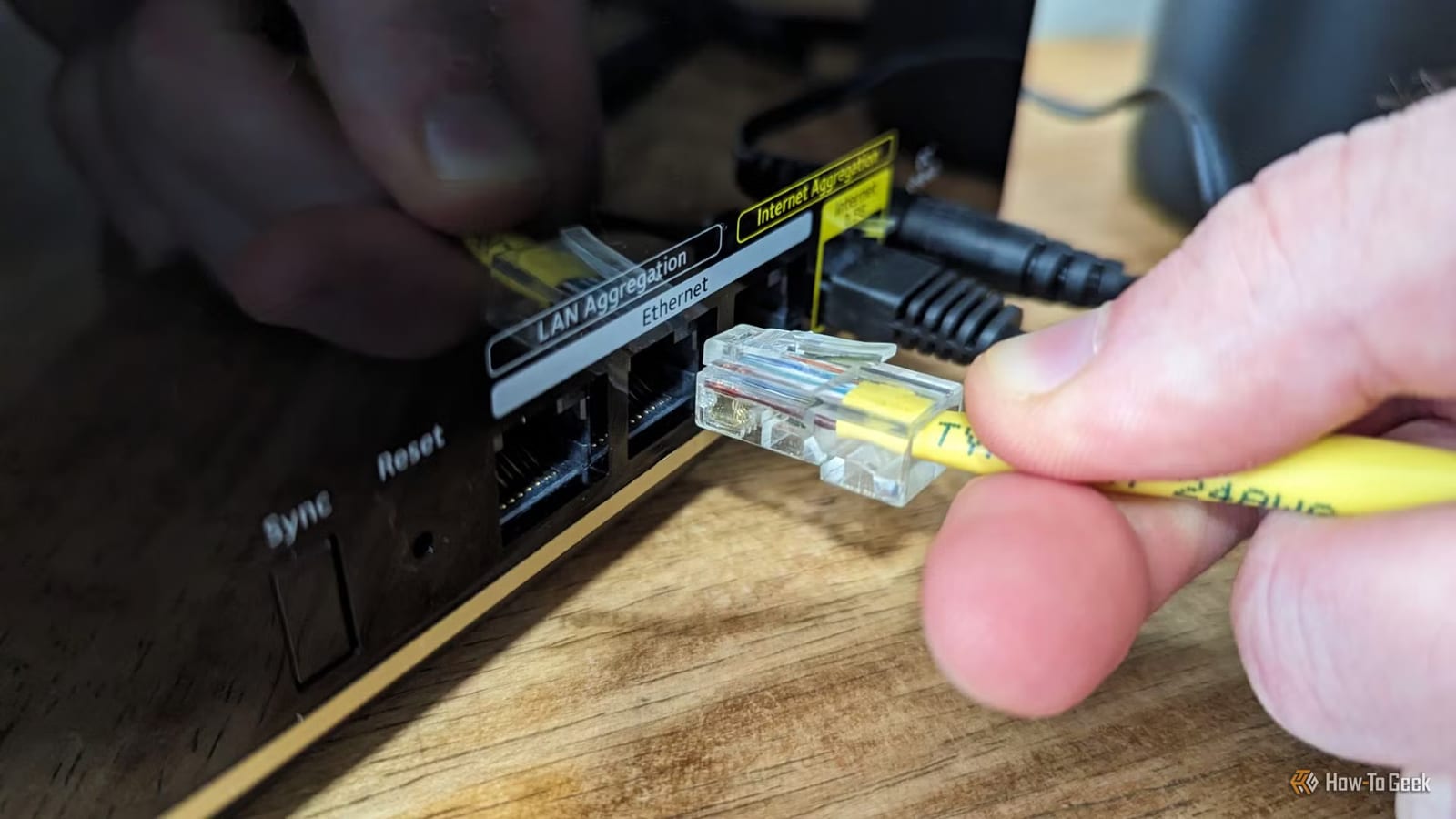
Wi-Fi is the default for almost everything at home, but a tech writer at How-To Geek says several devices do better on a plain network cable. Patrick Campanale lists printers, laptops, the Nintendo Switch 2 and game consoles like the PlayStation and Xbox. His main point is that a wired link is steadier and has less delay than wireless.
What the cable fixes
Campanale says multiple print jobs failed over Wi-Fi because of a signal problem with his router. A cable solved it. Not every printer has an Ethernet port, but many do, especially tank and laser models.
For consoles, the gain is in lag. Ping is the delay between your action and the game server reacting. Campanale says Wi-Fi is known for poor ping, and a cable can ease lag spikes. On the Switch 2, the dock keeps an Ethernet port, which he says can make game downloads much faster in most cases.
Laptops need an adapter
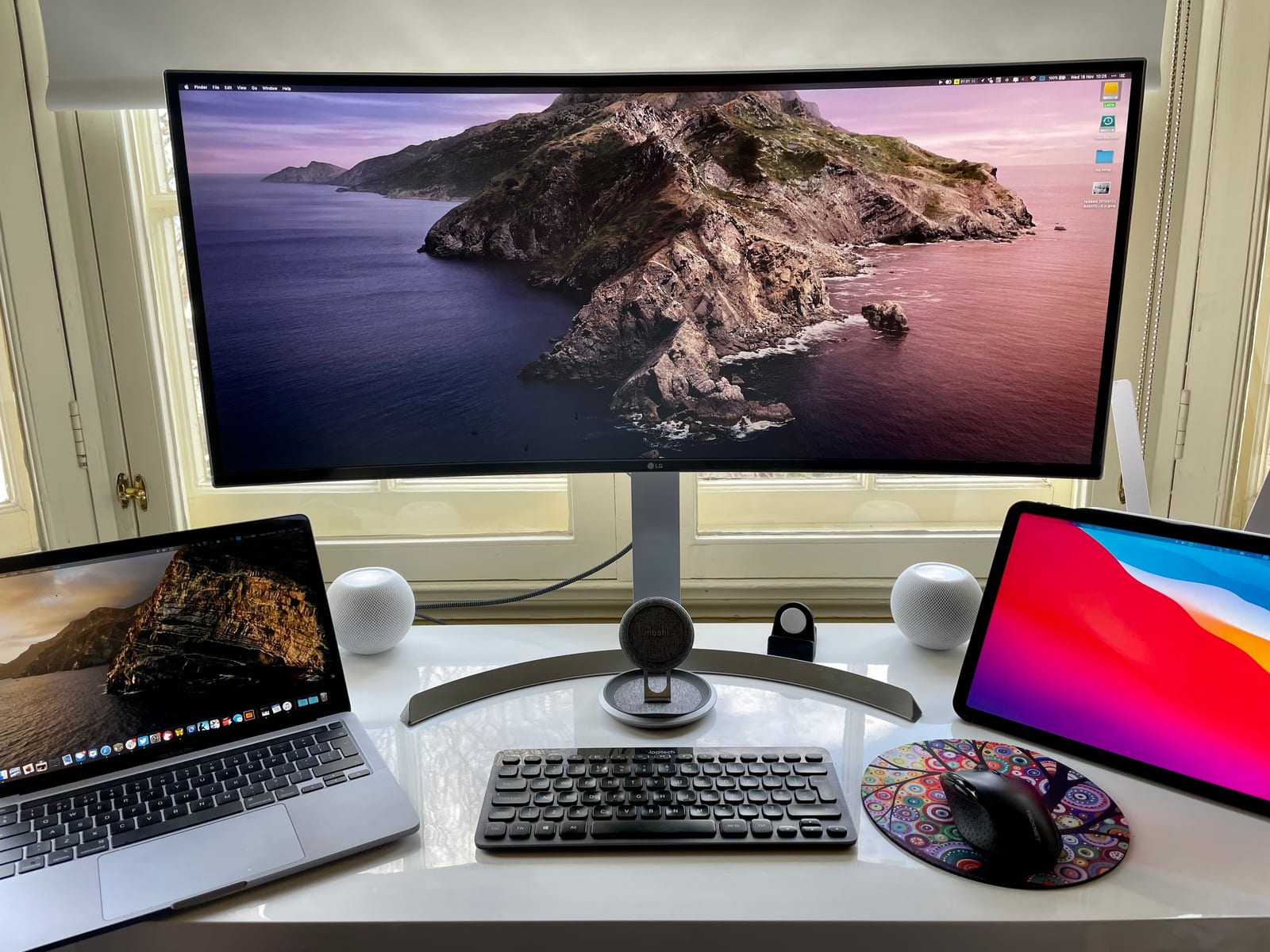
Few laptops have an Ethernet port today, outside thicker gaming models. Campanale keeps a USB-C to Ethernet adapter in his laptop bag. One example he names is the Plugable 2.5G USB-C/A adapter, which works with macOS, Windows, ChromeOS and iOS.
What is not covered
The article gives no test numbers, so how much faster a cable is will depend on your home. The text provided also cuts off before the end of the list, so the fifth device is not confirmed here. Wi-Fi still works for many tasks. The advice is to try a cable where you see failures or lag.
The takeawayIf a printer fails mid-job or a console lags, try a network cable to the router before paying for new equipment.