Some people who bought Apple's new HomePod mini 2 to use as Mac speakers say the setup keeps failing. At least two forum members are returning theirs, according to MacRumors forum reports. Apple has not yet explained the problem.
What is supposed to happen
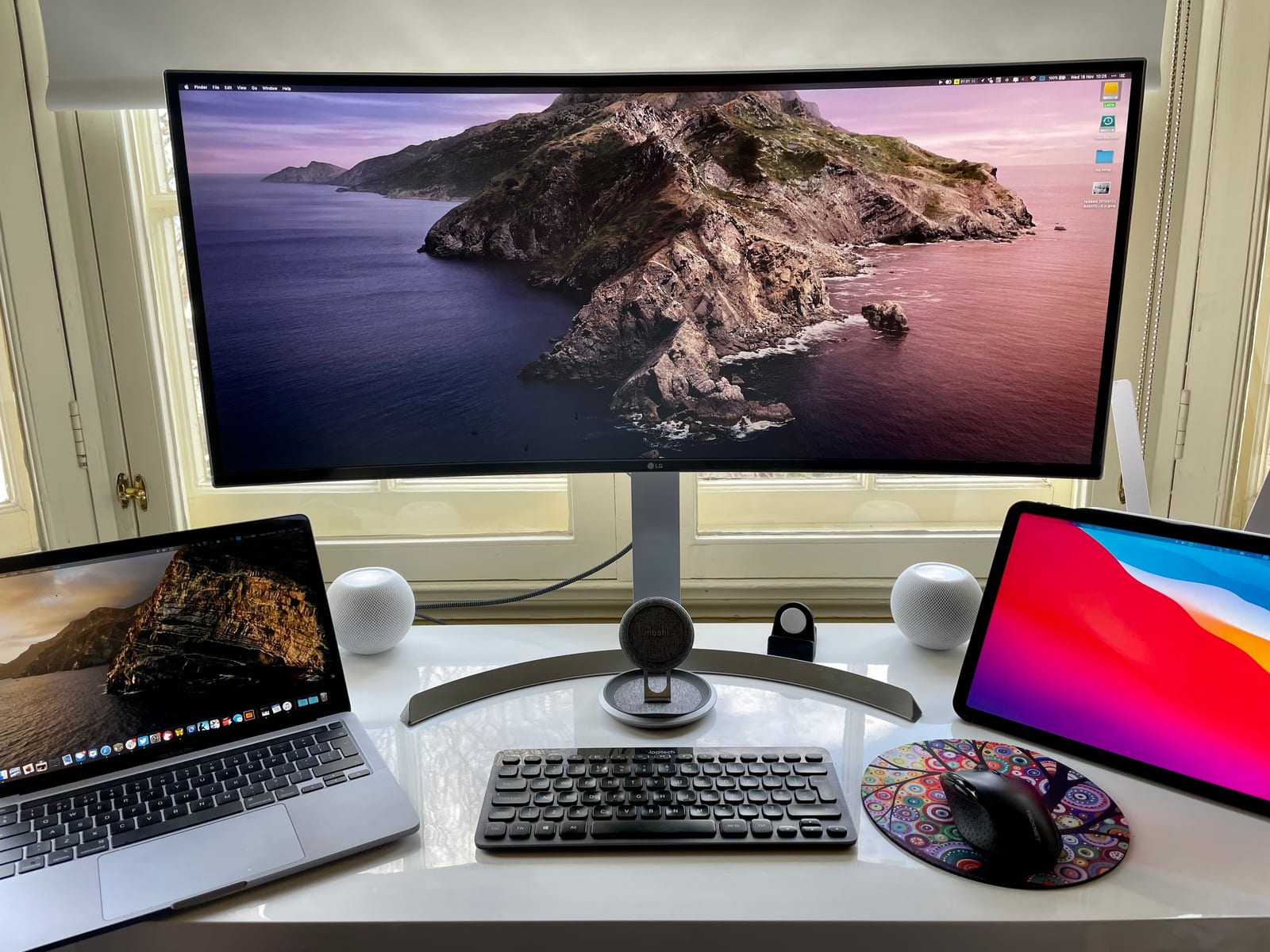
Apple says the HomePod mini 2 can be the default speaker on Macs with Wi-Fi 6E or later. One speaker works alone, or two can be paired for stereo. It needs HomePod Software 27.2 and macOS 27.2. The feature relies on a direct wireless link that is meant to survive sleep and restarts. The first HomePod mini never did this reliably, with delays and dropouts common.
What owners report
There are two separate problems. For some people, the option to turn on the lasting connection never appears. Jennifer Pattison Tuohy of The Verge hit this on a Mac mini M4 that met Apple's Wi-Fi requirement. She also saw audio glitches, dropouts and sound switching after a restart. She said the feature "feels unfinished." Apple had not responded to her.
The second problem looks more common. The connection works at first, then the Mac falls back to its own or its monitor's speakers after sleep, a restart, or sometimes a single notification sound. Five forum owners describe similar failures. One said Apple Support's senior team offered no fix and called it "maybe just an early teething bug."
What might be causing it
No one knows yet. One Reddit user with an M3 Max MacBook Pro saw the direct link fail while the speakers sat on a 6GHz network. Audio then fell back to standard AirPlay, with about half a second of delay. Moving the speakers to a 5GHz-only network restored the low-delay mode in that setup. Whether other failures trace back to 6GHz networks or certain router settings is unclear.
What to do
Anyone who wants HomePods mainly as Mac speakers has a few sensible options:
- Wait for a fix from Apple before buying.
- Buy from a store with an easy return policy.
- If you already own them, try a 5GHz-only network, which helped one user.
The takeawayIf you want HomePod mini 2 speakers for your Mac, wait for a fix or buy where returns are easy.