Act todayWhat happenedMozilla released Firefox 159 with 167 security fixes, and Google released a Chrome update with 52 fixes, four of them critical.
Who is affectedAnyone using Firefox on Windows, Mac, Linux or Android, and anyone using Chrome on Windows, Mac or Linux.
What to do- 1In Firefox, click the three-line icon, choose Help, then About Firefox, and let it install.
- 2In Chrome, click the three-dot icon, choose Help, then About Google Chrome, and let it download.
- 3Restart each browser when asked to finish the update.
- 4Check your work computers and family members' devices too.
Two of the most popular web browsers need updating this week. Mozilla's Firefox 159 fixes 167 security flaws, and Google's newest Chrome update fixes 52 more. Four of the Chrome flaws are rated critical, the most serious level. The fix takes a couple of minutes.
What happened
Of the 167 Firefox flaws, 108 are rated high severity. The rest are moderate or low. Chrome's 52 flaws split into four critical and 46 high. Nearly 100 of the Firefox bugs, and several in Chrome, are what security people call use-after-free flaws. That is a memory mistake that an attacker could use to crash the browser or sneak in harmful code.
Why it matters
Browsers have a protected area, called a sandbox, that keeps websites walled off from the rest of your computer. Several of the bugs in both browsers involve that sandbox. In Chrome, an attacker who used one of the four critical flaws could get past the sandbox and run malicious code. Firefox has similar bugs. The reports do not say whether any of these flaws are being used in real attacks.
An out-of-date browser is an easy way in for attackers. Your browser holds saved passwords, email, banking and work accounts, so a gap there can reach a lot.
Who it affects
Anyone using Firefox on Windows, Mac, Linux or Android needs the new version. Anyone using Chrome on Windows, Mac or Linux needs the new Chrome update. If you use both, update both. If you use only one, you only need that one. Work computers and the devices of family members count too, especially for people who rarely restart their browser.
What to do
The alert box above lists the exact clicks for each browser. In both cases, the browser checks for the update, installs it, and asks you to restart to finish the job. The update is not complete until you restart.
What happens next
Both companies credit AI tools and researchers with finding many of these bugs. Mozilla named Amy Burnett, a security researcher at OpenAI. Google credited several flaws to Anthropic's Claude and a few to OpenAI. That suggests fixes may keep arriving in big batches, so regular updates matter.
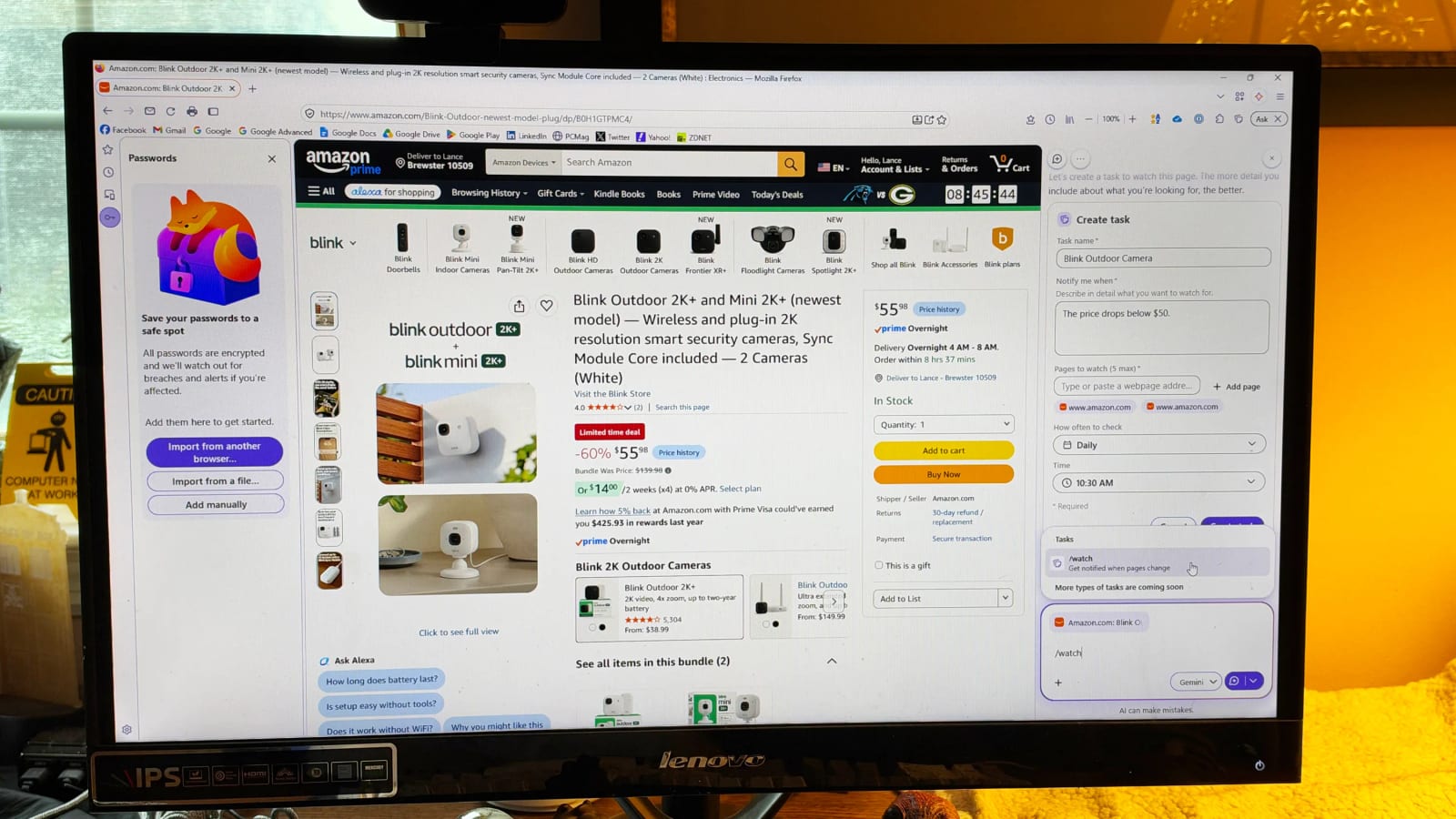
Firefox 159 also adds a few extras. On a Mac, sharing a page now uses the built-in Mac share menu. Saved passwords can be viewed from the sidebar. Firefox's AI-powered Smart Window can also watch a web page and notify you when it changes.
The takeawayOpen Firefox and Chrome, run the update check in each, and restart both so the security fixes actually take effect.