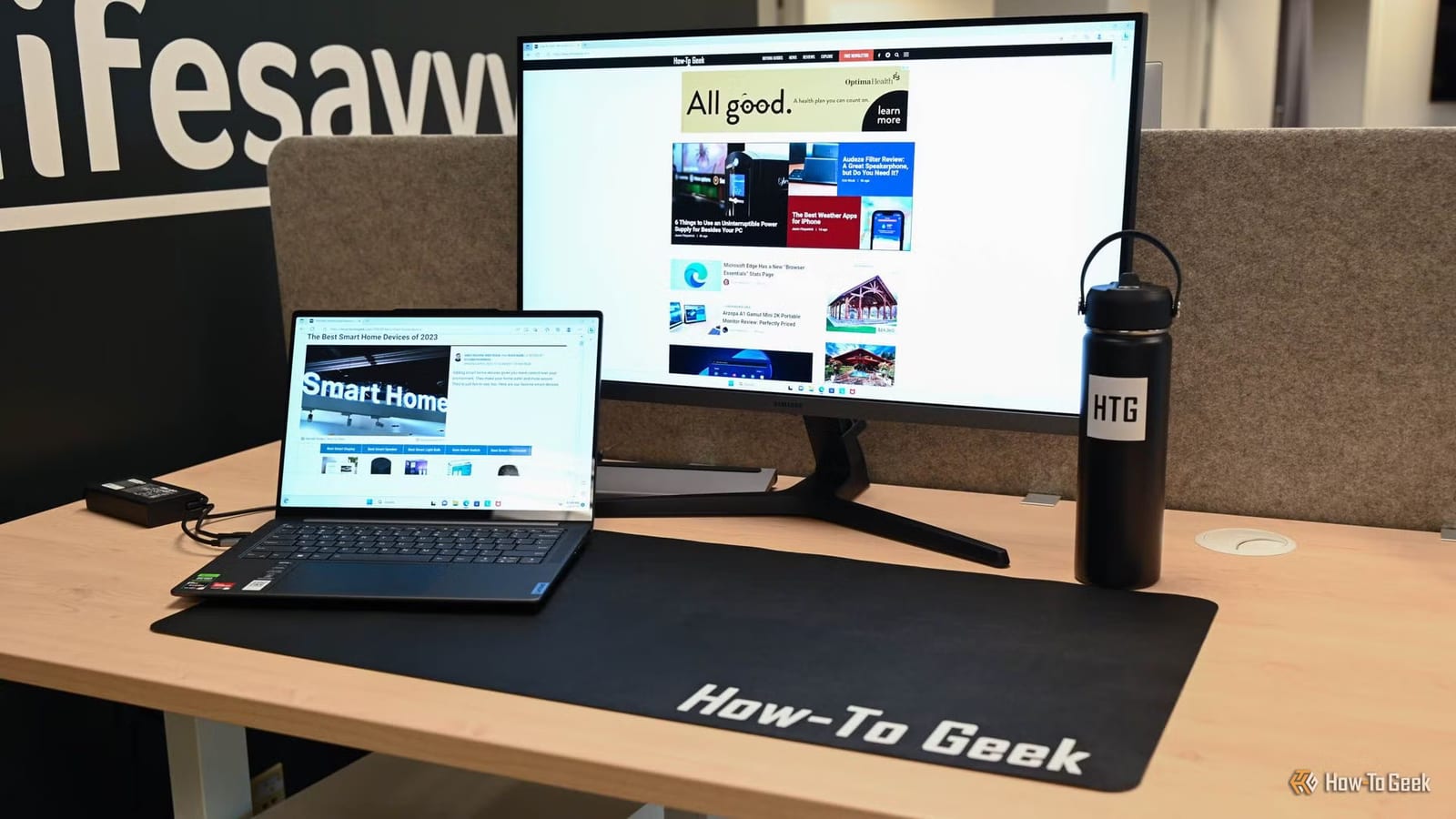
Microsoft has made Edge open almost instantly on Windows 11, and a How-To Geek test found Chrome noticeably slower to start. Chrome took about two to three seconds to open, and five to seven seconds on the writer's regular PC. Edge opened in milliseconds. Websites themselves load no faster than before.
What changed
The feature is called Startup Boost. Normally, opening a browser means Windows must pull the program off storage, load it into memory, connect system libraries and set up security protections. Only then can the browser load its own parts. That chain is the wait you notice.
Startup Boost does most of that work ahead of time. When you sign in to Windows, or right after you close the last Edge window, Edge starts a slimmed-down copy of itself in the background. When you click the icon, Windows only has to draw the window and connect it to what is already running.
To keep the footprint small, only a few pieces stay on: the main process for your profile and screen, one for graphics, one for internet connections, and a crash monitor. Anything tied to tabs is shut down.
What did not change
Edge and Chrome are both built on Chromium, the same underlying browser technology. Once a window is open, they read pages the same way, run JavaScript with the same engine and use the same networking. The tester checked page loading and saw no difference. Internet speed mattered most: the computer on an Ethernet cable won.
Who will notice
People who open and close browser windows all day, or who often click links in Outlook or Teams, will feel the gain. Chrome closes everything when the last window shuts, and keeps background processes only if an extension asks. The tester called the change real but not life-changing. A slow website or heavy web app waits the same with Startup Boost on or off.
Limits and trade-offs
- It stays off by default on PCs with 4 GB of RAM or less and an older hard drive.
- It switches off if certain extensions that open windows on their own are installed.
- Under heavy memory pressure, Windows can push Edge's background pieces out of RAM.
In that last case, launching Edge means reading data back from disk, and the launch can end up slower than a normal cold start. The tests ran on one machine under steady conditions, with each scenario repeated a few times and averaged. Results on other PCs will depend on hardware, extensions and habits.
The takeawayEdge's Startup Boost makes the window appear faster on Windows 11, but it does nothing for how quickly websites load.