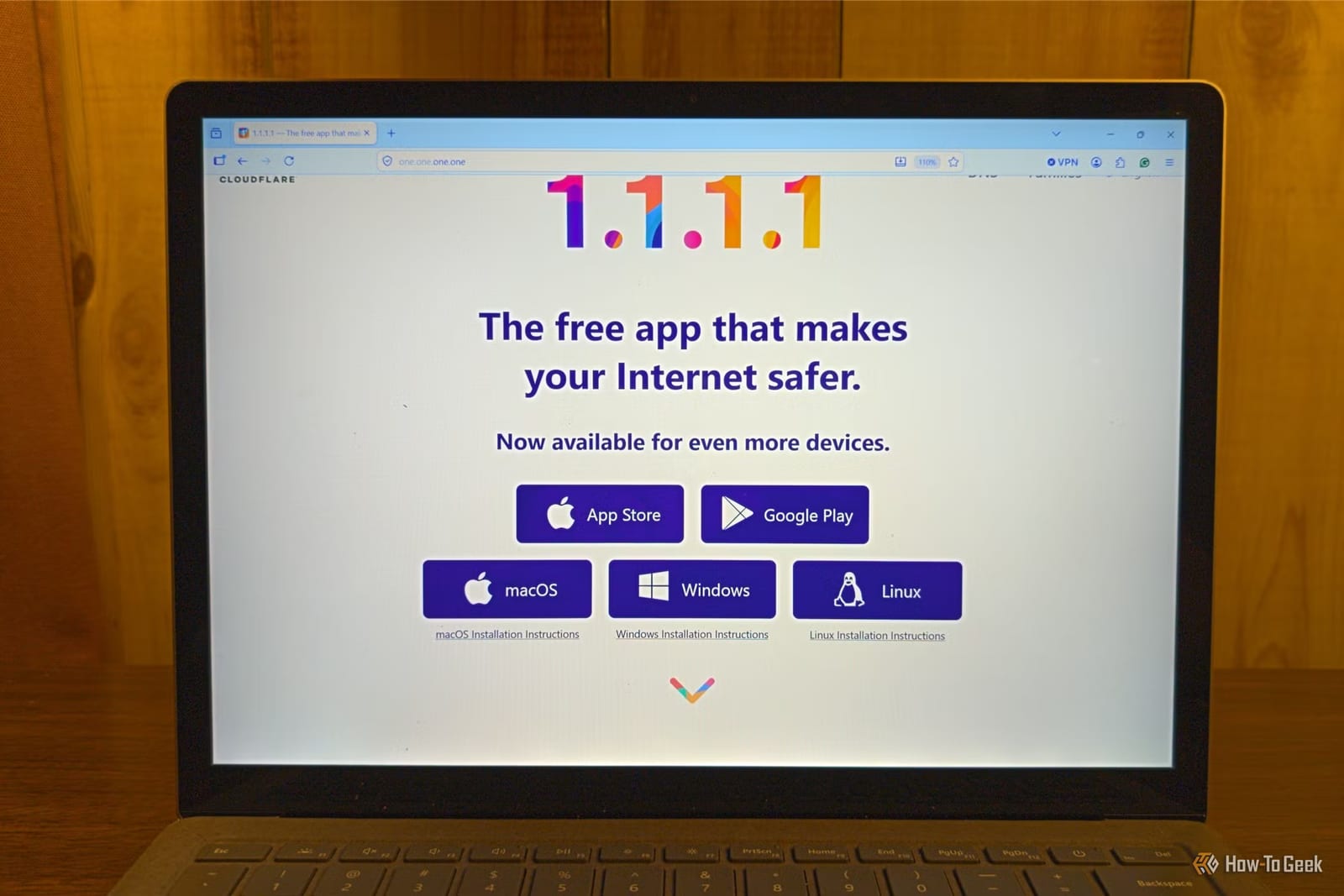
Many people switch their DNS server to Cloudflare's 1.1.1.1 hoping to keep their browsing private. It does not work that way. Standard DNS lookups travel unencrypted, so your internet provider can still read every one. A setting in your router can fix that for the whole home.
What DNS does and why it leaks
DNS works like a phone book. It links a name like Google.com to the IP address computers use to find each other. Traditionally, these requests go out on port 53 with no encryption. It does not matter if you ask Cloudflare, Google or Quad9. Anyone who intercepts your traffic can read the request.
Usually that means your internet provider. On public Wi-Fi, whoever runs the network can see it too. The lookups can reveal which websites and apps you use and which smart devices you own. That data may even be logged and sold to third parties for advertising.
What encrypted DNS changes
Encrypted DNS protects lookups with the same kind of encryption that secures websites. Your provider then sees only an encrypted connection to a DNS server, not the sites you ask about. There are two common types: DNS-over-HTTPS (DoH) and DNS-over-TLS (DoT).
The author of the piece usually recommends DoH. DoT uses a specific port, 853, so it is easy to block, and many systems then fall back to unencrypted DNS. DoH travels on port 443 with regular web traffic, which makes it much harder to block.
Why the router is the best place
You can set this up device by device, but that is tedious. Many smart TVs, gaming consoles and other connected gadgets do not let you change it at all. Turning it on in the router covers the whole network without touching each device.
What to do
- Open your router's app, or enter its IP address in a browser and log in.
- Set the router's DNS server to one that supports encrypted DNS.
- Switch on the option that forces the router to use DoH or DoT.
- If you cannot find your router's IP address, look for the "Default Gateway" line on your computer.
Not every router has this setting. If yours does not, you will need to turn on encrypted DNS on each device.
What it still does not cover
Some devices, such as certain streaming sticks, have DNS servers built in that bypass your router. iCloud Private Relay and a browser's own DoH setting also skip the router setting.
Encrypted DNS also does not hide the IP address of the site you connect to. Your provider can look that address up and work out the site. Hiding that requires a VPN, though that only changes who you trust with your browsing data.
The takeawayCheck your router for an encrypted DNS option, since changing providers alone leaves your lookups readable by your internet provider.