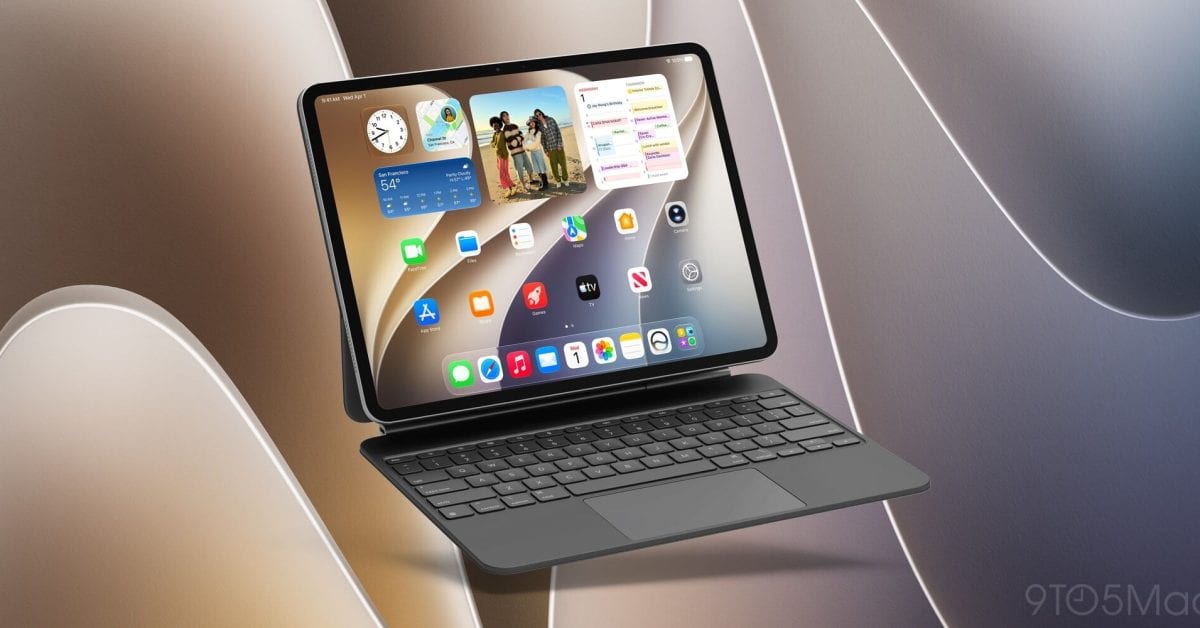
Apple has released iPadOS 27.2, the newest software update for iPad. It is rolling out now. The biggest change for many people is a Siri shortcut borrowed from the Mac, aimed at anyone who uses an iPad with a mouse or trackpad.
What changed
Apple says the update adds features across several apps, plus some smaller design changes. Apple Music gets the most visible tweaks. The source does not list each change, so the details are not covered here.
The Siri shortcut is the one new feature described in detail. When you select text, a Siri icon appears. Hover over it, and you can type a request to Siri about the text you selected.
- Works with a mouse or trackpad, including Apple's Magic Keyboard accessory
- Shows a Siri icon when you select text
- Lets you type a request about your selection
- Comes over from the Mac
Who it affects
The update is available on all iPad models that support iPadOS 27. If your iPad runs iPadOS 27, you can install it. The Siri shortcut only matters if you pair your iPad with a trackpad or mouse. If you use it with touch alone, you may notice the Apple Music changes more.
What to do
Open Settings on your iPad, tap General, then tap Software Update. The update should appear there for you to install.
About the version number
If you wondered why there was no iPadOS 27.1, there is a simple reason. Apple saved the x.1 version number for iPhone Duo only. So iPad went straight from iPadOS 27 to iPadOS 27.2.
What is not known yet
The material does not give a full list of every new feature, and it does not say how big the download is. Apple's own release notes would be the place to look for the complete list.
The takeawayIf your iPad runs iPadOS 27, update through Settings, General, Software Update, and try the new Siri text shortcut if you use a trackpad.