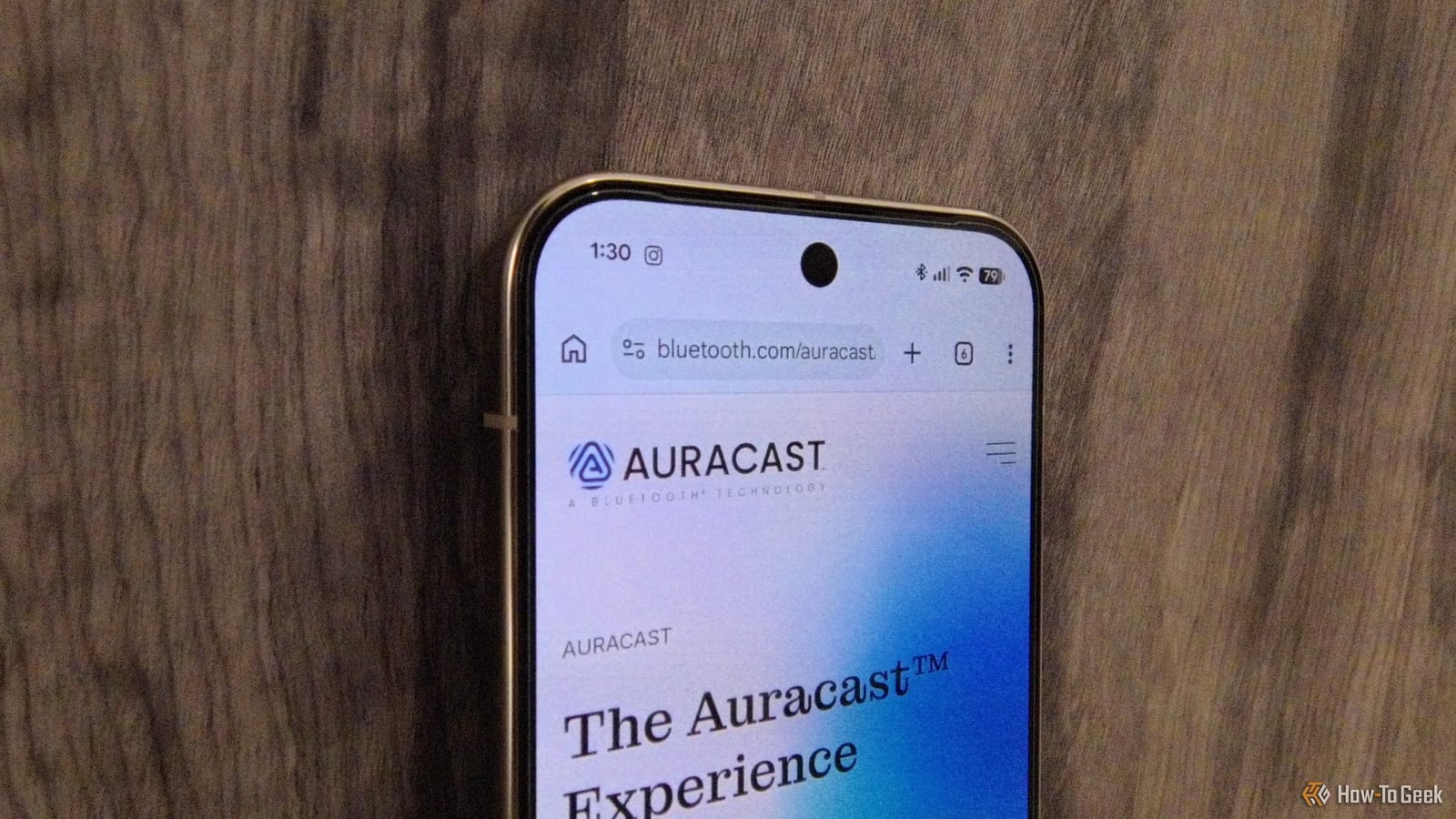
Android phones can now broadcast audio to many headphones and speakers at once, and almost nobody is using it. The feature is called Bluetooth Auracast. The main catch is that some headphones sold as Auracast-ready cannot do it, because their makers have not switched it on.
What Auracast does
Auracast works like a small private radio station. Your phone sends out an audio stream with a name and a password. Anyone with a compatible phone or headphones and the password can listen in. It was publicly released in June 2022. On paper, it needs Bluetooth 5.2 or later with Bluetooth LE, a low-energy version of Bluetooth.
Who can use it today
Samsung Galaxy S25 and Google Pixel 9 phones, and newer models from those brands, are ready for Auracast. Audio brands JBL and EarFun have turned the feature on for their devices. Marshall is the cautionary tale. A reviewer spent hours on a pair of Marshall Monitor III headphones before learning that Marshall never sent the software update needed for Auracast, even though its website lists the feature as supported.
How to start a stream
The reviewer tested this with a Pixel 10 Pro running Android 17 and EarFun Air Pro 4+ earbuds. Some setup comes first. The steps below worked for that test, and other devices may differ.
- Connect your headphones, then turn off codecs such as LDAC and aptX in the accessory settings.
- Turn off any gaming mode. The headphones will restart, so reconnect them to your phone.
- If it still fails, forget the device in Bluetooth settings and pair it again.
- Under Device details, switch on the Bluetooth LE audio toggle.
Then tap the audio sharing button. It sits in Bluetooth settings, the main Android settings, and the Bluetooth tile in Quick Settings. Give your stream a name and a secure password. The password matters for your privacy. Your phone then shows a QR code, and friends can scan it to join if they cannot find the stream on their own.
Where it could help
The review points to several uses. Many modern hearing aids support Auracast, which could make it easier to reach people with hearing loss. Schools or workplaces could make announcements over a stream. A host could share key moments at a dinner party or family gathering. A silent party at home is also possible, with guests bringing their own audio gear.
What to check before buying
A line on the box or a product page is not proof. Before buying headphones to share audio, confirm that Auracast actually works on that model today, not that it is promised. Reviews that tested the feature are more useful than the packaging.
The takeawayBefore buying headphones for audio sharing, confirm that Auracast really works on them today, not just that the box or website says it does.